
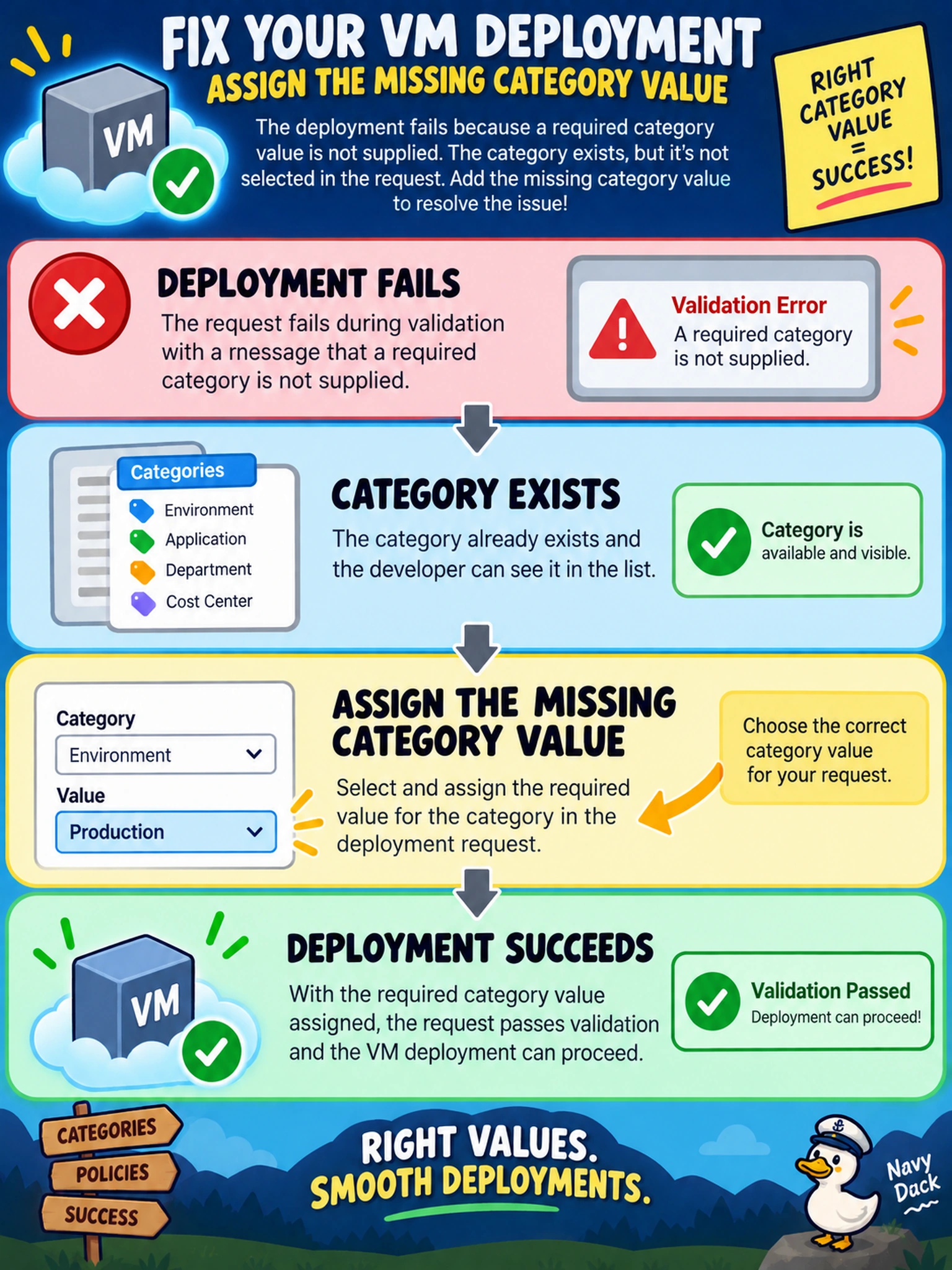
A developer submits a self-service VM deployment through a Prism Central project. The request fails during validation with a message that a required category is not supplied. The category exists, and the developer can see it. Which action most likely resolves the deployment blocker?
Select an answer to reveal the explanation.
Short Explanation
Think of a required category like a mandatory field on a purchase order. If you don't pick a value, the request can't pass validation, no matter how much capacity is available. Assign the missing category, and your self-service deployment moves forward.
Full Explanation
Nutanix self-service deployment in Prism Central can be gated by project or catalog rules that require a category value before the request proceeds. Categories are metadata used for organization, ownership, chargeback, and policy alignment; when a required category is absent, validation stops the workflow even if compute, storage, and networking are healthy. The remedy is to supply the missing category on the request or VM so the object has the mandatory classification. A storage container provides capacity and redundancy settings, not the classification metadata checked by the request, so adding one does not satisfy the validation. Elevating privileges changes what an administrator may change, but it does not create the required category value; if enforcement is metadata-based, the field remains mandatory. Moving the workload to another AHV cluster changes placement, not the project or catalog rule that rejected the request. Exam caveat: treat missing required category as a policy validation failure, not a capacity or permission failure. Operational check: open the failed request details, confirm the required category list, then assign the approved category value before resubmitting.