
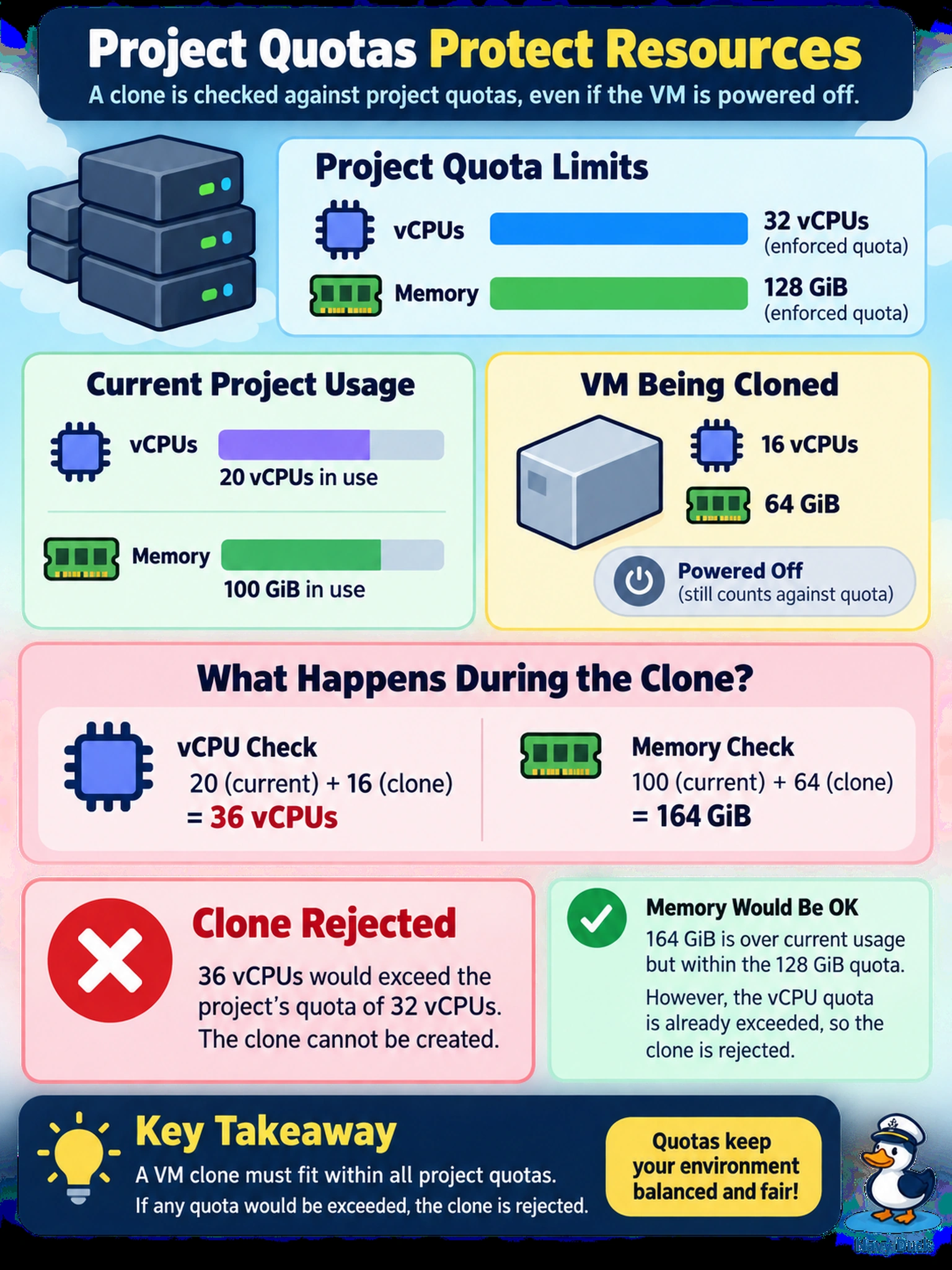
A Prism Central project has an enforced quota of 32 vCPUs and 128 GiB memory. Current usage is 20 vCPUs and 100 GiB. A self-service user clones a 16 vCPU, 64 GiB powered-off VM into the same project. What is the most likely quota impact?
Select an answer to reveal the explanation.
Short Explanation
Think of a project quota like a parking lot for compute. If you clone a VM, you're not borrowing the original's spot—you're pulling in another car, and your 16 vCPU clone won't fit in the 12 vCPUs left. The trap is treating a clone as a shortcut that skips accounting; it still creates a new workload and consumes quota.
Full Explanation
Project quotas in Nutanix Prism Central are applied to the resources attributed to a project, so a cloned virtual machine is evaluated as a new workload placement rather than as a metadata-only copy. When the clone operation requests 16 vCPUs and 64 GiB memory in a project already using 20 vCPUs and 100 GiB against an enforced 32 vCPU and 128 GiB limit, the requested CPU total becomes 36 vCPUs and the memory total becomes 164 GiB. Because both requested totals exceed the enforced limits, the provisioning workflow should stop before the new VM is created. A clone that appears to succeed only after power-on is wrong because resource accounting is based on the VM's configured resources at creation, not on power state. A clone that releases the source VM's resources is wrong because cloning duplicates the machine and leaves the source VM intact. A snapshot-count rejection is wrong because the failure is driven by compute quota, not backup or snapshot limits. Exam caveat: focus on whether the quota is enforced and what resources the requested workload adds. Operational check: review the project's current usage and configured quota in Prism Central before attempting a clone or template deployment.