
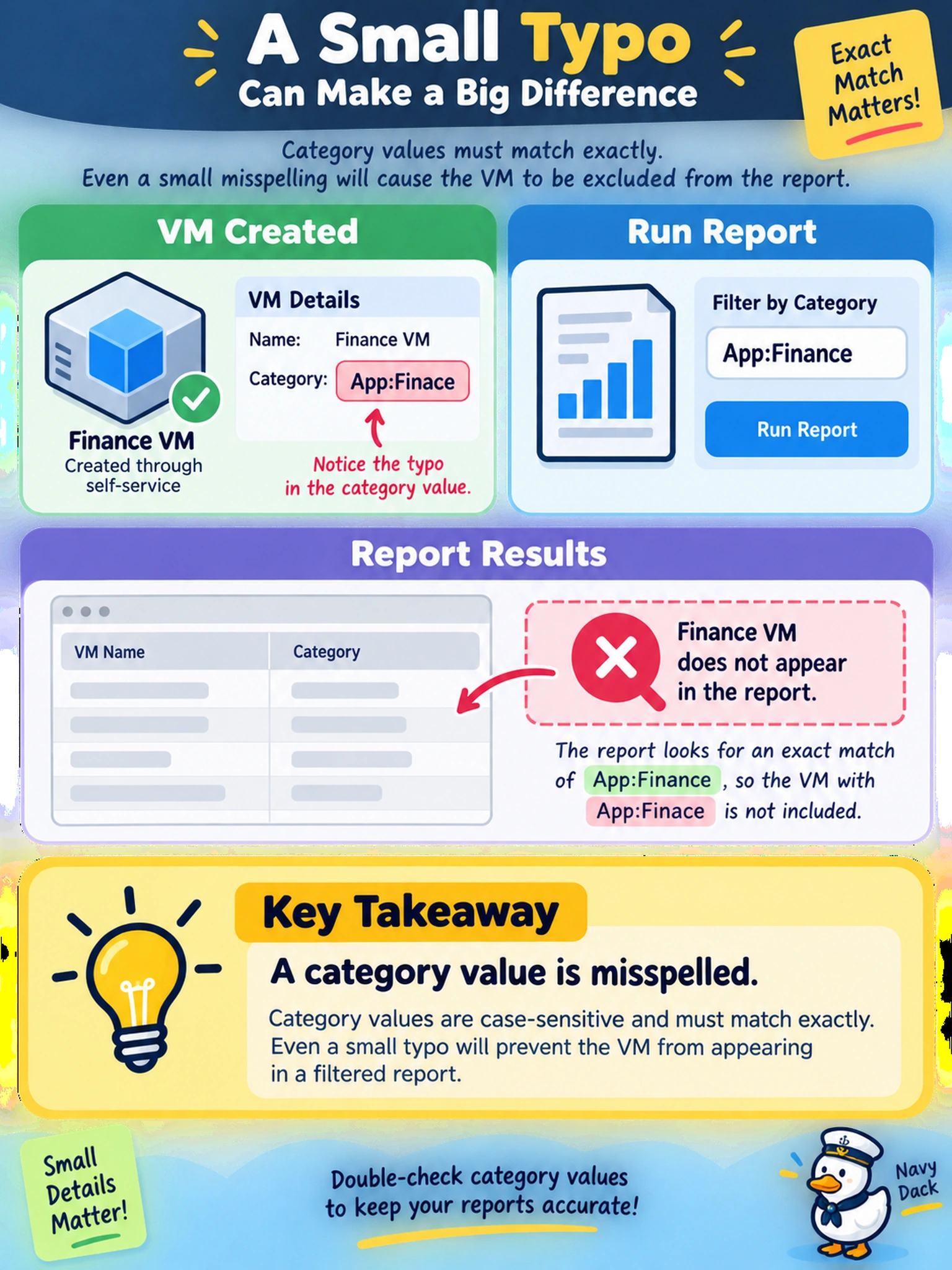
A Finance VM was created through self-service in Prism Central and appears in the VM inventory. An admin runs a report filtered by category 'App:Finance', but the VM does not appear. The VM details show the category 'App:Finace'. What is the most likely cause?
Select an answer to reveal the explanation.
Short Explanation
Think of categories like labels on filing folders: if you type the label wrong, the folder is still there but the report won't find it. You fix this by checking the exact category value, not just assuming the VM is missing.
Full Explanation
Nutanix categories are key:value metadata applied to workloads for grouping, reporting, and self-service placement. Prism Central reports and filters usually evaluate those values literally, so a workload can exist in inventory yet disappear from a category-driven report if the assigned value differs by spelling, spacing, or definition from the taxonomy used by the report. This is a taxonomy consistency problem, not a placement or protection problem. A wrong project assignment can affect who can see or request a workload, but it does not remove the VM from a category report unless the report is explicitly project-scoped. A missing storage policy affects storage behavior and compliance for the VM, not the metadata used to classify it for reporting. Hosting the VM on a different cluster or AHV host does not hide it from centralized category reporting, because category metadata is attached to the workload object and reported across managed clusters. Exam caveat: treat category values as exact matching metadata, and verify the report filter against the defined category taxonomy before investigating deeper cluster issues. Operational check: open the workload details, compare the assigned category key and value with the expected report filter, then correct the category assignment and rerun the report.