
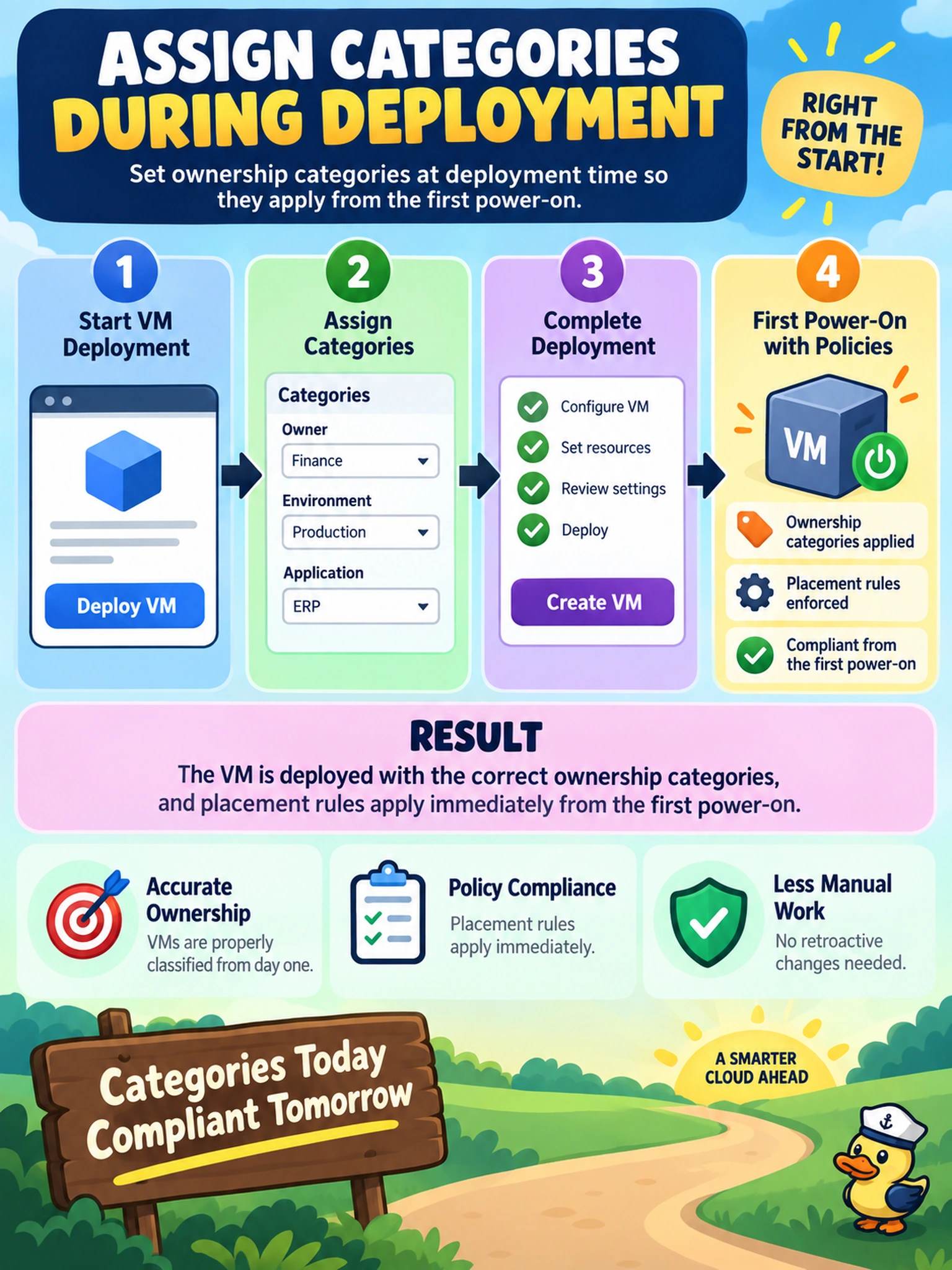
You deploy a VM through Prism Central self-service and must ensure ownership categories and placement rules apply from the first power-on. What should you do?
Select an answer to reveal the explanation.
Short Explanation
Think of categories like name tags at registration: if you don't attach them at sign-up, the room assignment doesn't happen. You want ownership and placement to work on first boot, so add them during deployment, not after the VM's already up.
Full Explanation
Categories are provisioning-time metadata, so the platform can evaluate ownership, chargeback, and placement rules before the workload starts. When an administrator or self-service user attaches category values during the VM creation workflow, those values become part of the object definition immediately, allowing Prism Central policy and reporting to act from the first power-on. Waiting until after first boot leaves the initial lifecycle event outside the intended ownership and placement context, which can break automated reporting and make governance decisions reactive rather than preventive. Editing the VM after deployment also classifies the object too late for initial placement logic, even if it corrects the record afterward. Applying categories after the VM already exists is similarly a remediation step, not a deployment control. Exam caveat: exact Prism Central menu labels and self-service screens can change, so focus on the timing of category assignment rather than a specific button. Operational check: create a test VM with a category during deployment and confirm the category appears in the VM details and project or placement view before the guest OS boots.