
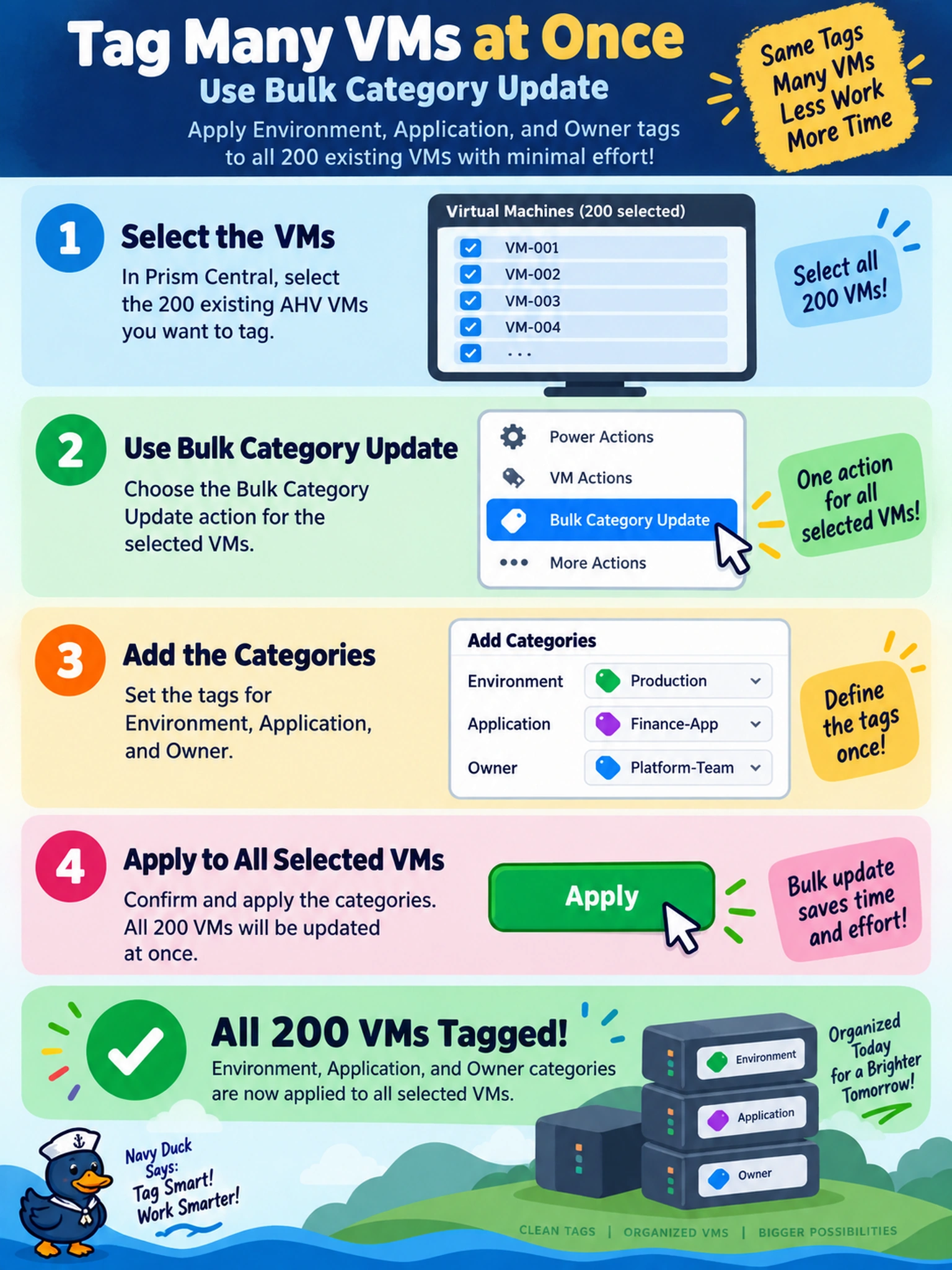
After introducing a new governance model, an admin must tag 200 existing AHV VMs with Environment, Application, and Owner categories in Prism Central. Which action applies the tags to all VMs with the least manual effort?
Select an answer to reveal the explanation.
Short Explanation
Think of it like renaming labels on 200 boxes: you don't open each box one by one. Prism Central lets you select the VMs and apply categories in bulk, so governance tags land everywhere at once. If you edit VMs one at a time, you're doing busywork and risking inconsistent tags.
Full Explanation
Categories in Prism Central are metadata objects used to organize and govern workloads across clusters. When governance changes, the remediation workflow is to apply the required category values to the existing VM collection in one operation, because categories are assigned to resources independently of their lifecycle or placement. This preserves the running VMs while bringing their metadata into compliance with the new model. Creating a new project and moving VMs into it changes workload organization and entitlement context, not the metadata tags themselves, and may not be appropriate for existing production VMs. Editing each VM individually applies the same metadata but scales poorly and increases human error, so it is not the efficient remediation workflow. Redeploying VMs from a category-aware template would recreate workloads, disrupt operations, and is unnecessary when metadata can be updated on existing resources. Exam caveat: the concept is bulk metadata remediation for existing resources, not template creation or project migration. Operational check: select the target VMs in Prism Central, confirm the required category values are defined, then apply the bulk category update and validate sample VMs.