
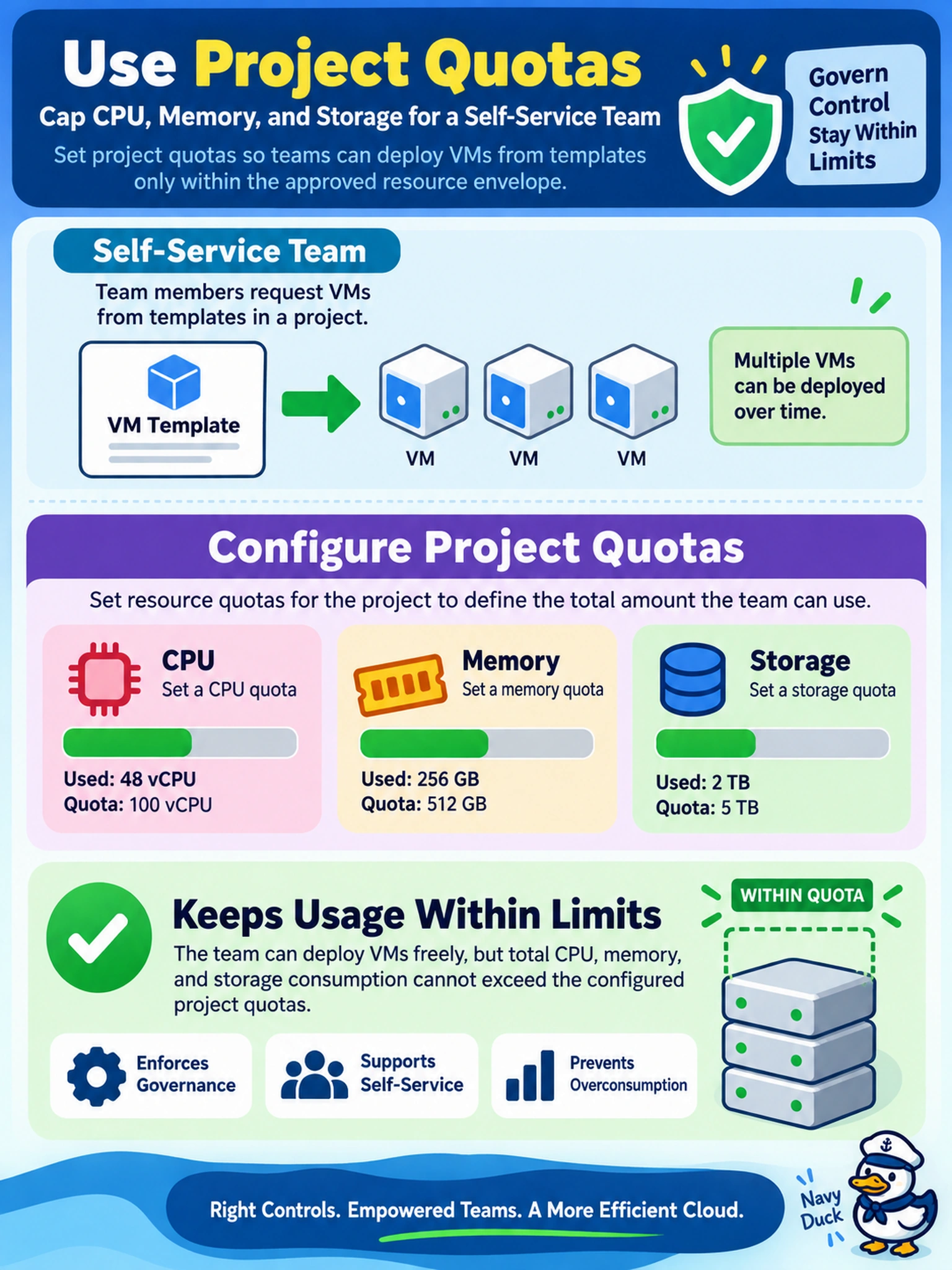
A self-service team uses a Nutanix project to request VMs from templates. Management needs a governance control that caps the team's total CPU, memory, and storage consumption, even as multiple VMs are deployed. Which control should you use?
Select an answer to reveal the explanation.
Short Explanation
Think of a project quota like a budget for your self-service teams: it tells them how many CPU, memory, and storage units they may spend before they hit the ceiling. You don't control the whole environment with per-VM reservations or network rules; you let the project limit decide what a team can request. That's the clean governance control for keeping deployments inside the approved envelope.
Full Explanation
Project quotas in Nutanix are the governance mechanism for self-service workload placement because they cap the total CPU, memory, and storage a project may consume. When a team requests a VM or template, the platform evaluates the requested resources against the project limits, so overcommitment is prevented at the request boundary rather than after deployment. This matches the requirement to control consumption without micromanaging each individual VM. Per-VM reservations can guarantee resources for a specific workload, but they do not create a shared ceiling for a team or project, so they cannot govern aggregate consumption. Storage container redundancy factor affects data protection and usable capacity, not a self-service consumption limit for a team's CPU, memory, and storage requests. Flow security policies govern network segmentation and access controls, not resource consumption, so they do not enforce CPU, memory, or storage quotas. Exam caveat: do not confuse resource guarantees for individual VMs with project-level governance controls. Operational check: review the project's quota settings and test a deployment that exceeds one limit to confirm the request is denied before resources are consumed.