
Your team uses self-service workload placement and needs every VM tagged so policies can tell production from staging and development. Users may choose only one classification per VM. Which Nutanix category setup enforces that classification?
Select an answer to reveal the explanation.
Short Explanation
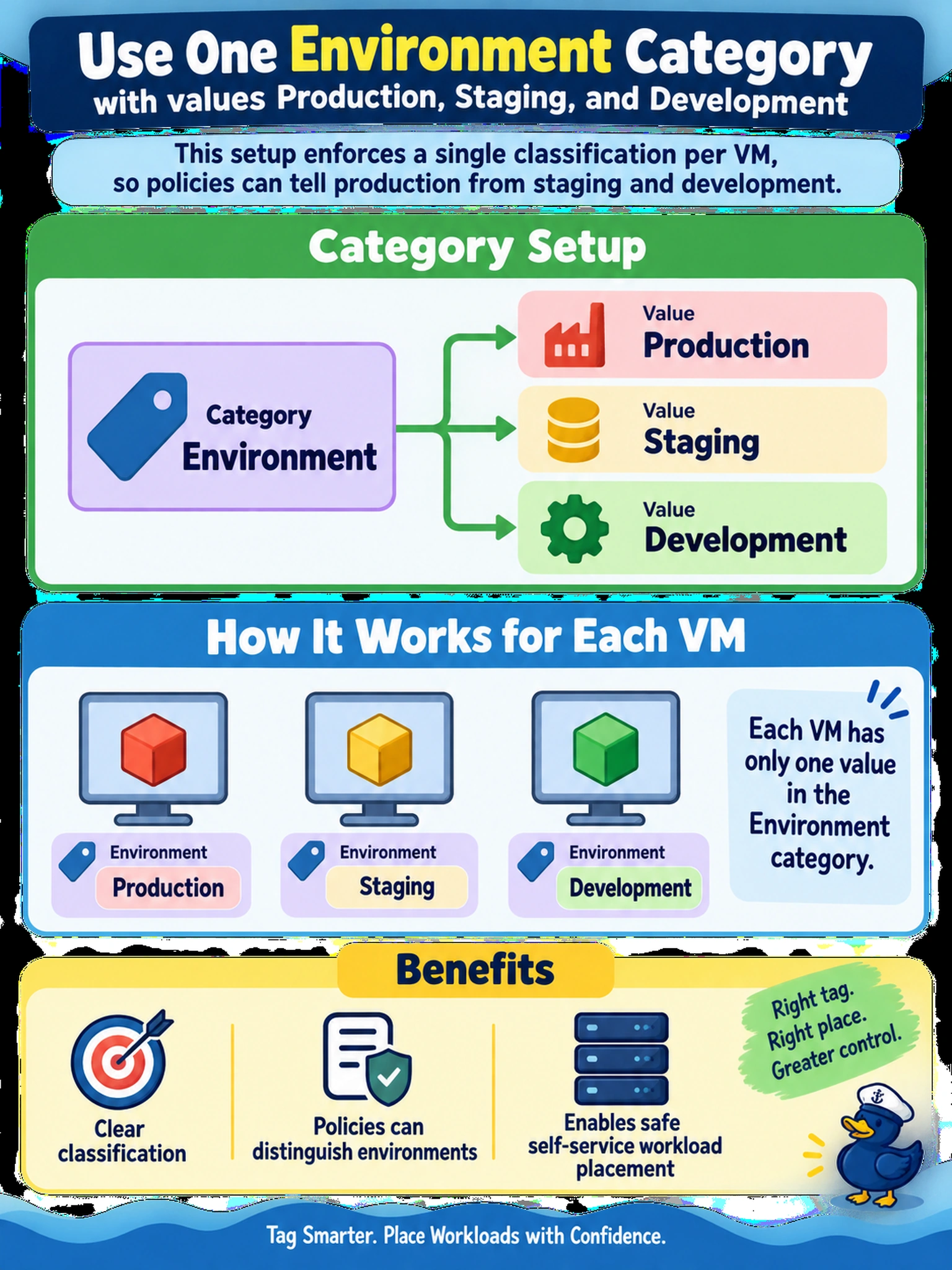
Think of a category like a dropdown on a form, not three separate checkboxes. You want one Environment field with Production, Staging, and Development so each VM picks exactly one classification. The trap is splitting the same idea into multiple categories, which lets a VM become both prod and dev, so don't use separate category names.
Full Explanation
Categories are custom key-value pairs used to classify VMs for visibility, policy, and self-service placement. A single Environment category with controlled values gives users one constrained field, so each VM receives exactly one classification and downstream rules can distinguish production, staging, and development consistently. Separate categories named Production, Staging, and Development do not enforce a single choice because each category is an independent field; a VM can be marked in multiple categories, none, or inconsistently unless automation prevents that. Using lowercase values assigned by VM name prefix is unreliable because classification depends on naming conventions rather than a controlled user selection, so missing or changed prefixes break policy matching. Adding environment, tier, and owner categories can enrich metadata, but it does not by itself create a controlled production-versus-staging-versus-development selection. Exam caveat: when a requirement calls for one classification, use one category with allowed values. Operational check: create the Environment category, assign it to a test VM, then confirm the allowed values appear and a policy or report resolves the VM to the intended environment.