
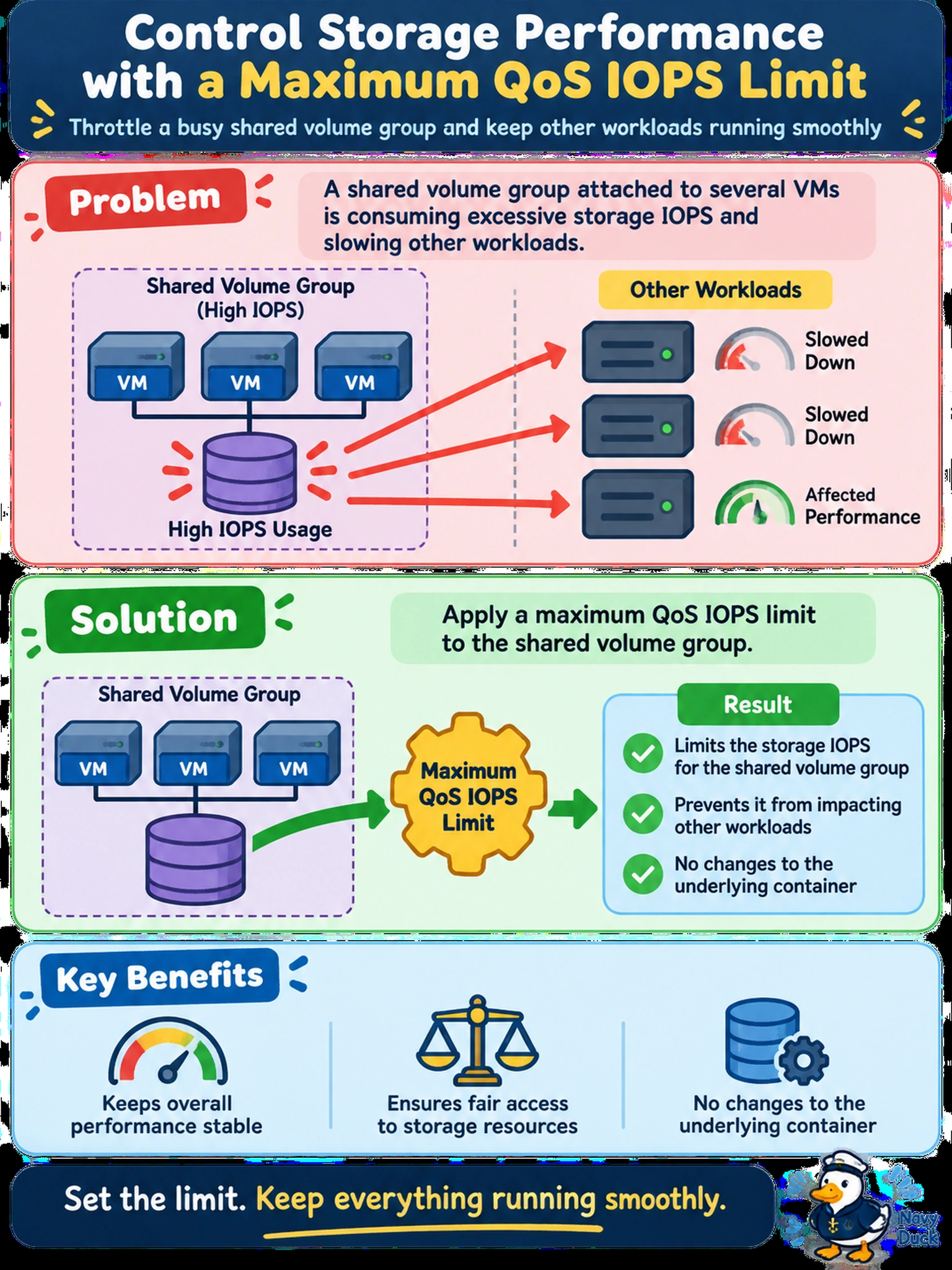
A shared volume group attached to several VMs is consuming excessive storage IOPS and slowing other workloads. You need to throttle its storage performance without changing the underlying container. Which action should you take?
Select an answer to reveal the explanation.
Short Explanation
Think of QoS like a speed limiter: it doesn't add horsepower, it just stops one noisy volume group from hogging the road. You set the maximum IOPS on the volume group, and the other workloads get breathing room. Don't confuse that with moving data to faster hardware — that fixes capacity, not abuse.
Full Explanation
Nutanix controls storage contention through Quality of Service (QoS) limits, which place a ceiling on IOPS or throughput for a protected object. When a volume group is shared or attached to workloads that can generate bursts, a maximum IOPS limit caps the normalized I/O it can consume, so other VMs and volume groups retain predictable performance. The limit is applied as a storage QoS setting rather than a change to physical placement, making it the direct way to stop resource abuse. Moving the volume group to a faster container may improve performance but does not restrict the offending workload; it can simply let it consume even more resources. Raising replication factor affects availability and metadata/data redundancy, not throughput or IOPS throttling. Attaching the volume group to a VM with CPU reservations addresses compute scheduling and memory/CPU contention, not storage I/O pressure, and the volume group may still saturate shared storage paths. Exam caveat: Nutanix QoS is about normalized IOPS/throughput ceilings, not storage capacity or hardware class. Operational check: after applying the limit, monitor the volume group's IOPS and latency trends to confirm the cap is enforced and other workloads stabilize.