
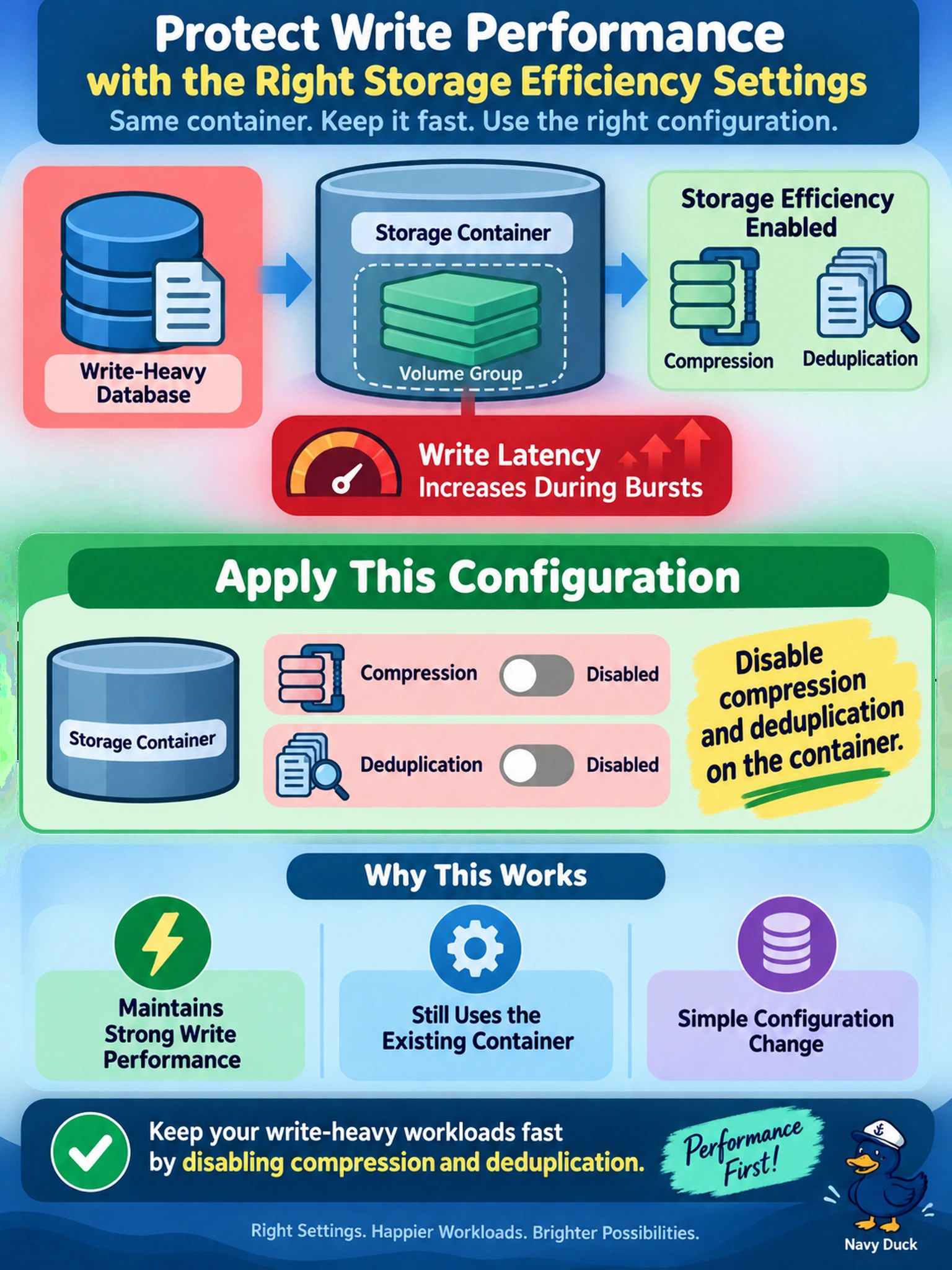
A write-heavy database is placed on a Nutanix storage container as a volume group. After enabling storage efficiency, write latency increases during bursts. You must choose a storage efficiency configuration that protects write performance while still using the existing container. Which configuration should you apply?
Select an answer to reveal the explanation.
Short Explanation
Think of compression and dedupe as extra paperwork on every write: the data looks smaller, but the write path has to work harder. For a write-heavy volume group, you turn those features off on the container so the cluster can focus on fast writes.
Full Explanation
In Nutanix AOS, storage efficiency features such as compression and deduplication reduce physical capacity by transforming or eliminating repeated data before or after writes. They are valuable for capacity, but they add work to the write path: data may be compressed, compared against existing fingerprints, or reorganized by background processes. For a write-heavy volume group, the priority is predictable write latency and throughput, so the container should avoid features that increase write overhead. The wrong choices are wrong because enabling compression and dedupe improves capacity, not write performance, and can increase CPU and metadata activity. Erasure coding, especially EC-X, protects against disk failure while saving space, but it can increase write amplification and is not the primary setting for protecting high-write latency. Disabling snapshots or changing protection settings is unrelated to local storage efficiency and does not address the write path overhead created by compression or deduplication. Exam caveat: distinguish container-level storage efficiency settings from protection or placement controls, and do not confuse capacity savings with I/O optimization. Operational check: review the storage container used by the volume group and confirm compression and deduplication are disabled before retesting write latency.