
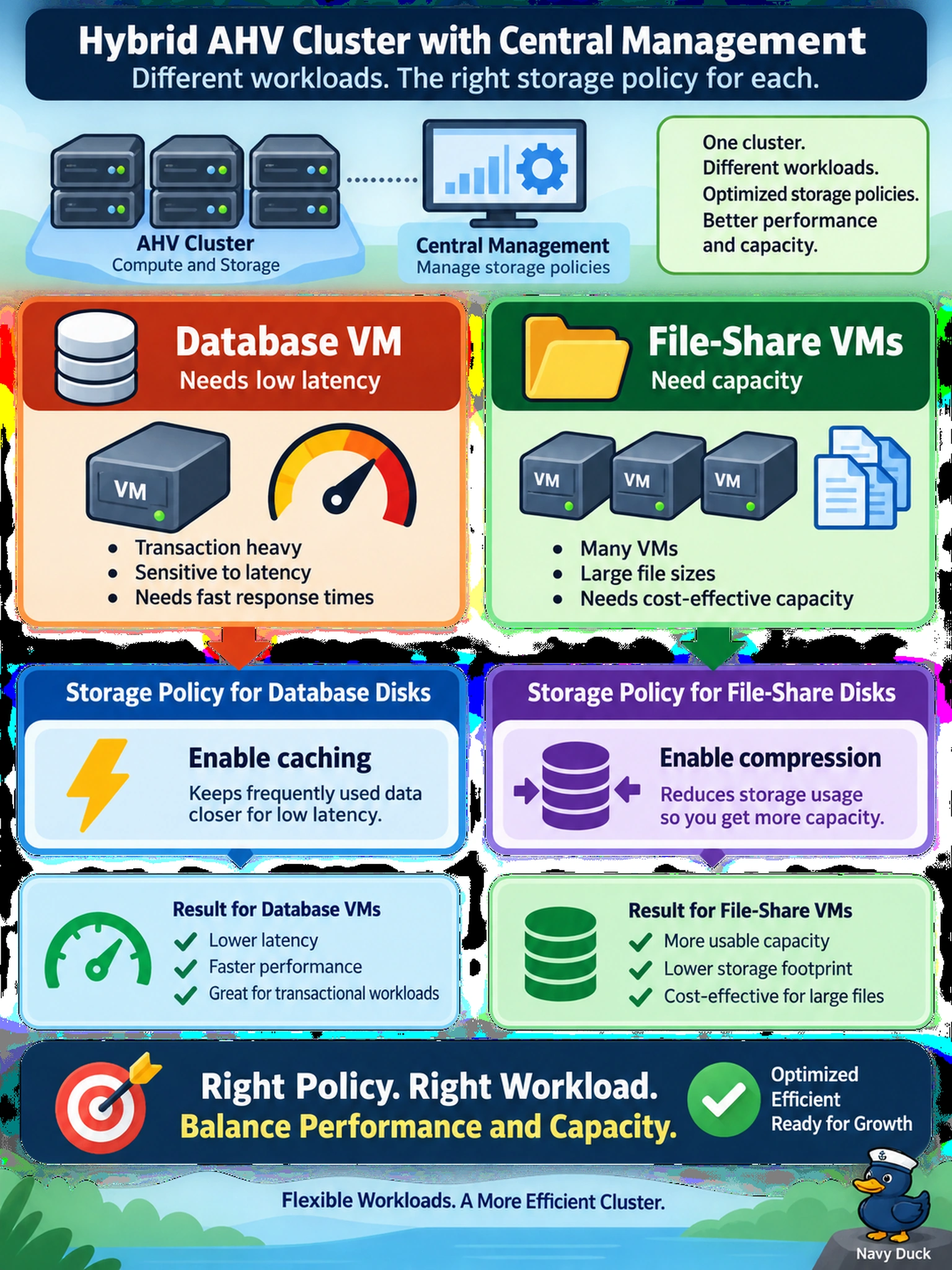
On a hybrid AHV cluster with Prism Central, a database VM needs low latency while many file-share VMs need capacity. You must apply a storage policy to balance performance and capacity. Which policy setting best matches the workload classes?
Select an answer to reveal the explanation.
Short Explanation
Think of storage policies like a thermostat for each VM: performance costs SSD cache, capacity costs compute. You want the hot database on the SSD and the file shares on compressed capacity, not every VM cranked to the same setting. The trap is treating compression, caching, and deduplication as free wins across the whole cluster.
Full Explanation
Mechanism: Nutanix storage policies set per-VM or per-disk data services. On hybrid clusters, caching places hot blocks on SSD for latency-sensitive VMs, while compression reduces capacity consumed by mostly sequential or less latency-sensitive workloads. Matching the service to the workload class lets the administrator buy performance only where needed and capacity savings where they do not harm the application. Why each distractor is wrong: Applying compression globally to all disks can increase CPU and I/O overhead for latency-sensitive VMs, so performance-critical databases may suffer even though capacity improves. Applying caching globally to all disks consumes scarce SSD cache for low-value file-share traffic and may evict hot database blocks, defeating the purpose of the cache. Applying deduplication globally and disabling caching for databases reduces capacity but can introduce lookup overhead and removes SSD acceleration from the workload that needs it most. Exam caveat: Choose the data service based on workload class and tier behavior, not on the desire to enable every available policy. Operational check: Review per-disk latency and cache hit metrics before and after enabling compression or caching, and confirm database p95 latency remains within target.