
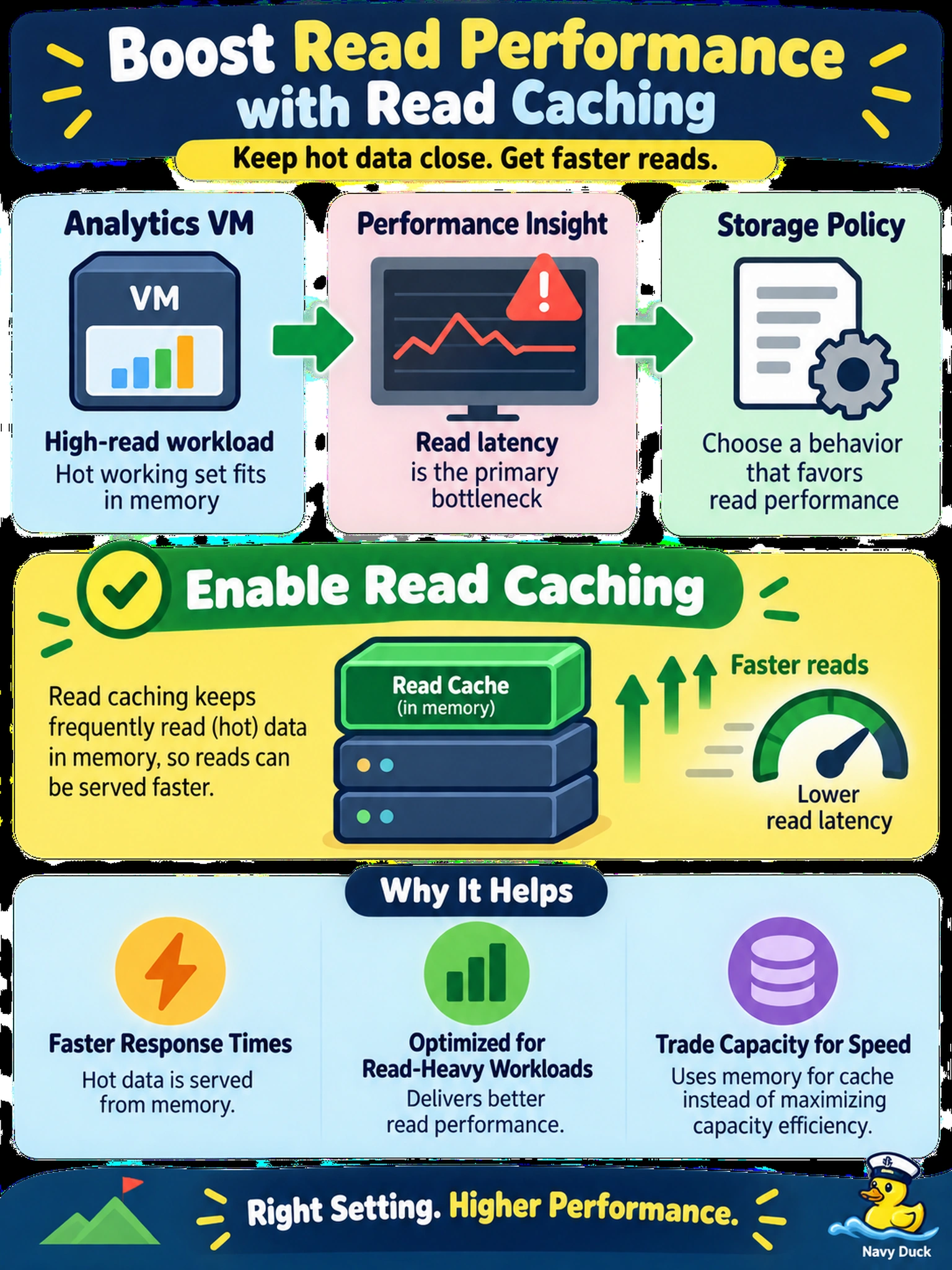
A financial analytics VM on AHV runs a high-read workload whose hot working set is small enough to fit in memory, and Prism Performance shows read latency as the primary bottleneck. You need to choose a storage policy behavior that favors read performance rather than capacity efficiency. Which option should you enable?
Select an answer to reveal the explanation.
Short Explanation
Think of read caching like keeping the books you check out most often on your desk instead of the archive. You want hot reads to hit memory first, not add CPU overhead to decode blocks. Enable read caching when the workload is read-heavy and the hot data can fit in the cache.
Full Explanation
Nutanix read caching is a storage policy behavior that keeps frequently accessed blocks in memory on the AHV/CVM data path, so repeated reads to a hot working set can be served without going to disk or across the cluster network. That directly reduces read latency and improves read IOPS when the bottleneck is hot data access rather than raw capacity. Compression is designed to reduce capacity consumption, but it can add CPU overhead for compression and decompression and does not cache hot blocks, so it is not the primary choice for read-sensitive latency. Deduplication also targets capacity efficiency by eliminating duplicate blocks; it can increase CPU and memory work and may worsen random read latency, making it a poor fit when the problem is already read latency. Erasure coding increases usable capacity by storing data with parity, but read operations can require additional parity reconstruction and network reads, increasing overhead compared with replication, so it favors capacity efficiency over hot random reads. Exam caveat: read caching is platform-dependent and most relevant for AHV workloads, so verify support before applying it to a policy or VM. Operational check: enable the policy on a representative test VM, then compare read latency and IOPS in Prism Performance before applying it broadly.