
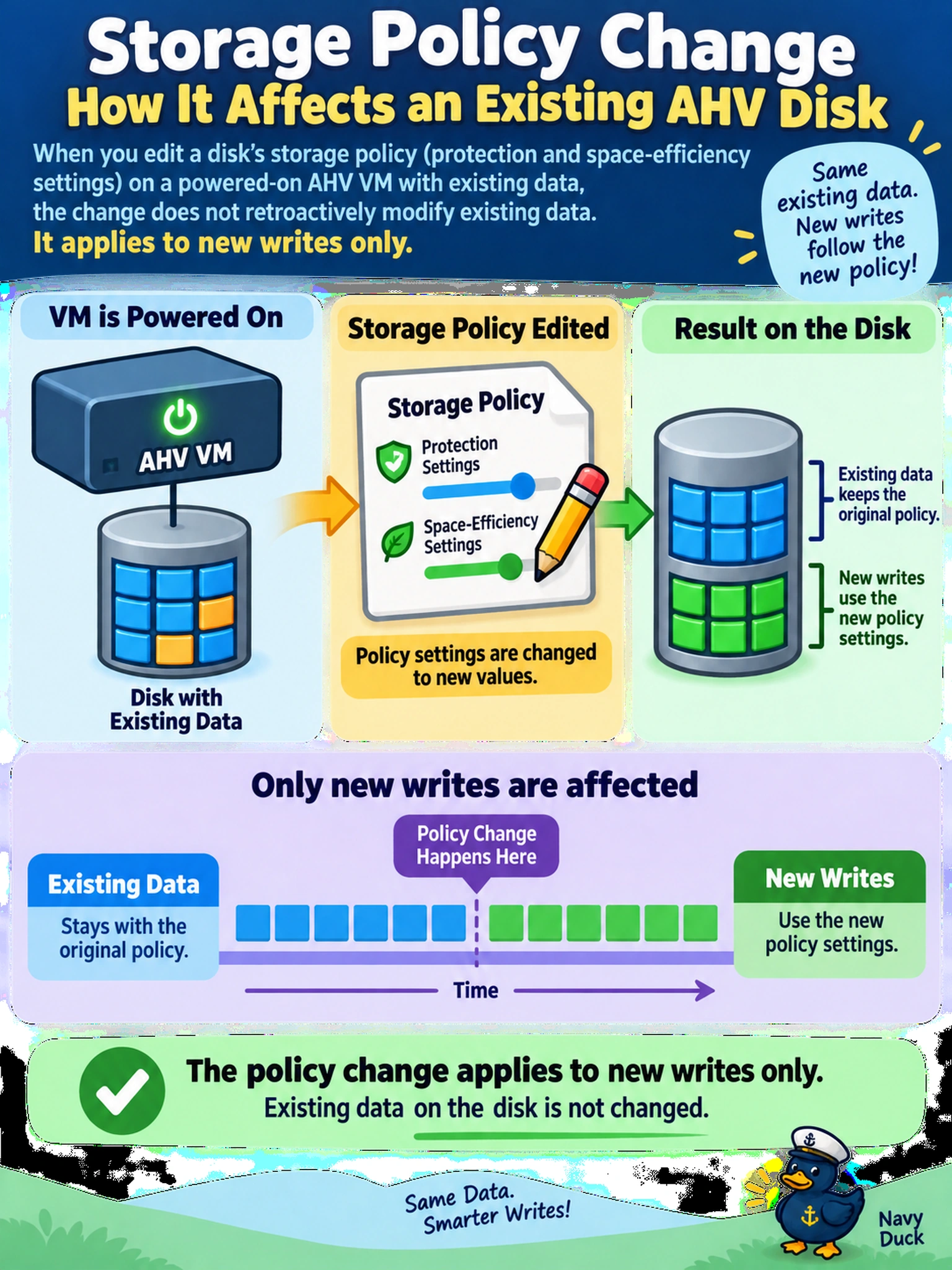
An AHV VM is powered on with existing data on a disk. An administrator edits that disk's storage policy to change protection and space-efficiency settings. How will the policy change affect the disk?
Select an answer to reveal the explanation.
Short Explanation
Think of a storage policy like a new building code: it governs what gets built next, not what's already standing. When you edit a disk policy, you're changing how future writes behave, not forcing a rewrite of every existing block. Don't expect the old data to magically change its stripes, compression, or RF just because the policy did.
Full Explanation
A storage policy attached to a VM disk defines how storage behavior is applied when data is written. When you change that policy on an existing powered-on disk, AOS updates the disk metadata so subsequent writes follow the new settings; existing blocks are not immediately rewritten or relocated just because the policy changed. The disk can therefore contain old-policy data alongside new-policy writes until those blocks are rewritten, migrated, or otherwise reprocessed.
The view that all existing blocks are immediately rewritten is wrong because a policy update is not a full data migration or re-protection job for every block. Requiring the VM to be powered off or the disk detached is also wrong, since disk policy updates are intended for live disks and the limitation is about data behavior, not mandatory downtime. Treating the change as a container-wide default update is wrong too, because a disk-level policy is scoped to that disk, not to the container or every workload using it.
Exam caveat: distinguish new-write effects from existing-data effects and from container defaults. Operational check: after the change, confirm the disk shows the updated policy in Prism and validate the intended behavior on newly written data.