
A Nutanix administrator deploys a clustered database on AHV. The application requires the same data disk to be visible and writable from several VMs, and the team wants crash-consistent snapshots of that disk set. Which storage construct should be used for the application disk?
Select an answer to reveal the explanation.
Short Explanation
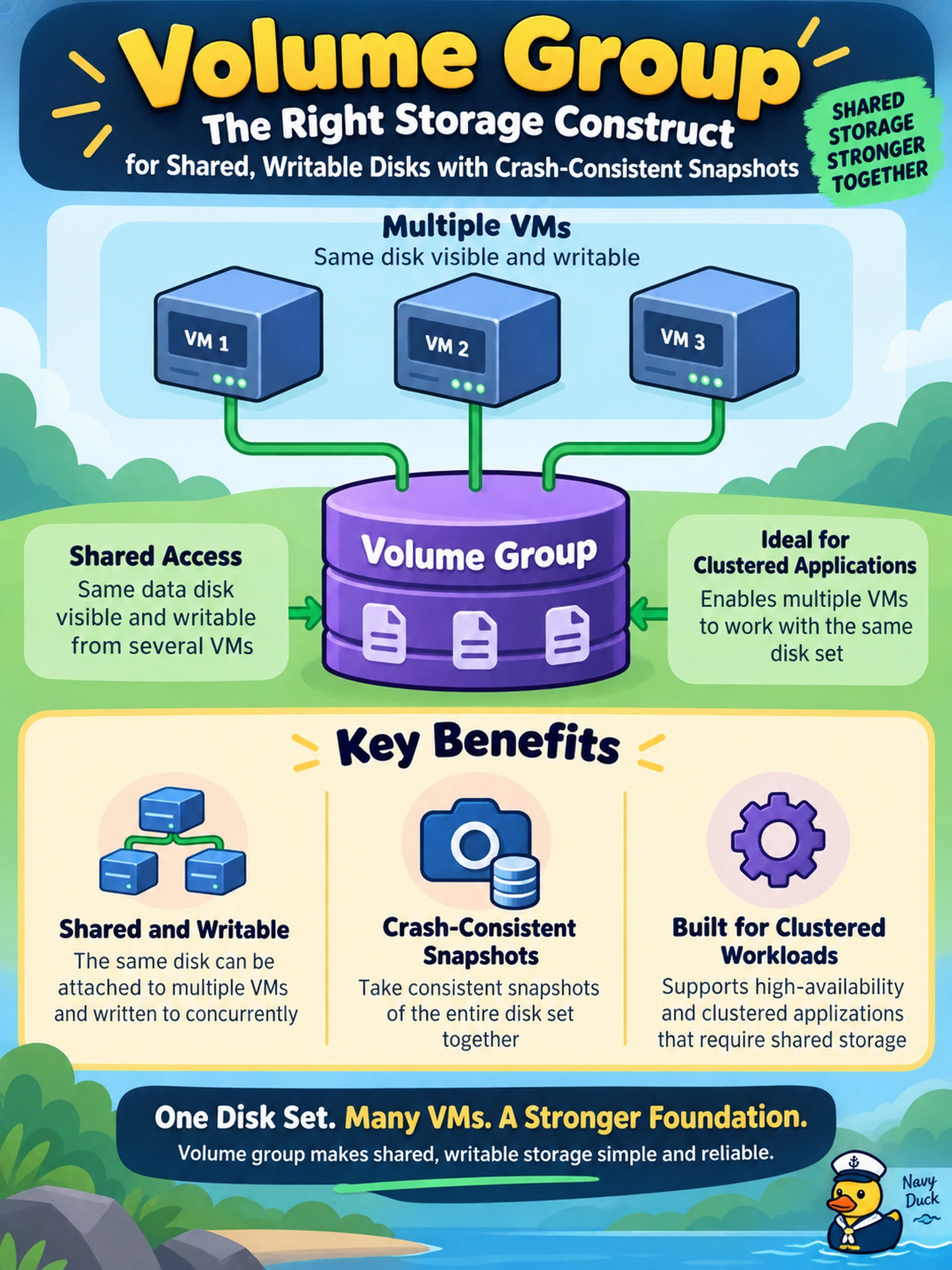
Think of it like a shared LUN: when several VMs need to see the same block device, a volume group is the tool. A virtual disk belongs to one VM, so attaching copies gives you separate disks, not a shared application disk. You want the volume group when the app needs shared access and consistent snapshots.
Full Explanation
Nutanix volume groups are block-storage objects made up of one or more virtual disks that can be attached to VMs as raw or block devices. When an application needs the same data disk visible from multiple VMs, or needs a set of disks snapshotted together as a consistency group, the volume group is the construct that matches that access pattern. It lets administrators manage the application disk as a unit while preserving crash-consistent protection and multi-VM attachment when supported by the application. A virtual disk attached separately to each VM would create independent disks, so the VMs would not see one shared writable device and snapshots would not be coordinated as a single application set. A storage policy with RF2 changes redundancy and performance characteristics, but it does not make a disk shareable across VMs. A disk image clone helps provision VMs from an existing image, but it does not create a runtime shared block device for an application. Exam caveat: choose volume groups for shared block access or consistency-group snapshots, not merely because a workload is large or important. Operational check: create the volume group, attach it to the required VMs, confirm the guest OS sees the expected shared block device, then take a snapshot and verify it protects the whole group.