
A Windows Server VM on AHV uses a Nutanix volume group for its data disk. The application team needs more space with no VM reboot or iSCSI detach. Which workflow expands the volume group safely?
Select an answer to reveal the explanation.
Short Explanation
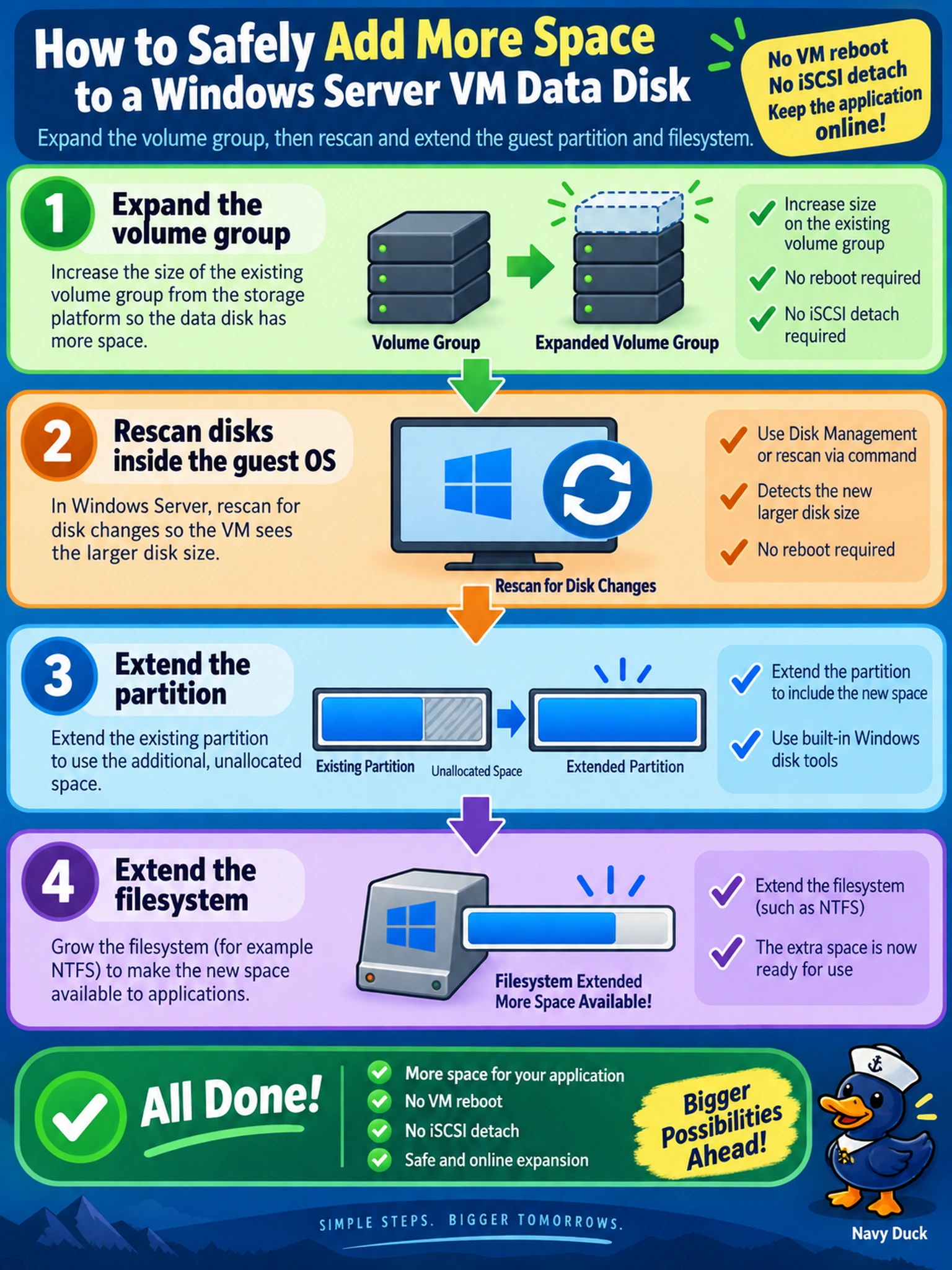
Think of volume-group growth like adding room to a house: you build the wall first, then let the tenant use it. You expand the volume group, then rescan and grow the guest partition/filesystem; don’t detach or reboot when online expansion will do. The trap is treating the iSCSI disk like a fixed VM disk that must be swapped.
Full Explanation
Nutanix volume groups are iSCSI-backed storage objects whose capacity can be increased while they remain mapped to a running VM. The administrator enlarges the volume group or its disks, causing the presented iSCSI target to report a larger block device; the guest operating system must then rescan the device, extend the partition, and grow the filesystem so applications can use the new space. Detaching the volume group and rebooting the VM is unnecessary because online expansion is supported and introduces avoidable interruption. Growing the storage container is not the correct next step; container capacity is a cluster storage pool concern, while the volume group is the workload-facing object that must be resized, and resizing from the VM’s attached-disk settings confuses VM disks with volume-group disks. Adding a new VM disk and copying data is a migration pattern, not an expansion workflow, and it adds copy time, application downtime risk, and cleanup work. Exam caveat: the safe sequence is volume-group capacity change first, guest partition/filesystem growth second, not hypervisor detach/reboot. Operational check: after expanding the volume group, run an iSCSI or SCSI rescan in the guest and verify the filesystem sees the enlarged partition before restarting any service.