
A production VM slows during nightly backups on an AHV cluster. Prism shows no VM migration errors, and the VM is powered on. What should an administrator check first?
Select an answer to reveal the explanation.
Short Explanation
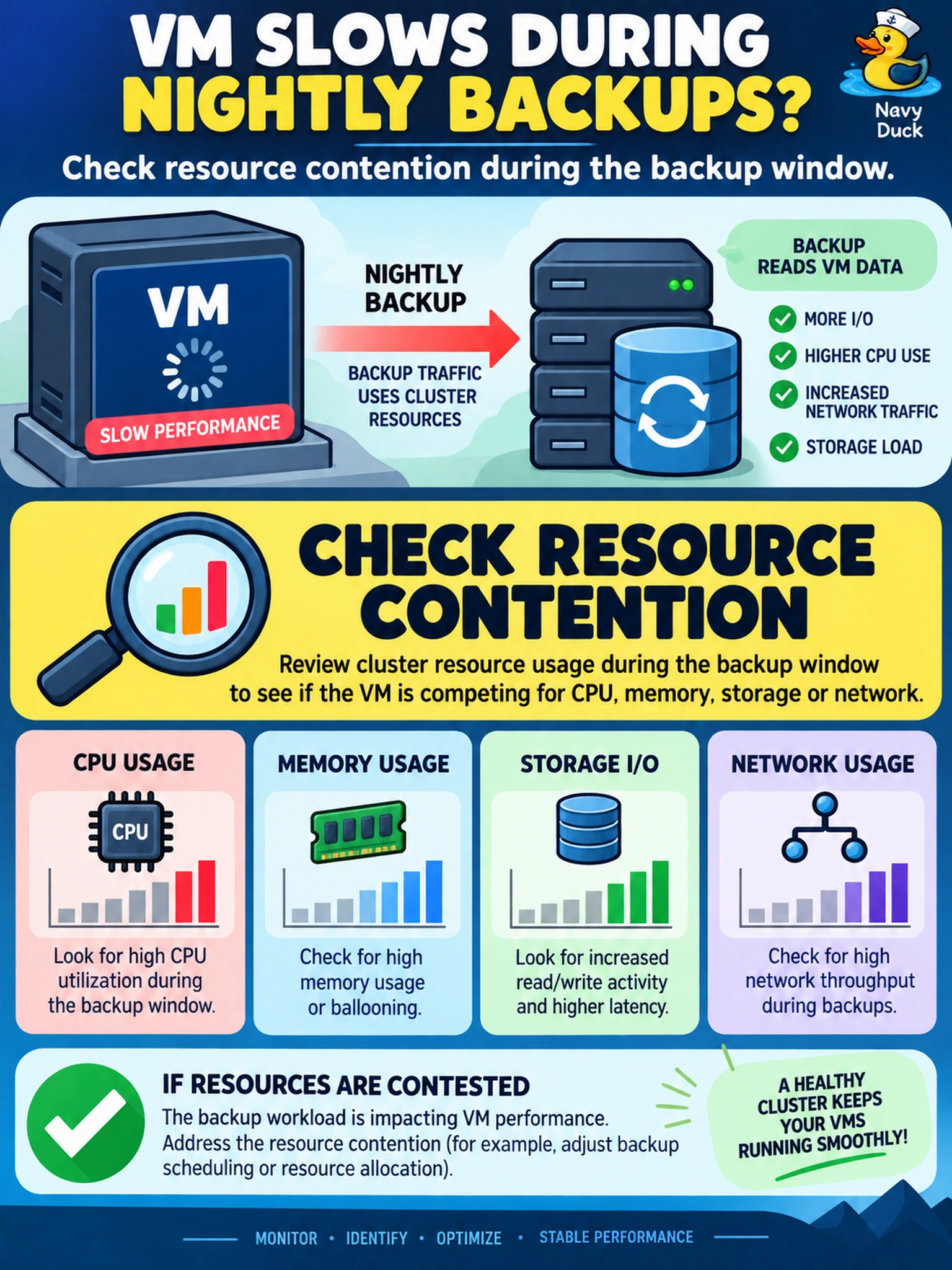
Think of a backup window like rush hour: before you add more lanes, you check where traffic is jammed. You want to see CPU, memory, disk, and network contention first, not throw reservations or affinity at the VM. The trap is treating a performance dip as a tuning problem before you prove where the bottleneck is.
Full Explanation
Resource contention analysis is the first step because scheduled backup or maintenance can make shared CPU, memory, disk, and network demand visible on an AHV cluster. In a Nutanix environment, the administrator should correlate the performance dip with the maintenance window and review Prism or Prism Central metrics for the VM, storage container, and CVMs, then look for CPU ready, memory pressure, disk latency, and network throughput. That evidence tells you whether the issue is compute, storage, or network before changing configuration. Increasing reservations is premature because it assumes the VM is under-resourced, and it can reduce capacity headroom or worsen oversubscription if the cluster is already busy. Migrating the VM to another container may be appropriate only after storage contention is proven, since the bottleneck could be CPU, memory, or network and a move does not diagnose the cause. Enabling affinity is a placement control, not a performance fix; pinning a VM to a less busy CVM may limit migration and does not address shared storage or network pressure. Exam caveat: when the question asks for the first action during a known performance window, choose analysis over tuning. Operational check: capture baseline metrics, then compare VM and cluster CPU ready, memory usage, disk latency, and network throughput during the backup window.