
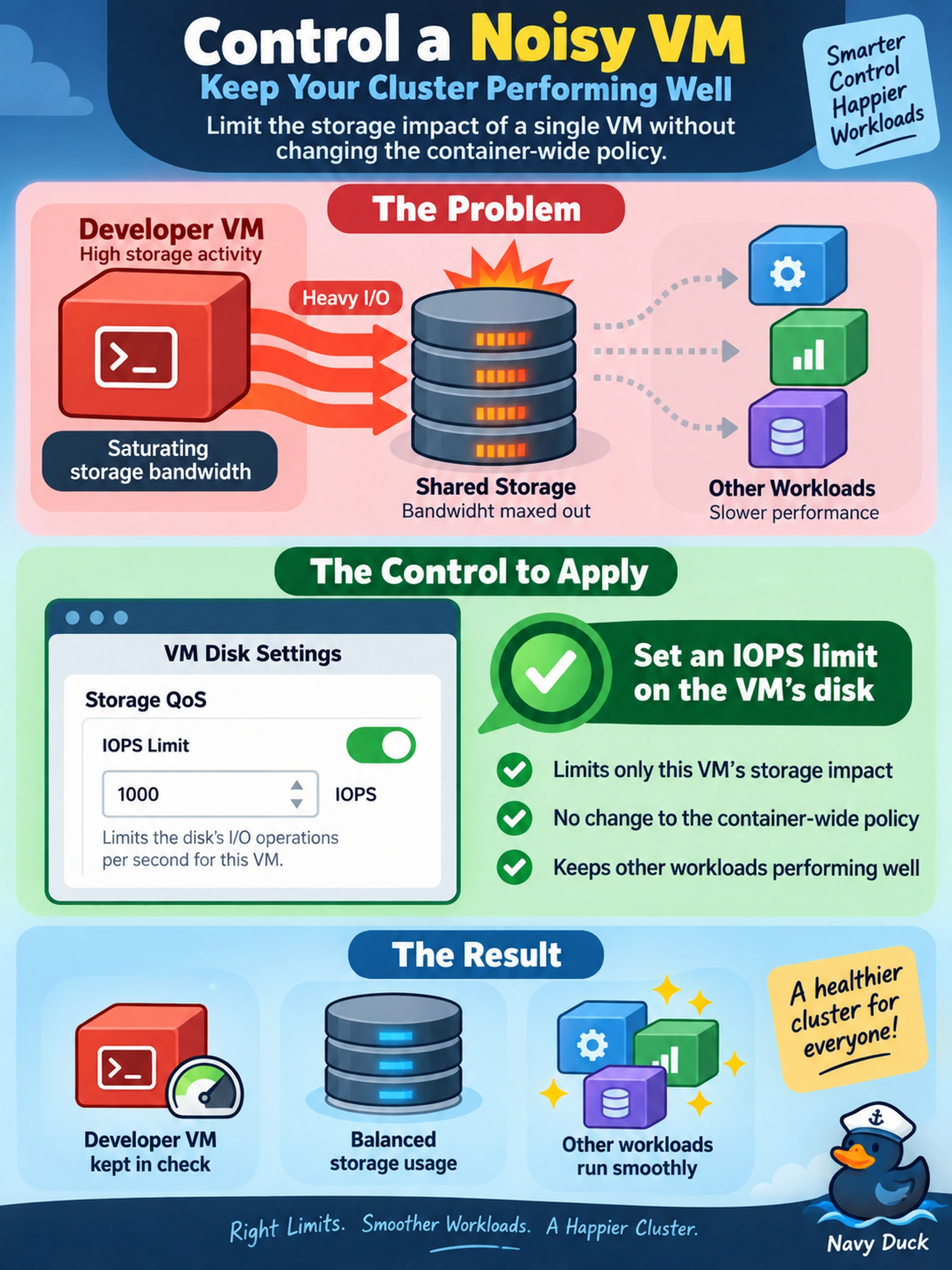
A developer VM on AHV is saturating storage bandwidth and slowing other workloads in the cluster. You need to limit only this VM’s storage impact without changing the container-wide policy. Which control should you apply?
Select an answer to reveal the explanation.
Short Explanation
Think of a noisy VM like one kid hogging the Wi-Fi: the fix is a speed cap, not more RAM. You set an IOPS limit on the VM’s disk so it can’t chew through storage bandwidth and starve the neighbors. Don’t confuse memory, compression, or CPU pinning with a storage traffic control.
Full Explanation
An IOPS limit applies a storage QoS ceiling to the affected VM disk, capping how many I/O operations it can issue per second. In a shared Nutanix cluster, storage bandwidth contention is usually driven by excessive I/O demand from one workload, so limiting IOPS directly reduces its ability to saturate disks and CVM processing while leaving other VMs on the same container unaffected. A memory reservation affects guest memory allocation and does not throttle storage I/O, so it cannot stop a disk-intensive VM from generating excessive bandwidth. Compression on a storage container is a space-saving data reduction feature; it may change CPU and write amplification behavior, but it does not impose a per-VM storage performance limit. Pinning a VM to specific CPU cores is a compute placement control and can affect scheduling, yet it does not define a storage QoS ceiling for the VM disk. Exam caveat: on the exam, match the symptom to the resource being exhausted; storage contention calls for storage QoS, not compute or memory tuning. Operational check: apply the IOPS cap on the VM disk in Prism, then monitor the VM’s disk latency and IOPS in Prism metrics to confirm the noisy neighbor is constrained without impacting the protected workload.