
A production VM is running on an AHV host that needs hardware replacement. You must keep the workload online while the host is taken out for service. What should you do?
Select an answer to reveal the explanation.
Short Explanation
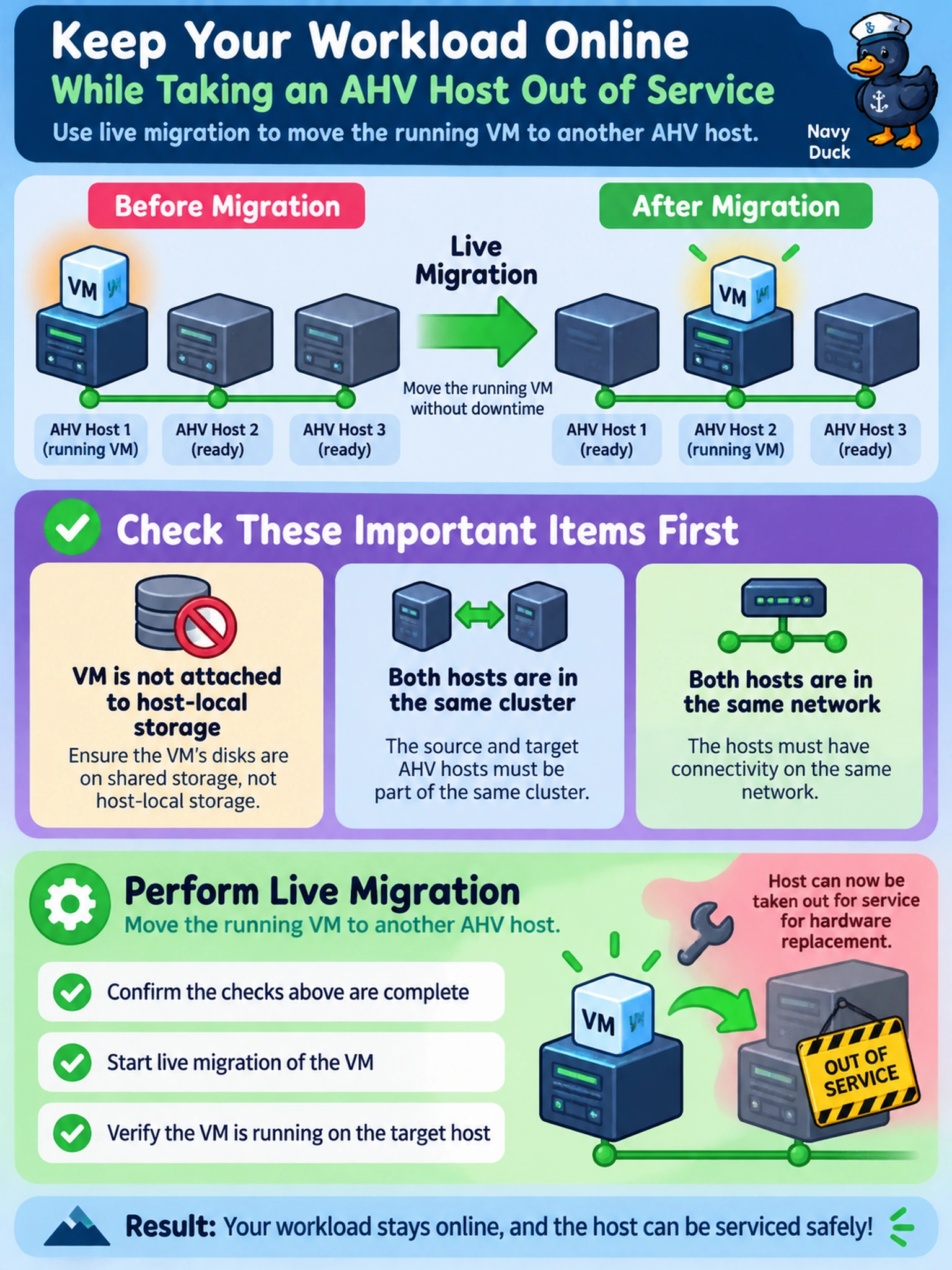
Think of live migration like changing a tire while the car keeps rolling: you move the running VM off the host being serviced, but only if it’s not chained to that host’s local disk. You validate the host-local storage and cluster network prerequisites first, because otherwise the move becomes an outage instead of a maintenance trick.
Full Explanation
Live migration is the correct mechanism because it transfers the running VM’s state from one AHV host to another while the guest remains online, letting you evacuate a host for hardware replacement without stopping the workload. The prerequisite check matters: the VM must use cluster-managed storage rather than a host-local disk, and the target host must be in the same cluster with matching network reachability and sufficient CPU, memory, and storage resources. Powering the VM off and starting it elsewhere is wrong because it introduces downtime and violates the requirement to keep the workload running while the host is serviced. Cloning the VM is wrong because it creates a separate copy rather than relocating the original running instance, so application data, identity, and connections can diverge. Relying on a scheduled reboot or host maintenance rebalance is wrong because rebooting interrupts the workload, and automatic rebalancing is not a guaranteed live-move method for a specific running VM during planned hardware servicing. Exam caveat: when the requirement emphasizes no interruption and a running VM, select live migration only after confirming no host-local disk or other migration blocker. Operational check: before starting the move, verify the VM’s disks are on shared cluster storage and the target AHV host has sufficient capacity and network access.