
An administrator tries to live-migrate a powered-on AHV VM in Prism, but the operation fails. The VM has virtual disks on a Replication Factor 2 container, two vNICs on different Flow networks, Nutanix Guest Tools installed, and a USB device attached. Which issue blocks live migration?
Select an answer to reveal the explanation.
Short Explanation
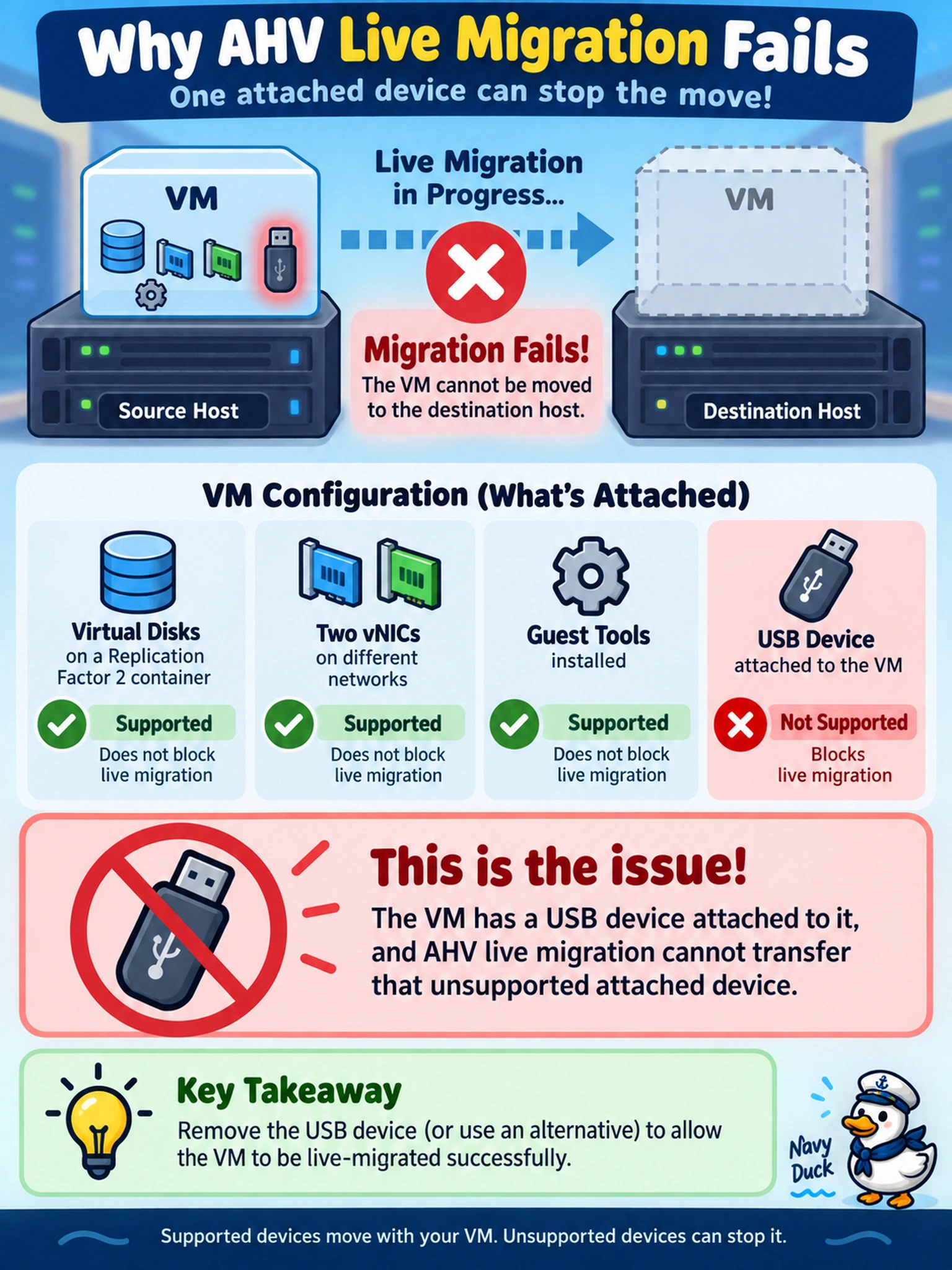
Think of live migration like moving a running laptop: you can copy the OS and disks, but you can't hot-swap a USB dongle mid-flight. If a VM has a USB device attached, that unsupported device stops the migration cold. You detach or power off the VM first, then try again.
Full Explanation
Live migration in AHV moves a powered-on VM between hosts while preserving virtual disk and vNIC state, but it cannot preserve state for devices that are not virtualized or transferable. When a VM has a USB device attached, the hypervisor treats it as an unsupported attached device for migration, so the workflow fails until the device is removed or the VM is powered off. A virtual disk on a container with Replication Factor 2 is a normal storage protection setting and does not prevent migration; RF affects fault tolerance, not host mobility. Two vNICs on different Flow networks are also supported as long as the networks are available on the destination host and the guest OS can handle the NIC topology. Nutanix Guest Tools being installed is helpful for guest-aware operations and does not block live migration; in fact, guest tools are often recommended for supported guest behavior. Exam caveat: questions about live migration blockers usually point to host-bound or non-virtualized devices rather than storage redundancy or networking complexity. Operational check: inspect the VM hardware list in Prism, detach the USB device, verify the migration succeeds, and document any devices that must be removed before planned maintenance.