
During planned maintenance, you must take an AHV VM offline for a host reboot. The VM appears powered on in Prism Central, but the application inside the guest is hung and the VM does not respond to a graceful shutdown request. What is the safest sequence to bring the VM down for maintenance?
Select an answer to reveal the explanation.
Short Explanation
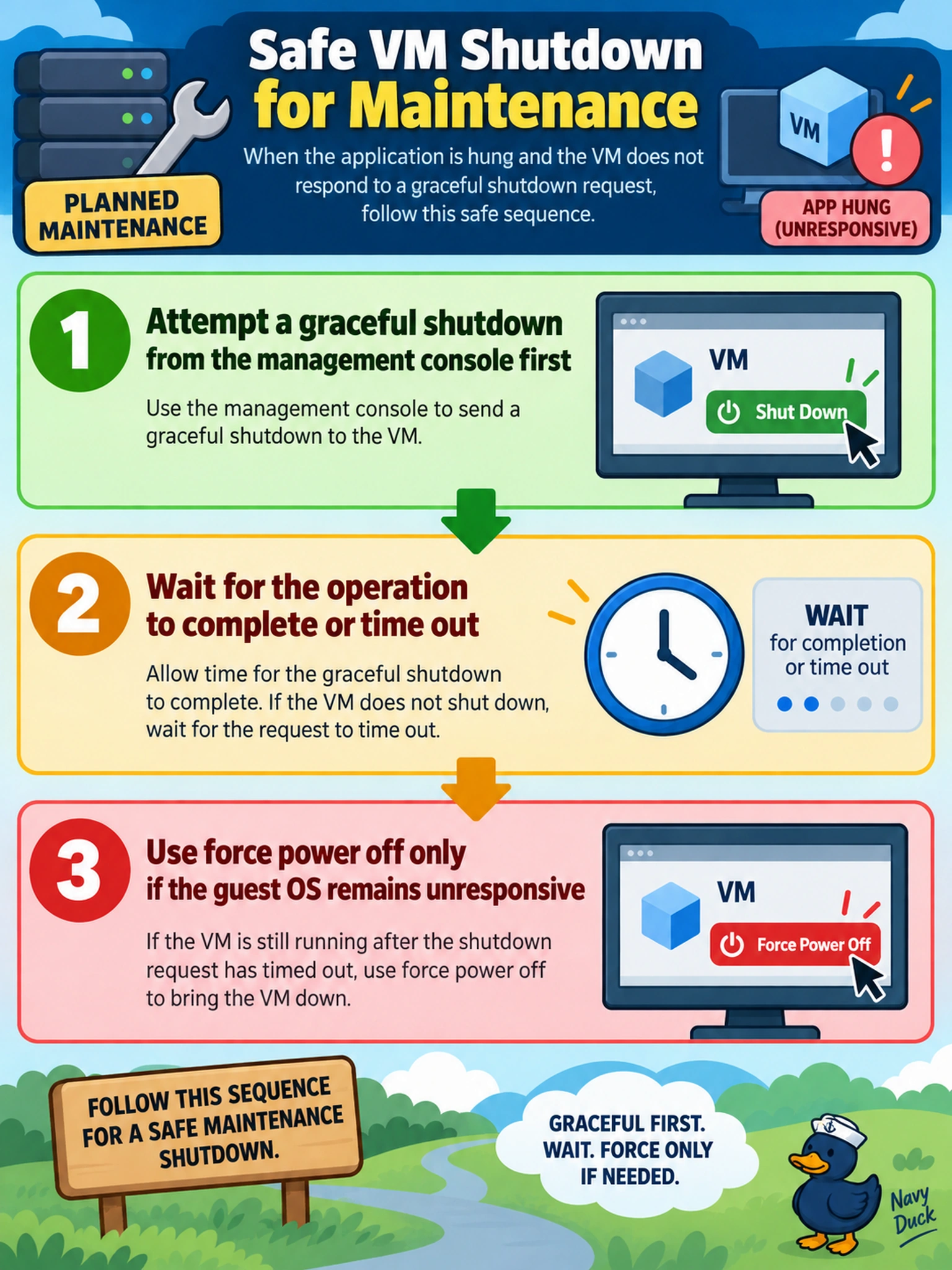
Think of a VM shutdown like asking someone to pack up before leaving the room. If the guest ignores you, you don't yank the plug first; you let the graceful request finish or time out, then force power off. You're protecting the filesystem and the app state, not just the maintenance schedule.
Full Explanation
A Nutanix VM shutdown begins with a guest-aware request from Prism, which asks the operating system through ACPI or guest integration to stop services, flush writes, and close files before the VM powers off. That orderly sequence matters on AHV because the guest filesystem and applications may still hold dirty data, and a clean shutdown reduces the risk of corruption and keeps application state predictable. If the guest is wedged, the administrator should still try the graceful path first, allow the operation to time out or report failure, and only then use force power off as a last resort. Immediate force power off is wrong because it is effectively pulling the plug and can leave logs, databases, or filesystems inconsistent. Restarting the controller VM is wrong because it addresses storage services, not the guest operating system, and can disrupt cluster availability while still not cleanly stopping the application. Detaching the VM from replication or moving it without a controlled power state is wrong because it does not resolve the unresponsive guest and may create replication or consistency concerns. Exam caveat: choose graceful shutdown first and treat forced power-off as a follow-up after failure. Operational check: confirm the VM is still running, review the shutdown task status, and capture the guest state if needed before forcing power off.