
A production VM on AHV is being retired, but its data disk must be reused by a new VM next week. You must remove the VM without losing the data disk. Which action should you take?
Select an answer to reveal the explanation.
Short Explanation
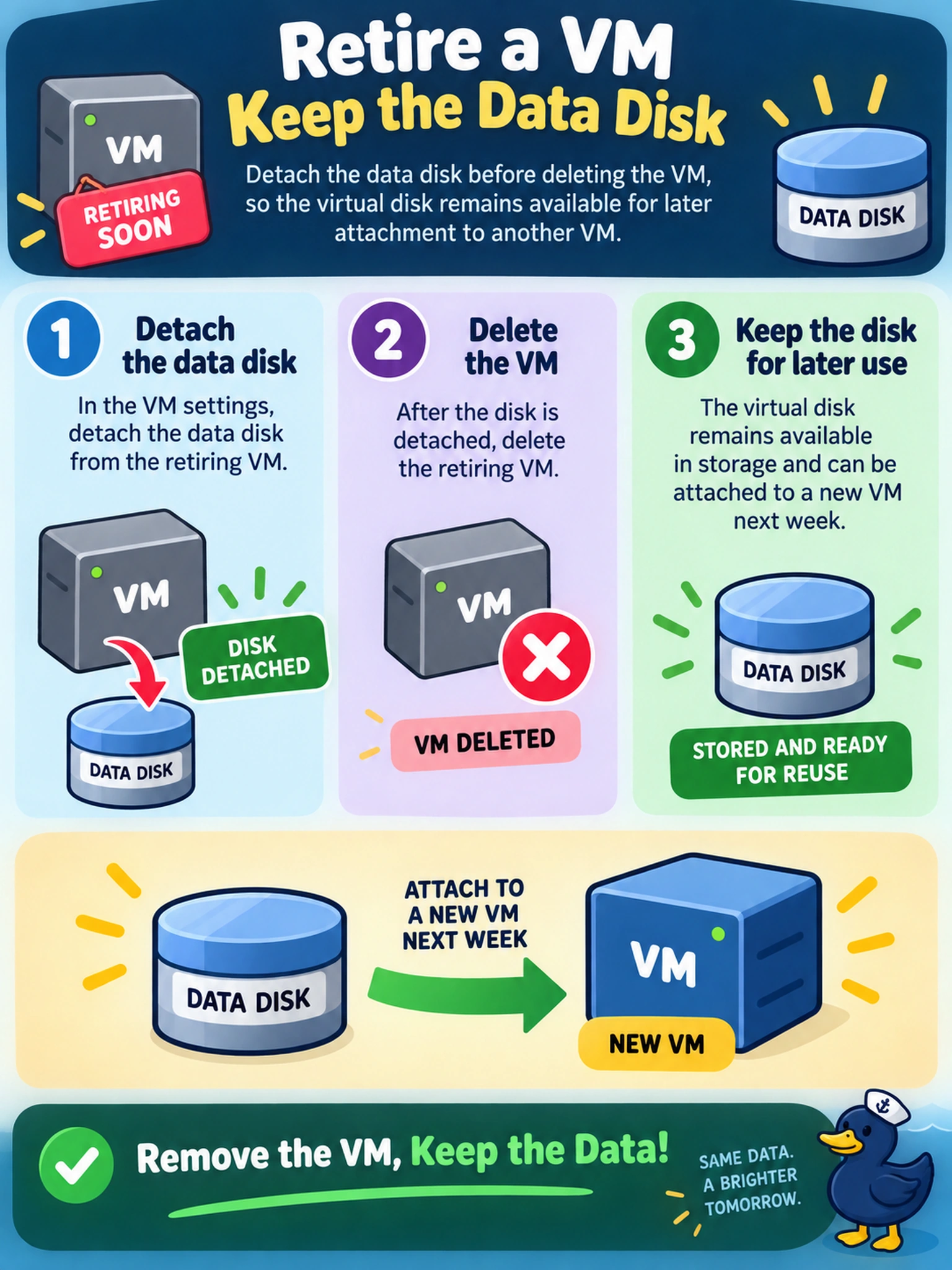
Think of a VM disk like a USB drive plugged into a laptop: unplug it before you scrap the machine, and the data survives. If you delete the VM while the disk is still attached, you are asking the platform to clean up both. You want the disk to stay in the storage pool, so detach it first.
Full Explanation
In Nutanix AHV, a virtual disk is normally owned by the VM to which it is attached. Deleting that VM causes the platform to reclaim storage resources that remain attached to it, so any disk you need to keep must first be detached. Detachment separates the disk from the VM lifecycle and leaves it as an unattached virtual disk that can be reattached to another workload. Relying on a snapshot is incorrect because snapshots preserve a point-in-time copy for recovery; they are not a reliable mechanism for extracting a live virtual disk after the parent VM is removed. Removing the VM from inventory while leaving disks attached is also incorrect, because inventory removal does not change storage ownership, and disks still bound to a deleted VM cannot be reused. Cloning to a template and then deleting the template is wrong because a template is a reusable VM definition, not a disk-extraction tool; deleting the template may destroy or orphan the associated virtual disks. Exam caveat: Choose the action that changes ownership of the disk before the VM object is removed, rather than a workflow that merely copies or snapshots the VM. Operational check: Before deleting the VM, confirm the disk is detached and visible as an unattached virtual disk, then record its name and size for reattachment.