
You change the boot disk on an AHV VM in Prism Central, then power it on. The VM loads the BIOS/UEFI screen but displays 'no bootable device found' instead of starting the OS. You suspect the VM is trying to boot from the wrong virtual disk. Which early recovery step should you take?
Select an answer to reveal the explanation.
Short Explanation
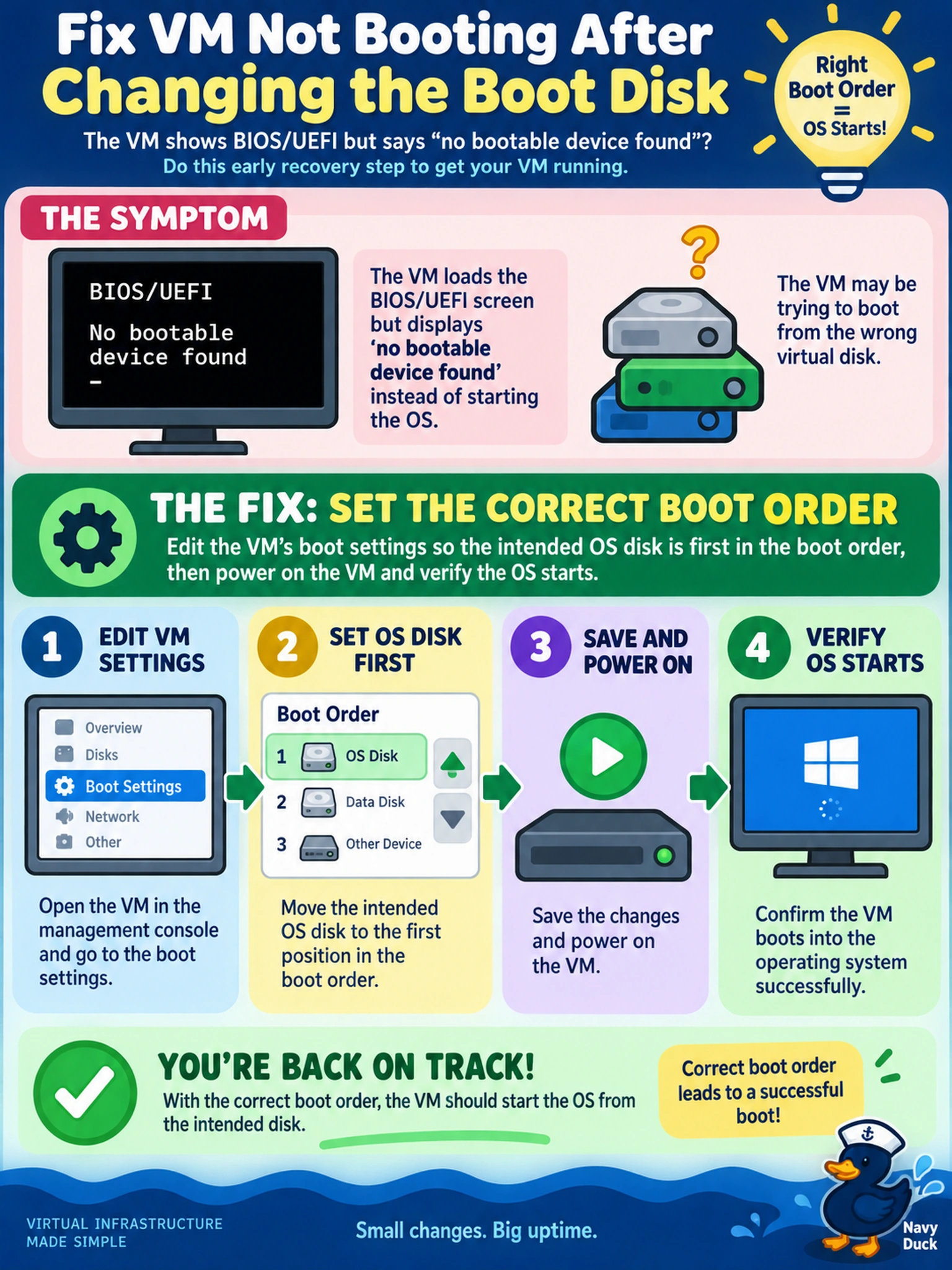
Think of boot order like a line at the door: if the wrong disk walks in first, the OS never gets a turn. You fix that by making the correct boot disk first, then powering on and watching the boot log. Snapshots and tools are useful, but they won't solve a simple line-order mistake.
Full Explanation
Adjusting boot order is an early recovery step because a disk change can leave the hypervisor presenting a different virtual disk as the first boot device. In AHV, the VM firmware selects devices according to the configured boot sequence, so if the old or empty disk remains ahead of the intended OS disk, the guest never reaches the bootloader. Correcting the order lets the VM load the operating system without altering data. Reinstalling guest tools is wrong because guest tools support guest integration and services, not firmware device selection. Restoring from a snapshot created after the disk change is wrong because that snapshot may already capture the broken configuration and it bypasses a simple boot-order fix; a pre-change snapshot would be a different recovery path. Enabling secure boot is wrong because secure boot controls signature verification, not the order in which disks are tried, and it can make booting harder if drivers or bootloaders are not trusted. Exam caveat: distinguish boot-order symptoms from missing bootloader, corrupted disk, or unsupported boot mode. Operational check: review the VM boot device list, set the OS disk first, save the change, power on, and inspect the console for bootloader or OS progress.