
An administrator needs to deploy twenty identical Linux application VMs on AHV from a standardized base. The base VM currently has application packages installed, but each deployment must start from the standard base only, without carrying over the source VM’s current disk state or identity. Which deployment method should be used?
Select an answer to reveal the explanation.
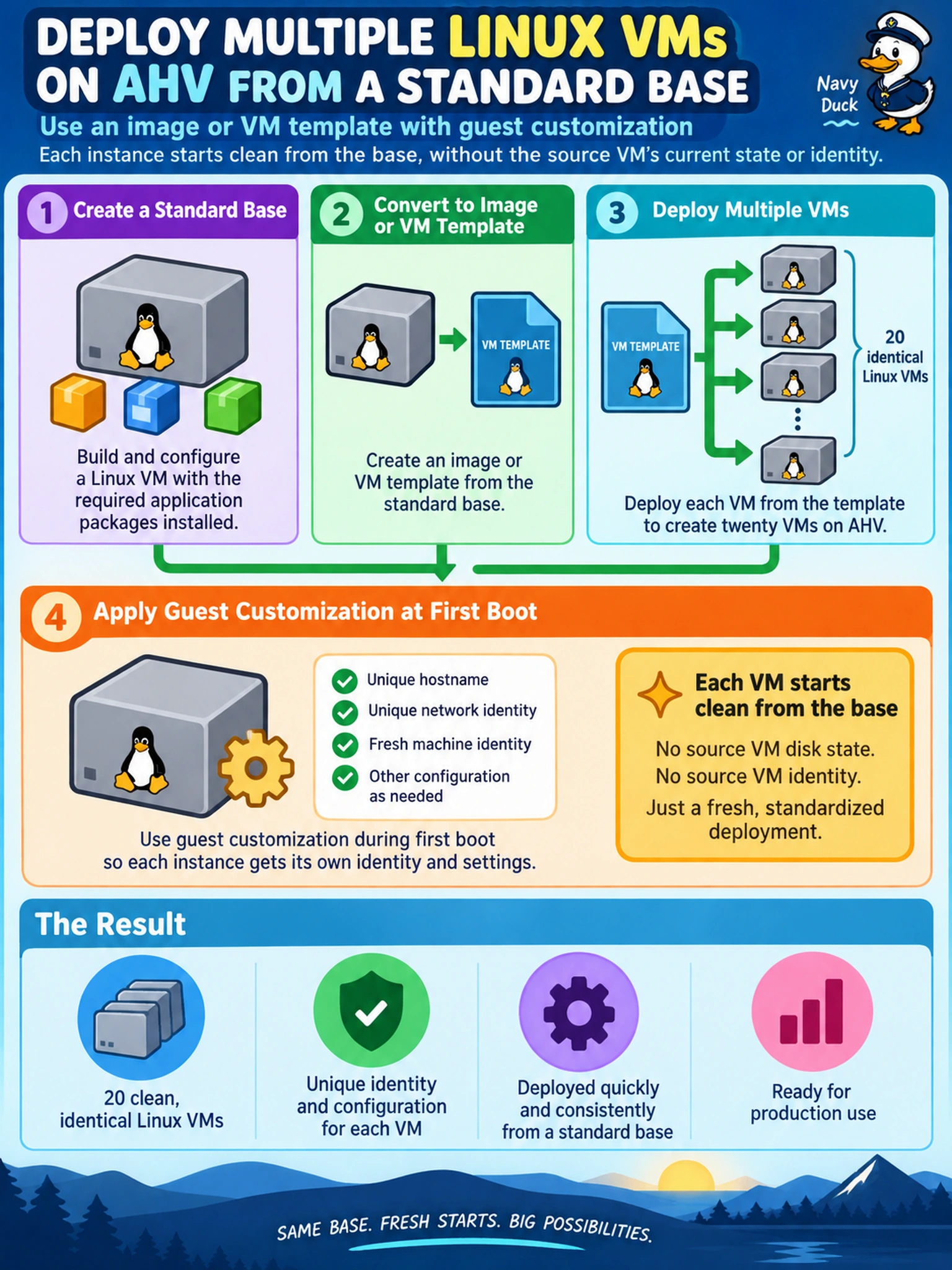
Short Explanation
Think of a template like a fresh cookie cutter: you press out new VMs without dragging the old dough along. If you clone the running source VM, you’re copying its current state, which is exactly what you’re trying to avoid. So deploy from the image or template, and let customization handle identity at first boot.
Full Explanation
An image or VM template is a reusable deployment source intended to create new workloads from a standardized base. When a new VM is deployed from an image or template, the platform uses the stored base disk or template configuration as the starting point and can apply first-boot customization such as hostname, networking, and Cloud-Init settings. This gives many consistent deployments without inheriting the source VM’s current running state, identity, or transient disk contents. Cloning the source VM directly is the wrong pattern here because it creates copies from the source’s current state, which may include unwanted application changes, machine identity, or session data. Restoring snapshots repeatedly is also not the preferred deployment method because snapshots are protection artifacts, not standardized build sources, and repeated restores can preserve source state and complicate lifecycle management. Live migration is unrelated to creating new instances; it moves an existing VM between hosts for maintenance or load balancing and does not produce new VMs from a base. Exam caveat: choose the reusable base deployment method when the requirement is multiple clean deployments, not when preserving a specific VM state is required. Operational check: verify the selected image or template powers on a test VM and applies the expected customization before deploying the production set.