
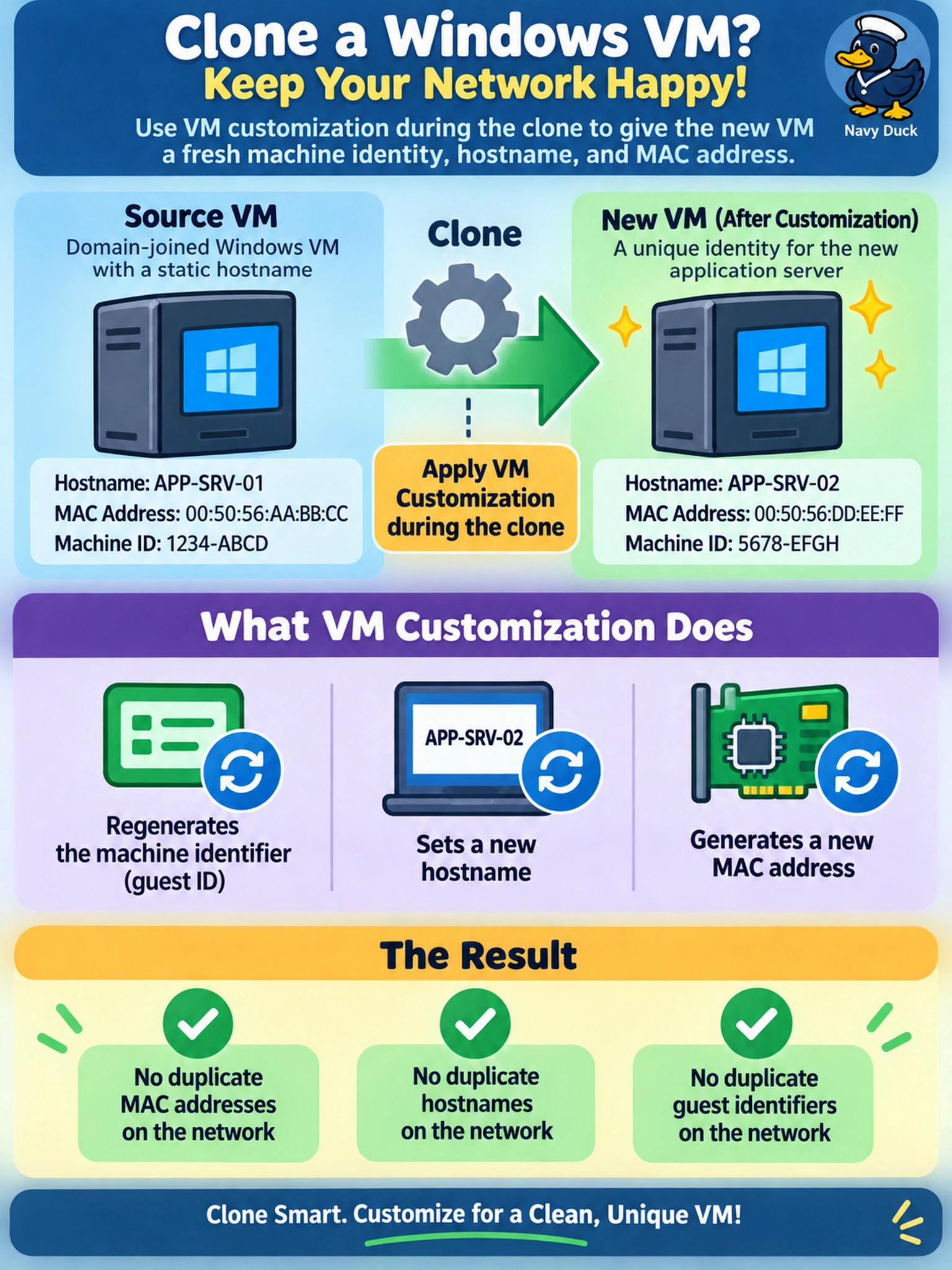
An admin clones a Windows VM in Prism Element for a new application server. The source VM is domain-joined and has a static hostname. Before powering on the clone, which action prevents duplicate MAC addresses, hostnames, and guest identifiers on the network?
Select an answer to reveal the explanation.
Short Explanation
Think of a clone like a photocopy: it looks right until two machines start shouting the same name and address. If you don't customize the guest, the hostname and OS ID can stay the same even when the VM record changes. You want customization to reissue the identity pieces before the clone hits the network.
Full Explanation
VM customization is the control point for guest identity when a VM is cloned. A cloned virtual machine may have a new platform-level record, but the guest operating system can still carry the same hostname, machine identifier, and network configuration unless customization reissues them. In Nutanix AHV-based workflows, using customization during or immediately after cloning is the supported way to create a distinct guest identity, including a regenerated MAC address and hostname where applicable. Simply moving or migrating the source VM does not create a second identity; live migration preserves the running workload and its identifiers, so it cannot solve duplicate MAC or hostname problems. Removing and re-adding a virtual NIC may produce a new MAC in some environments, but it leaves the OS hostname and machine identifier untouched, so domain or management conflicts can remain. Altering a storage policy changes data placement or performance characteristics, not guest identity attributes, and it has no mechanism to regenerate OS identifiers. Exam caveat: distinguish platform metadata from guest OS identity, because a new VM UUID does not guarantee a unique hostname or machine ID. Operational check: after customization, verify the clone's hostname, IP configuration, and MAC address before joining or restarting the workload.