
A running AHV VM hosts a database that developers need to test against. You need a copy of the running VM whose application state is consistent, and you must avoid relying on a raw disk copy. Which action should you take?
Select an answer to reveal the explanation.
Short Explanation
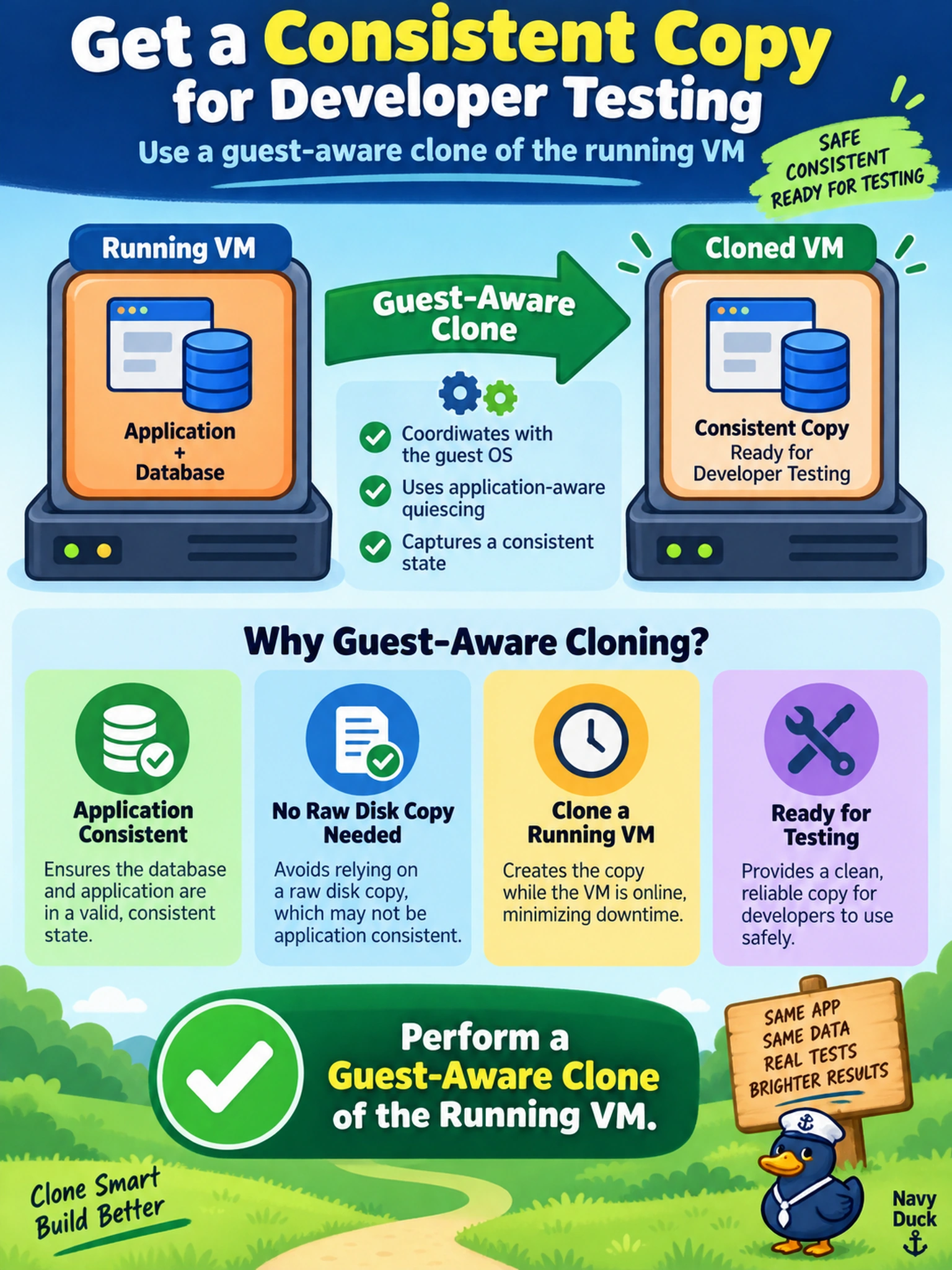
Think of cloning a live app like photocopying a spreadsheet while someone's still typing: you need the guest to pause and say it's safe. A guest-aware clone does that handshake, so your test copy starts from an application-consistent state instead of a half-written disk. The trap is treating any copy of a running VM as safe, because storage-level copies can split writes.
Full Explanation
Guest-aware cloning coordinates with the guest operating system and Nutanix guest tooling to quiesce or acknowledge the application state before the VM copy is created. This makes the clone more likely to start with a consistent filesystem and application database than an unprotected disk copy, while still using the VM lifecycle workflow rather than manual storage manipulation. A storage-level disk copy of a running guest is unsafe because writes can be split across the copied image, leaving databases or filesystems inconsistent. A storage-consistent snapshot may preserve a point-in-time image but does not necessarily communicate with the application to quiesce it, so it is not the best answer when application consistency is required. Live migration moves a running VM between hosts for maintenance or load balancing; it does not create a test copy and does not provide application consistency by itself. Exam caveat: when the stem says application consistency, look for guest-aware or application-aware behavior rather than simply snapshot or storage copy. Operational check: verify guest tools are installed and the clone operation reports application-consistent completion before presenting the copy to developers.