
An admin maintains an AHV Linux template used by self-service projects. They clone the template to a VM, apply OS patches, and power it off. The team wants all future deployments from the existing template to include the patches, while already deployed VMs remain unchanged. What should the admin do?
Select an answer to reveal the explanation.
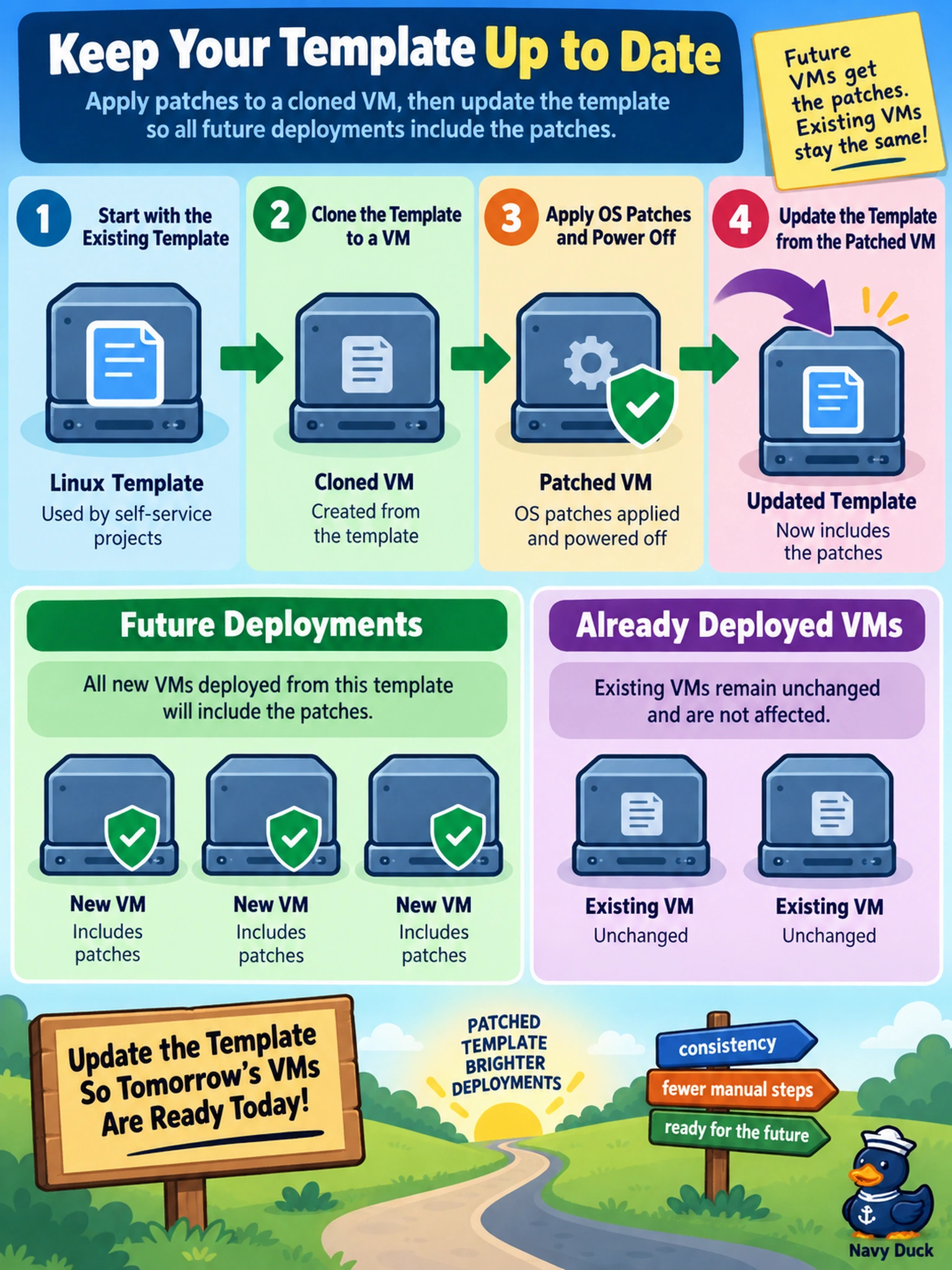
Short Explanation
Think of a template like a golden cookie jar: if the jar itself isn't refreshed, every new cookie still comes out old. You patch a clone, then update the template from that patched VM so future pulls use the new image. Don't chase deployed VMs or tape a patch ISO to the jar, which only fixes today, not tomorrow.
Full Explanation
Updating an AHV template is an image-refresh workflow, not a runtime configuration change. The template stores the boot disk and virtual hardware profile used when Prism creates a new VM. When you clone the template, patch the guest OS, shut down the clone, and update the template from that VM, the template disk image becomes the patched state. New deployments inherit the refreshed image; existing VMs are untouched because their disks were already created. Replacing the template with a newly created one can work operationally, but it breaks the requirement to keep the existing template as the deployment source and can leave catalogs, projects, or automation pointing to the old name. Patching only currently deployed VMs addresses drift in running workloads, not future provisioning from the template. Attaching a patch ISO or changing template settings does not alter the guest image inside the template, so deployments still boot from the unpatched disk. Exam caveat: Nutanix templates are treated as deployable VM images, not live VMs; update them through the template workflow rather than by editing attached media or migrating workloads. Operational check: after the update, deploy a test VM from the same template and verify patch level before promoting it to production.