
A production application team asks you to deploy a new VM from an updated template. The VM must keep the application's installed configuration but receive a unique hostname, IP address, and domain membership. What should you do?
Select an answer to reveal the explanation.
Short Explanation
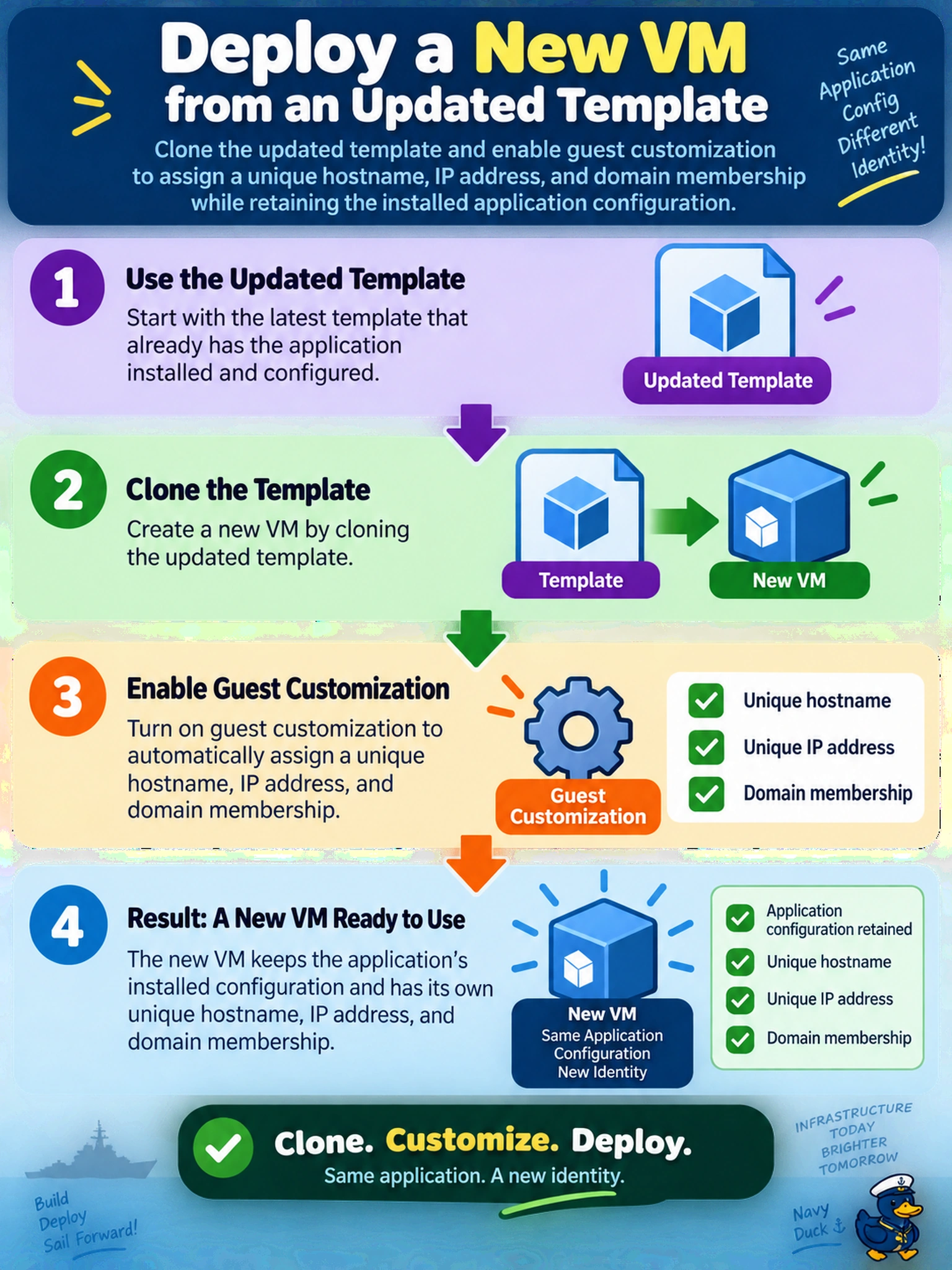
Think of a template as a cookie cutter: the shape is there, but every cookie still needs its own name tag. Clone it with guest customization so the VM gets a unique hostname, IP, and domain identity while keeping the app bits you already baked. Skip that, and you'll end up with two machines wearing the same name tag and fighting over the same network address.
Full Explanation
Template deployment works by cloning a golden image and applying guest customization during provisioning. Customization supplies the per-VM identity and network settings, including hostname, IP address, and domain membership, so the application payload from the template remains intact while the new VM is unique on the network. Manual creation rebuilds the workload from scratch, increasing drift, configuration errors, and the chance that application dependencies are missed. Cloning without customization copies the source identity and network configuration, creating duplicate hostnames, IP addresses, or domain identifiers that can break authentication and monitoring. Live migration moves a running VM between hosts or clusters; it does not convert an existing VM into a template or apply template customization. Exam caveat: the exam expects the administrator to use the template-plus-customization workflow for repeatable production deployment, not post-boot manual fixes. Operational check: verify the customization specification includes a unique hostname, correct IP or DHCP policy, and domain join settings before deploying the first clone.