
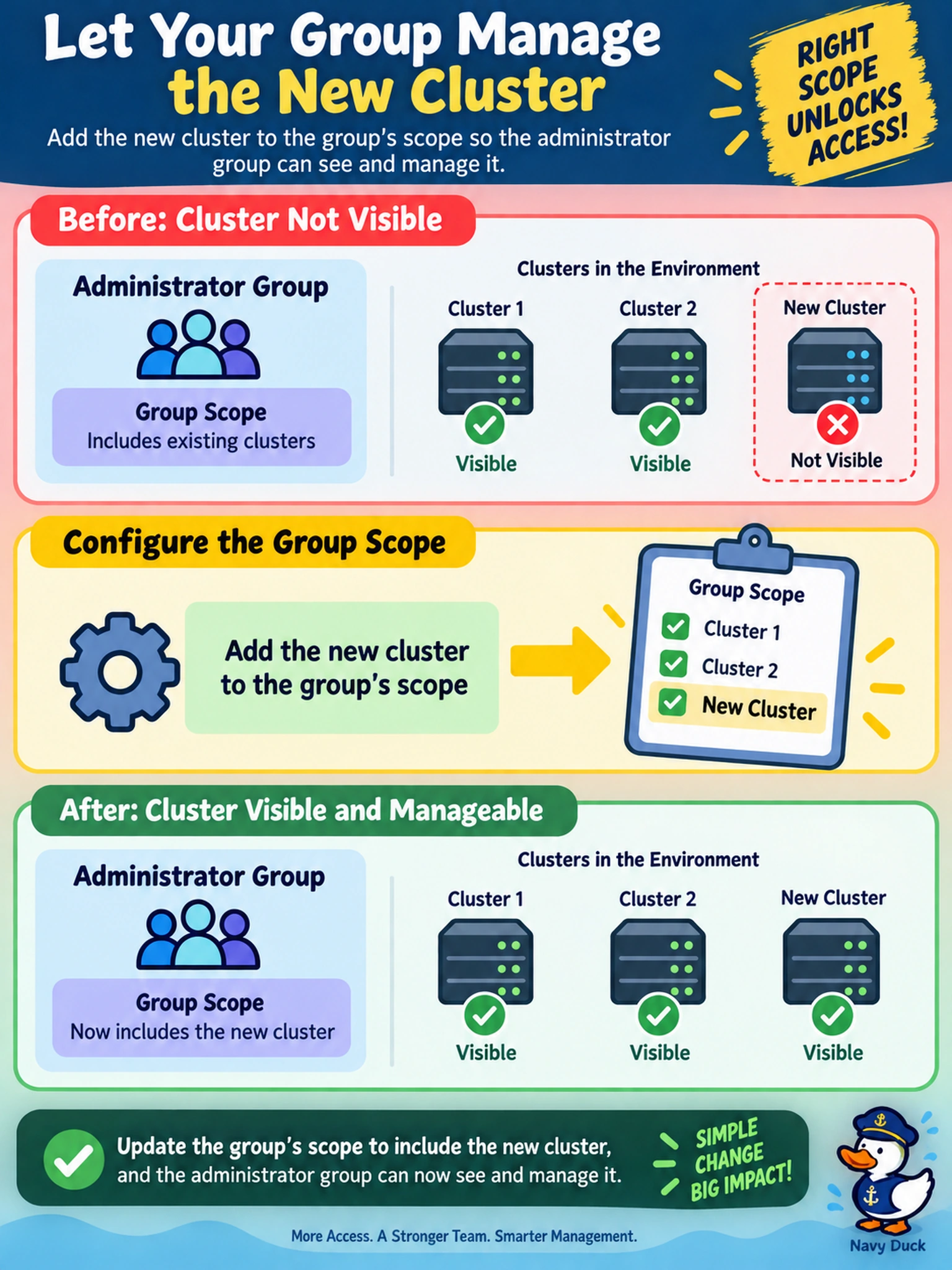
A new AHV cluster is registered in Prism Central. An existing administrator group can manage other clusters but cannot see this cluster. What should you configure so the group can administer it?
Select an answer to reveal the explanation.
Short Explanation
Think of Prism Central like a building directory and badge system: registering a cluster adds the floor, but your badge still needs that floor in its access list. If a group can't see the new cluster, add it to the group's scope. RBAC isn't about making a local account on the floor or running health checks; it's about who can see and touch what.
Full Explanation
In Prism Central, registering a cluster makes the cluster a managed resource, but it does not automatically place that resource inside every user or group access boundary. Prism Central controls visibility through role assignments and permission scopes. If an existing administrator group is scoped to specific clusters, a newly registered cluster remains invisible until the administrator includes that cluster in the group's scope. This keeps multi-cluster administration consistent while preserving separation between clusters. Enabling RBAC enforcement on the cluster is not the fix when the problem is that an existing authorized group lacks the cluster in its assigned scope; enforcement governs whether access checks are applied, not which clusters a group may see. Creating a local administrator in Prism Element can grant direct access to that cluster, but it does not solve the Prism Central group visibility requirement and bypasses centralized RBAC. Running NCC health checks against the new cluster affects monitoring and validation only, not authorization. Exam caveat: when users already have a role but cannot see a newly added cluster, check scope first rather than assuming the role lacks permissions. Operational check: review the group's role assignment in Prism Central and confirm the new cluster is included, then validate by signing in as a group member.