
Your team wants Prism Central administrators to sign in with corporate credentials instead of local accounts. You must enable centralized identity for Prism administration while preserving role-based access. What should you configure?
Select an answer to reveal the explanation.
Short Explanation
Think of SSO like a building badge reader: your identity provider checks who you are, then Prism Central decides what your badge unlocks. If you keep local passwords or per-cluster logins, you've just added more doors to guard. You want one central identity source mapped to roles, not scattered accounts.
Full Explanation
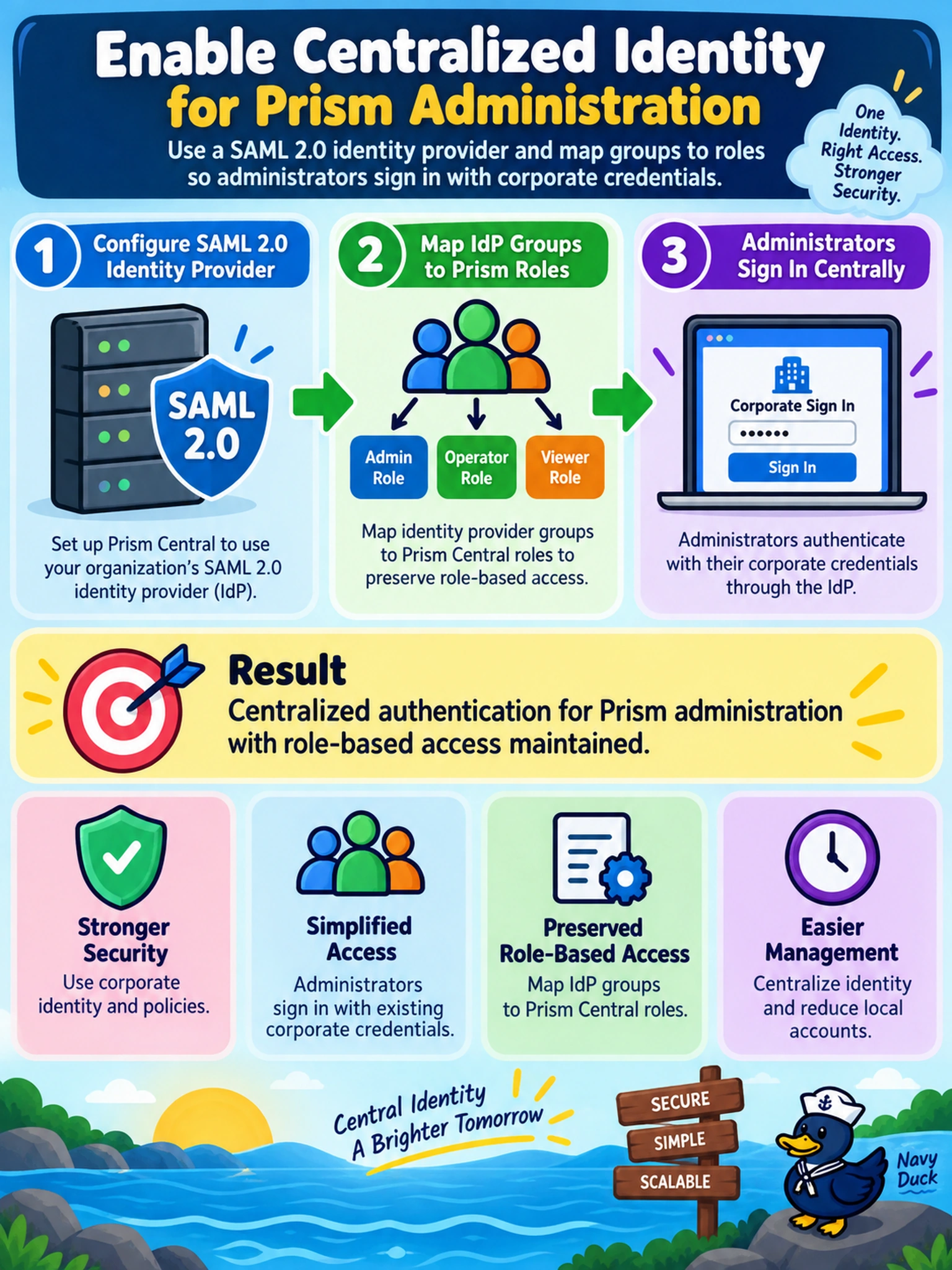
Prism Central can act as a SAML 2.0 service provider. When you integrate it with an enterprise identity provider, authentication happens centrally, and Prism Central maps authenticated users or groups to Prism roles for authorization. This supports centralized administration across managed clusters without maintaining separate local passwords. Relying on per-cluster LDAP sources fragments identity, because each cluster still controls its own directory integration and does not give Prism Central one central administrative login path. Requiring local Prism passwords after corporate login defeats SSO and reintroduces local credential sprawl. Using Flow Network Security to restrict UI access is a network control, not an identity integration; it can limit reachability but cannot authenticate users or assign Prism roles. Exam caveat: distinguish authentication from authorization; SSO proves who the user is, while role mapping still decides what the user can do. Operational check: confirm the identity provider sends the expected attributes or groups, then test a test account with a low-privilege role before enabling broader administrative access.