
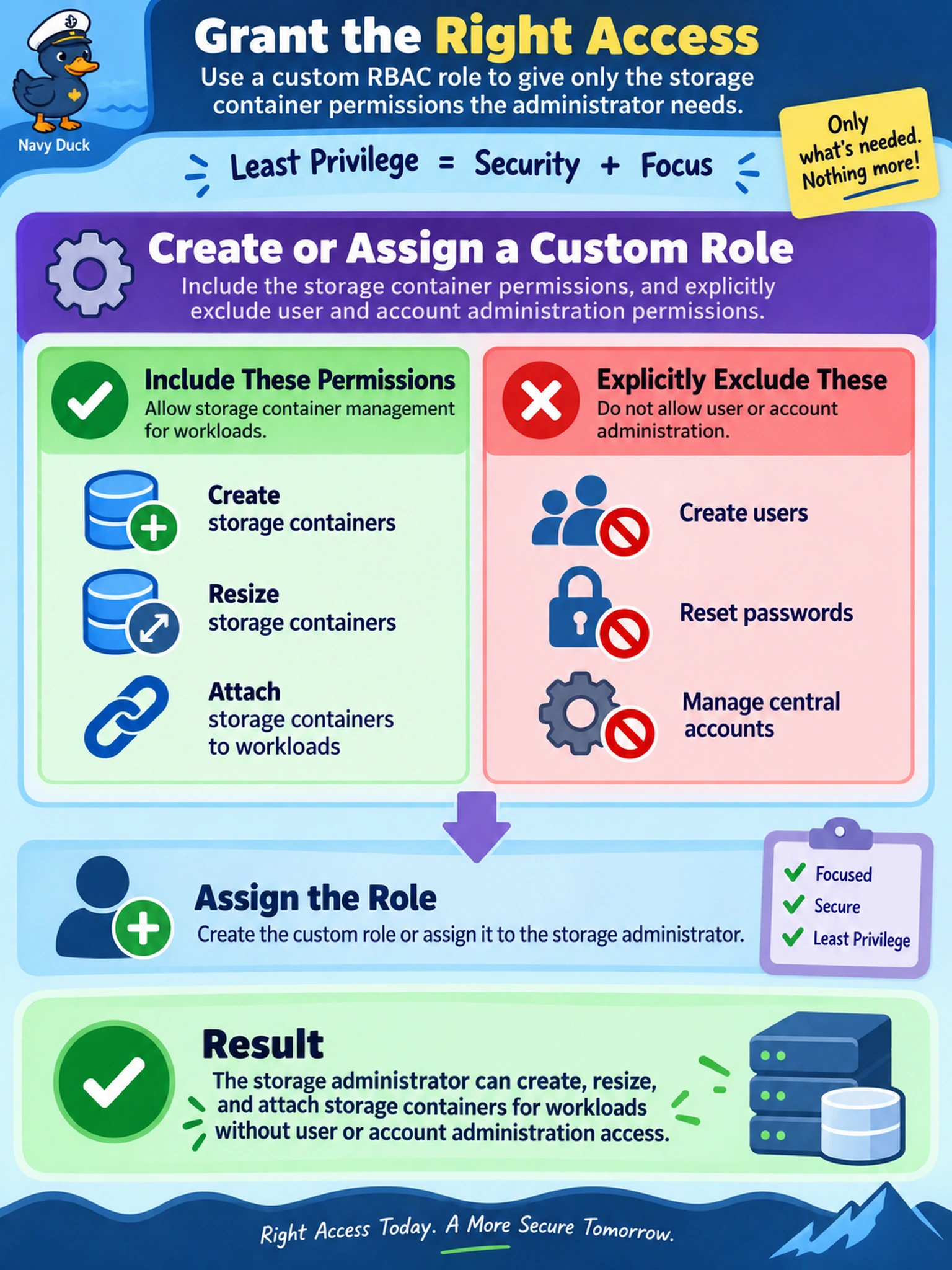
A storage administrator at a Nutanix AHV site must create, resize, and attach storage containers for workloads, but must not create users, reset passwords, or manage Prism Central accounts. You must grant the least privilege using Prism RBAC. Which action should you take?
Select an answer to reveal the explanation.
Short Explanation
Think of RBAC like keys to a workshop: if you need a screwdriver, don’t hand over the master key to the whole building. Give the storage admin a custom role that opens the container/storage cabinet but leaves the user-account room locked. The trap is using Admin or Cluster Admin just because they can do storage—they can also do user administration.
Full Explanation
RBAC in Nutanix separates what an administrator can change by grouping permissions into roles. For a storage administrator, the mechanism is to grant a role whose permission set includes storage/container operations such as creating, modifying, or attaching containers, while omitting user/account management permissions. Prism supports built-in roles and custom roles; when a built-in role bundles unrelated privileges, a custom role or a lower privileged role plus explicit storage permissions is the least-privilege approach. The built-in Admin role is wrong because it grants broad administrative capabilities beyond storage, including user or account administration. The Cluster Admin role is wrong because it is intended for full cluster control and also includes privileges that violate the requirement to prevent user administration. The read-only User role is wrong because it cannot create, resize, or attach containers, forcing out-of-band manual changes and failing the administrative objective. Exam caveat: do not assume a single built-in role always maps cleanly to a job function; evaluate the permission scope, not the role name. Operational check: review the role’s assigned permissions after assignment and test by attempting a container operation and a user-account operation to confirm allow and deny behavior.