
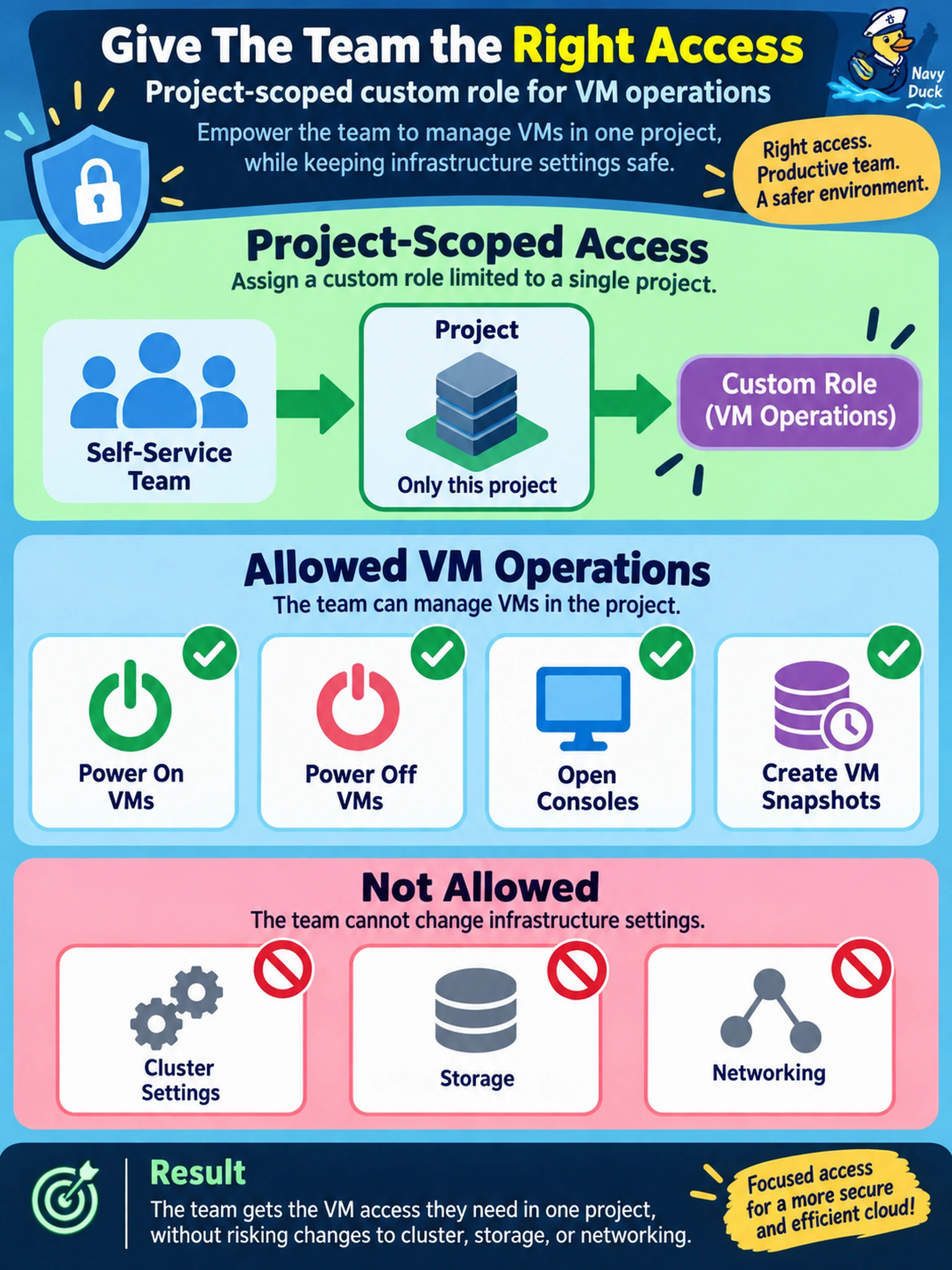
A self-service team must power on and off VMs, open consoles, and create VM snapshots in one project. They must not change cluster settings, storage, or networking. Which Prism Central access configuration meets this need?
Select an answer to reveal the explanation.
Short Explanation
Think of access like a house key: give your team the key to the VM door, not the whole building. A project-scoped custom role lets you hand out just the power, console, and snapshot rights they need. If you hand out Cluster Admin, you've basically given them the master key.
Full Explanation
Nutanix access control separates what a role can do from where the role is effective. In Prism Central, a custom role can be defined with only the permissions required for VM operations, such as powering virtual machines on and off, opening consoles, and creating VM snapshots. The role is then assigned to a user or group at a project scope, so the team can manage only the workloads contained in that project. This gives self-service capability while preserving least privilege. A built-in VM administrator role assigned at cluster level is too broad because it provides VM administrative rights across the cluster, not just the requested project. A cluster administrator role is also inappropriate because it grants broad cluster management authority, and placing it inside a project does not reduce it to VM-only operations. A storage administrator role is wrong because it grants storage management functions rather than the required VM lifecycle and console permissions, and it can expose disk or storage configuration changes. Exam caveat: expect questions to distinguish between the permissions a role contains and the scope to which that role is assigned. Operational check: log in as a member of the self-service group and verify that allowed VM actions succeed while cluster, storage, and network changes are denied.