
A Prism Central administrator must let an engineer change VLANs and IP address pools on AHV, but must not allow changes to storage containers. Which built-in role should be assigned?
Select an answer to reveal the explanation.
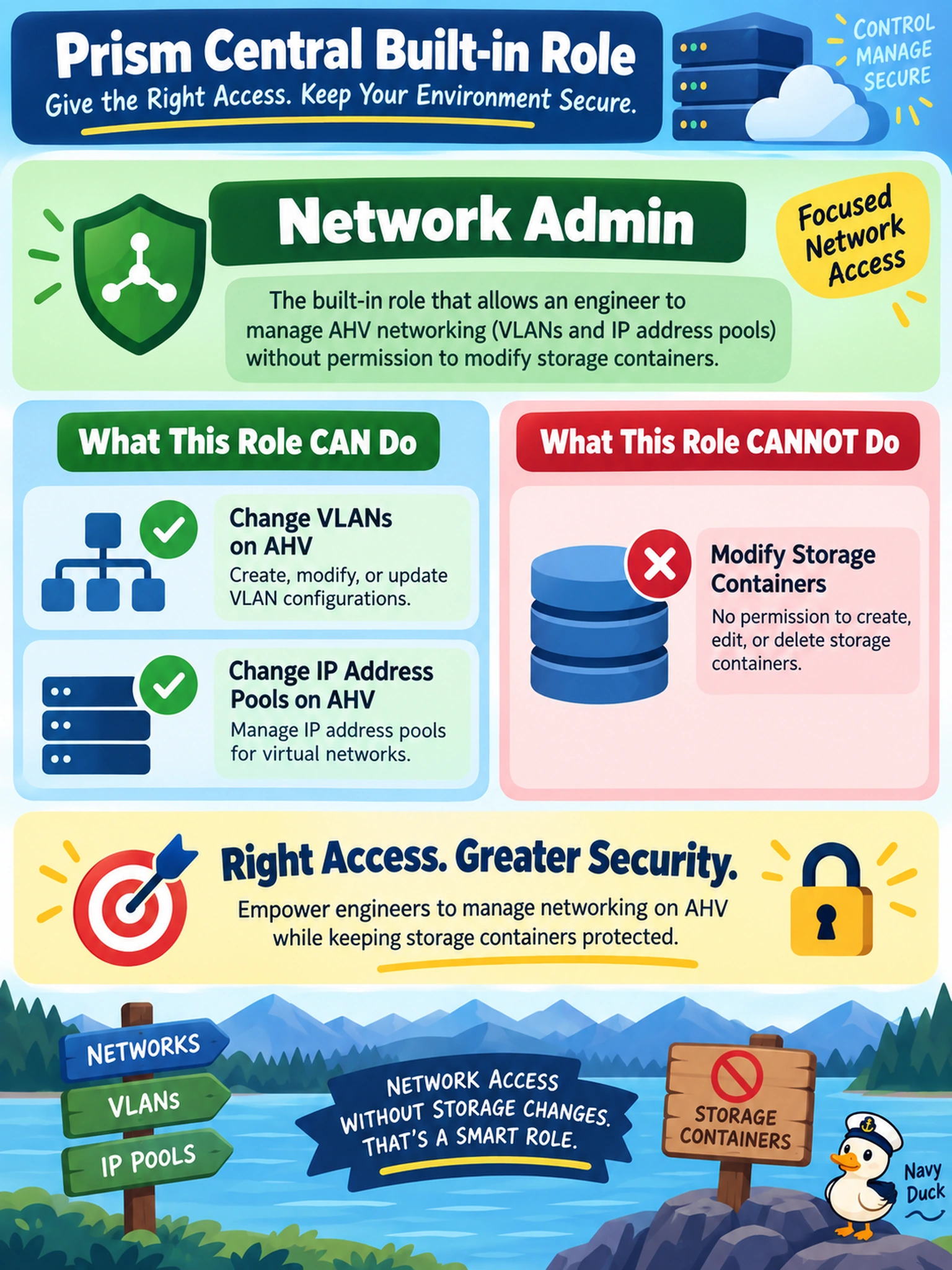
Short Explanation
Think of roles like job badges in a data center: you want the badge that opens the network closet, not the storage room. Network Admin fits that job because it lets the engineer work on VLANs and IP pools without touching storage containers. Cluster Admin is the master key, and Storage Admin goes straight into the wrong room.
Full Explanation
Nutanix Prism Central uses role-based access control to bind users or groups to a fixed permission set for managed clusters. The Network Admin role grants administrative authority over cluster networking constructs such as VLANs, IP address pools, and related network settings, while it does not grant the storage container permissions needed to create, modify, or delete containers. That separation supports least privilege when an engineer is responsible only for network configuration. Cluster Admin is wrong because it is intentionally broad and includes storage management along with networking, so it would allow container changes. Storage Admin is wrong because it grants storage container administration, the exact capability the requirement forbids, and does not satisfy the need to manage network settings. Application Admin is wrong because it is scoped to application and virtual machine lifecycle management rather than infrastructure networking, so it neither provides VLAN or IP pool control nor addresses the storage restriction. Exam caveat: built-in role names and available permissions can vary by Prism version and deployment, so verify the role's effective permissions before assigning it. Operational check: create a test user, assign the role, and confirm the user can edit a VLAN or IP pool but cannot open the storage container creation or modification workflow.