
You add two nodes to a four-node AHV cluster. An hour later, Prism shows the original nodes with high disk usage and the new nodes with low usage. The cluster is healthy and workloads are running. What should you expect?
Select an answer to reveal the explanation.
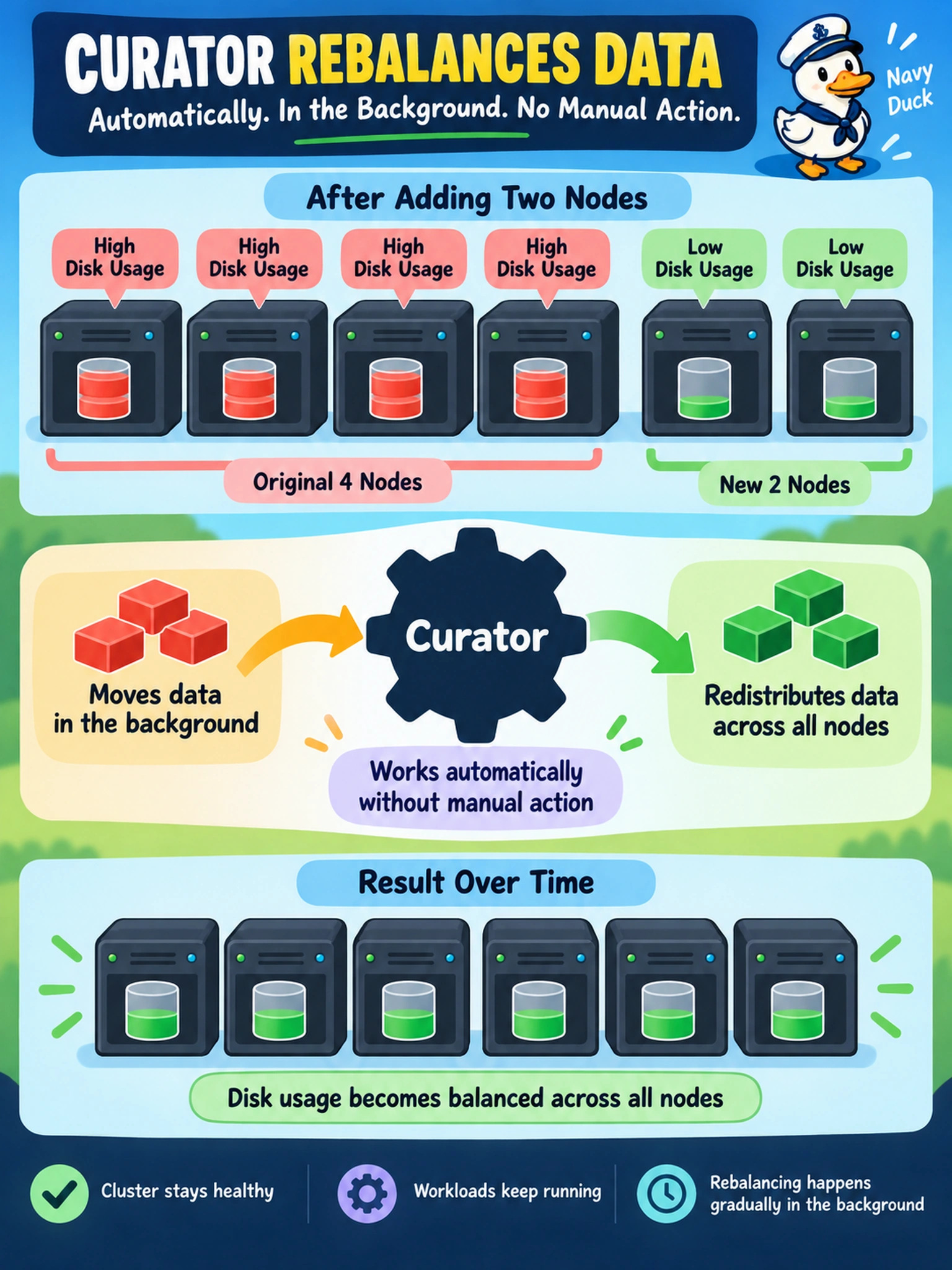
Short Explanation
Think of it like moving into a bigger apartment: you don’t haul every box to the new rooms on day one. Curator does the moving quietly in the background, placing data where it fits best. The trap is expecting instant balance or a manual rebalance button.
Full Explanation
Nutanix data placement is handled by background cluster services, with Curator responsible for rebalancing data across available storage as the cluster topology changes. When nodes are added, the new disks become usable capacity, but existing data does not move instantly. Curator schedules movement according to current utilization, locality, redundancy, and cluster constraints, so temporary imbalance is normal after expansion. A manual rebalance is not required simply because new nodes have lower utilization; expecting an operator to trigger redistribution treats an automated background process as a maintenance task. Data redistribution is also not dependent on a future LCM upgrade, because LCM manages software component updates and lifecycle operations, not the physical placement of existing data after a capacity change. A rolling CVM restart is likewise not the mechanism for balancing; restarting services may be appropriate for certain maintenance or troubleshooting scenarios, but it does not intentionally move user data to newly added nodes. Exam caveat: On the exam, a healthy cluster with uneven disk usage shortly after expansion usually points to expected background rebalancing, not a failed expansion. Operational check: Confirm cluster health, verify that rebalancing or Curator activity is progressing, and watch disk utilization trend toward balance over time before considering intervention.