
You are planning a LCM upgrade for a 4-node AHV cluster. The LCM pre-check reports a single disk in a failed state. The customer insists on proceeding to meet a change window deadline. What is the required action before initiating the upgrade?
Select an answer to reveal the explanation.
Short Explanation
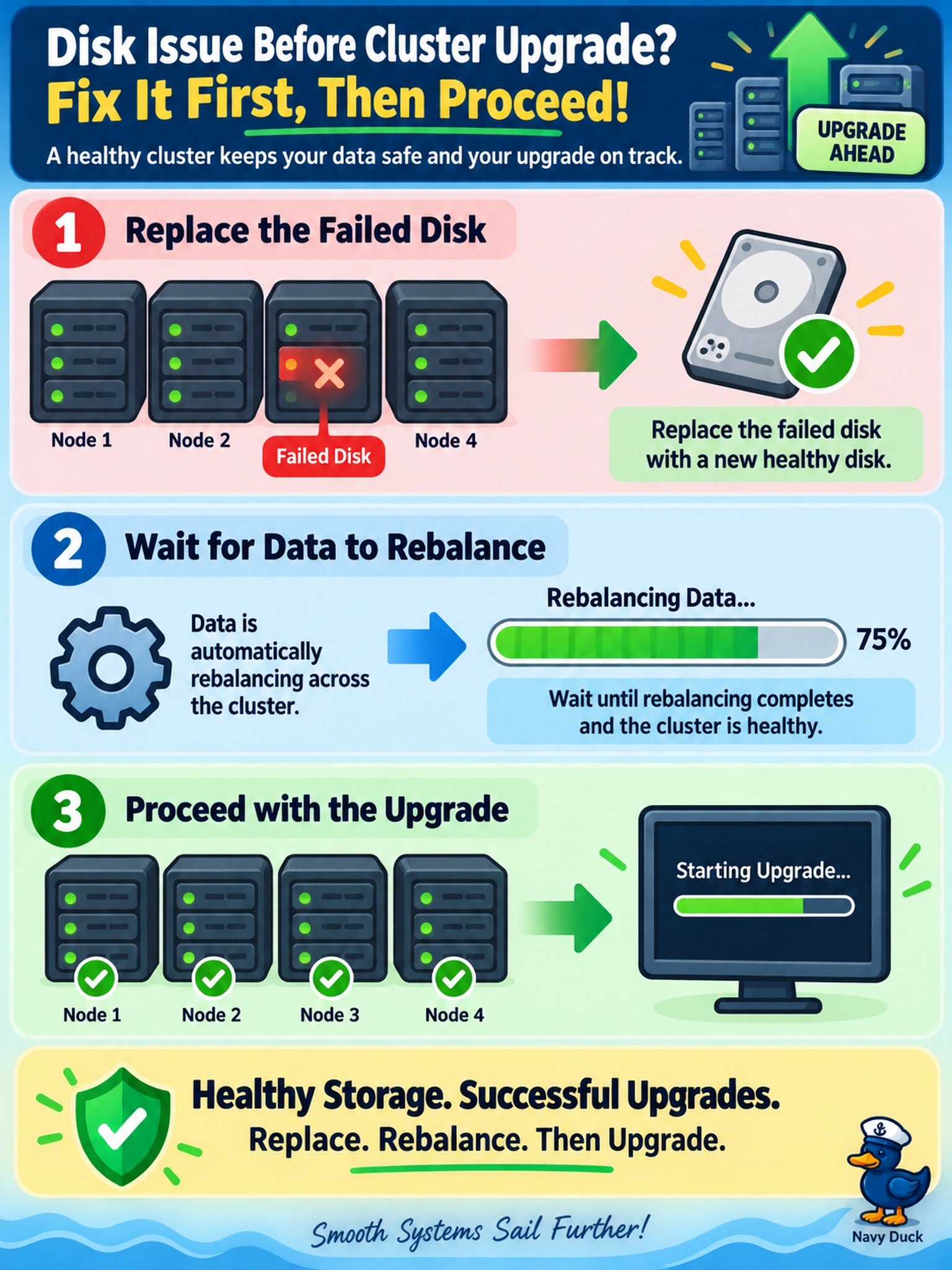
Think of upgrading a cluster with a failed disk like driving on a flat: you fix the wheel before hitting the road. LCM pre-checks are hard stops because a failed disk means lost redundancy, so you replace it and let Curator rebalance before starting the upgrade.
Full Explanation
LCM pre-upgrade checks validate cluster health before a rolling software update, and a failed disk means the cluster has lost redundancy. Replacing the disk and allowing Curator to rebalance restores the storage protection state, so the cluster can safely tolerate node reboots during the upgrade without risking data availability.
Proceeding while assuming the failed disk can be skipped is wrong because LCM does not treat hardware health as optional; the rolling restart can expose data that is already at risk. Taking a node offline is a more disruptive cluster-level action than needed for one failed disk and can trigger unnecessary data movement. Bypassing pre-check warnings is unsupported because it ignores a condition that can turn a planned upgrade into an outage.
Exam caveat: Treat failed hardware in LCM pre-checks as a blocking issue, not a warning to override.
Operational check: Replace the disk, confirm Curator rebalance completion and disk health, then rerun the LCM pre-check.