
An administrator needs to upgrade both AOS and AHV on a 4-node Nutanix cluster to the latest stable release. The environment requires minimal downtime and consistent versioning across all nodes. Which method should the engineer use to perform this upgrade?
Select an answer to reveal the explanation.
Short Explanation
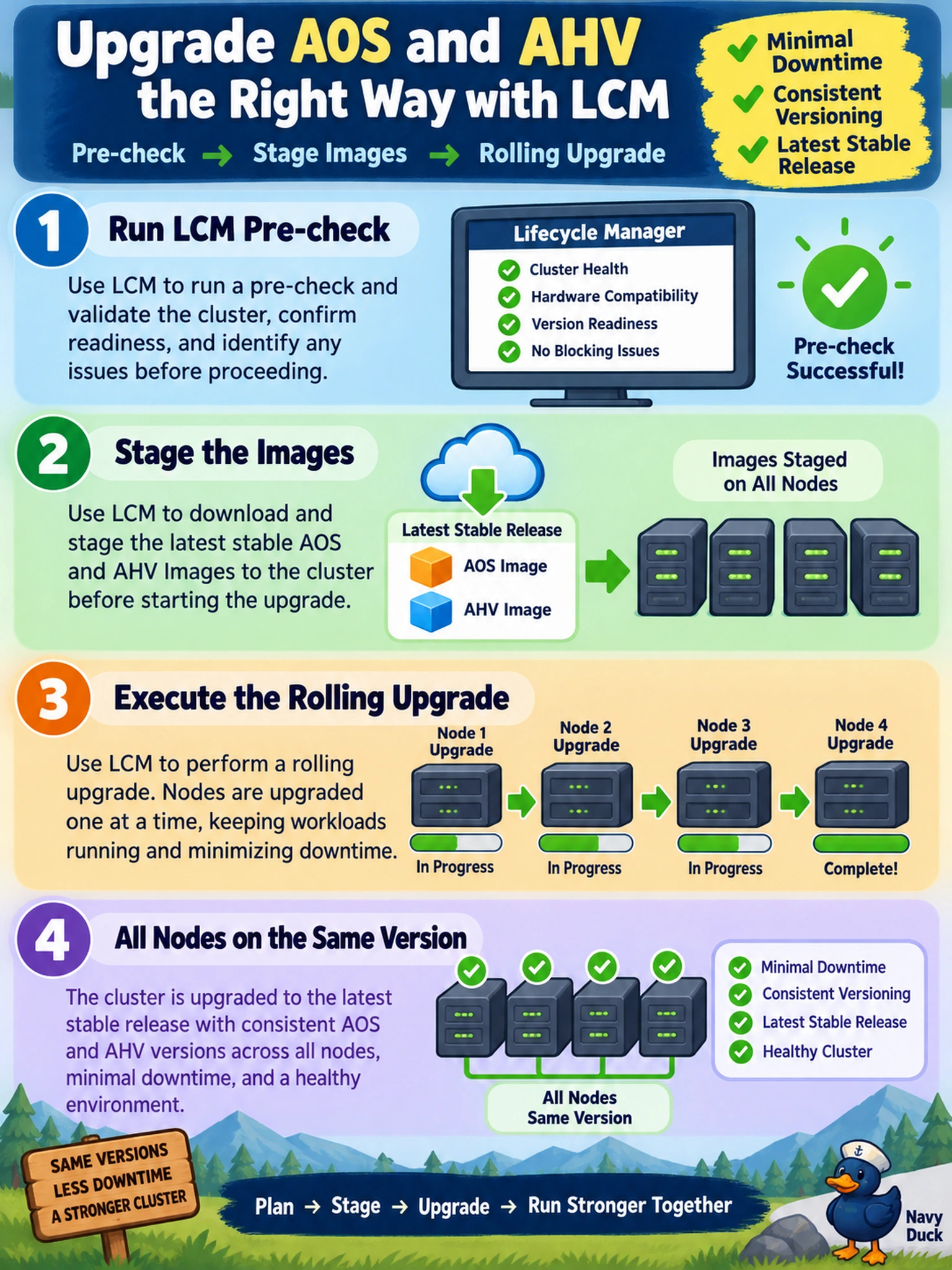
Think of LCM as your automated pit crew. Instead of you running around changing tires one by one (manual SSH upgrades), LCM handles the stop, swap, and go for every node in sync. It ensures AOS and AHV stay aligned and keeps the cluster healthy during the process. You don't want to improvise with manual commands or wipe the cluster just to patch it.
Full Explanation
Life Cycle Manager (LCM) is the centralized orchestration engine in Nutanix Prism for managing software updates. It automates the rolling upgrade process for AOS, AHV, firmware, and other components. LCM performs pre-upgrade health checks to ensure the cluster is stable, stages the software images to all nodes, and then upgrades nodes one by one (or in parallel where safe) to minimize downtime. This ensures version consistency and reduces administrative overhead. Manual upgrades via SSH are error-prone, lack pre-checks, and can lead to version drift or cluster instability. Re-imaging nodes via ISO is a destructive process intended for initial deployment or severe recovery, not routine upgrades, and would cause significant downtime. Deleting and redeploying the cluster is an extreme measure that results in total service loss and data destruction risk, which is never an appropriate method for a standard software upgrade. Exam caveat: Always verify that the target version is supported by your hardware and current firmware via the Nutanix Software Upgrade Guide before running LCM. Operational check: Before initiating the upgrade in LCM, review the pre-check results and resolve any reported health issues to prevent the upgrade from pausing or failing mid-process.