
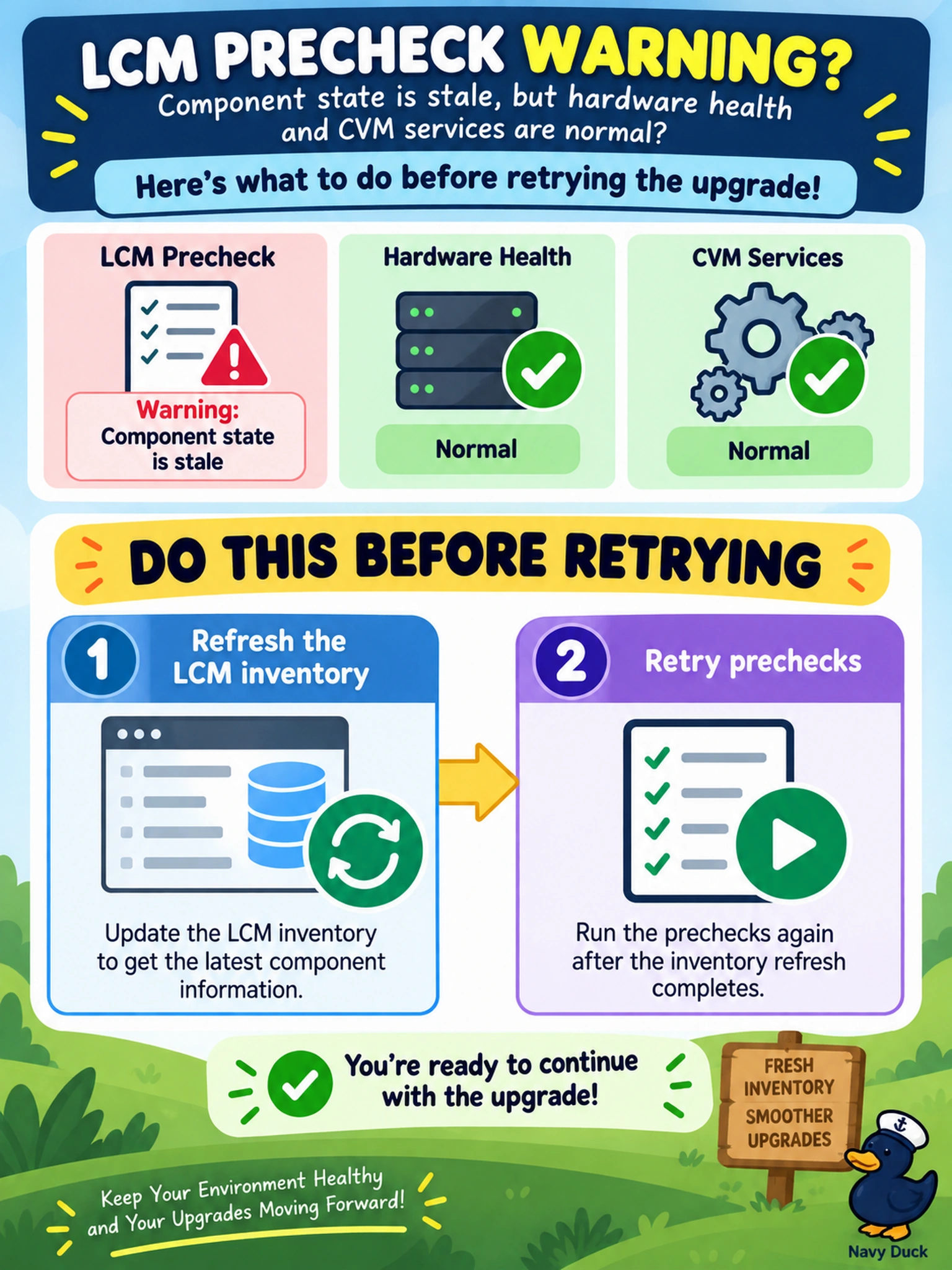
An LCM precheck for an AOS upgrade stops with a warning that a component's state is stale, while hardware health and CVM services are normal. What should you do before retrying the upgrade?
Select an answer to reveal the explanation.
Short Explanation
Think of LCM like a pre-flight checklist: if the manifest you rely on is old, the plane won't leave the gate. Refresh the inventory so LCM sees the current component state, then you can rerun the precheck. The trap is treating a stale inventory warning like a broken disk or a dead CVM.
Full Explanation
LCM evaluates component versions and health from an inventory snapshot before an upgrade. When that snapshot is stale, prechecks may report a component state that no longer matches the cluster, blocking the workflow even though hardware and services are healthy. Refreshing the inventory rebuilds the component view, allowing prechecks to evaluate the current state and confirming whether the upgrade can proceed. The inventory refresh is a read-oriented metadata action, so it is the least disruptive way to reconcile what LCM believes exists with what the cluster reports. Replacing a disk is wrong because the warning identifies state inconsistency, not a failed drive or SMART error; disk replacement changes hardware without correcting inventory metadata. Restarting all CVMs is wrong because CVM restarts are disruptive and do not resolve stale inventory metadata unless a service failure is proven. Disabling prechecks is wrong because prechecks exist to catch compatibility, capacity, and health conditions that can make an upgrade unsafe, and bypassing them increases risk. Exam caveat: on the exam, match the symptom to the layer: stale component state points to LCM inventory or precheck freshness, not hardware repair. Operational check: run an LCM inventory refresh, review the refreshed component list, then rerun the upgrade precheck before starting the LCM workflow.