
A zoetrope-style civic parlor stores tap-test audio clips beside drum stills. One intern pastes filenames on a wall; another opens a spectrogram next to the still. Which view better analyzes whether the audio arm is present and usable?
Select an answer to reveal the explanation.
Short Explanation
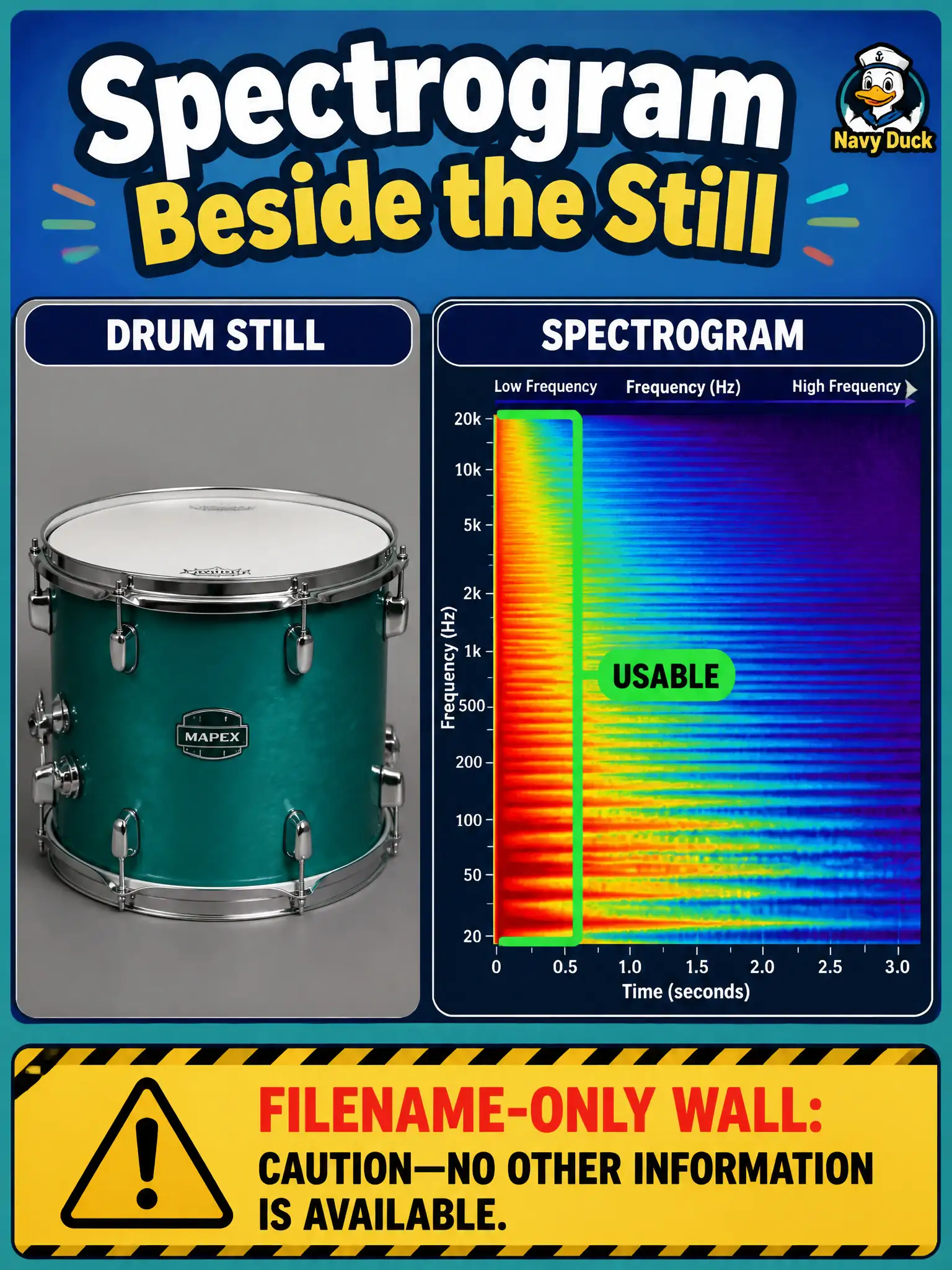
Filenames on a wall do not show you the sound. A spectrogram or waveform next to the still is the view that proves the audio arm is actually there and usable.
Full Explanation
In a zoetrope-style civic parlor that stores tap-test audio beside drum stills, modality-appropriate audio views—spectrograms or waveforms—placed next to the still let stewards inspect whether the audio arm exists and is usable. That paired visual analysis shows content on the audio channel, not merely inventory labels.
Relying on a filename wall because names alone prove audio content is good fails because filenames are labels; they do not reveal silence, clipping, or wrong takes. Substituting a Domain 2 fusion diagram for any audio visualization fails because fusion architecture diagrams do not inspect the usability of stored waveforms. Using a text-only chart of file extensions with no audio view fails the same way: extensions confirm packaging, not that the audio arm carries usable signal next to the still.
Exam caveat: Domain 5 insists on modality-appropriate inspection. Inventory lists and architecture sketches are not substitutes for looking at (or listening to) the audio arm.
Operational check: open spectrogram or waveform panels beside paired stills for a sample of trays; flag silent, clipped, or misaligned clips; require an audio-view pass in the civic parlor checklist before declaring the multimodal pair ready for downstream training or demos.