
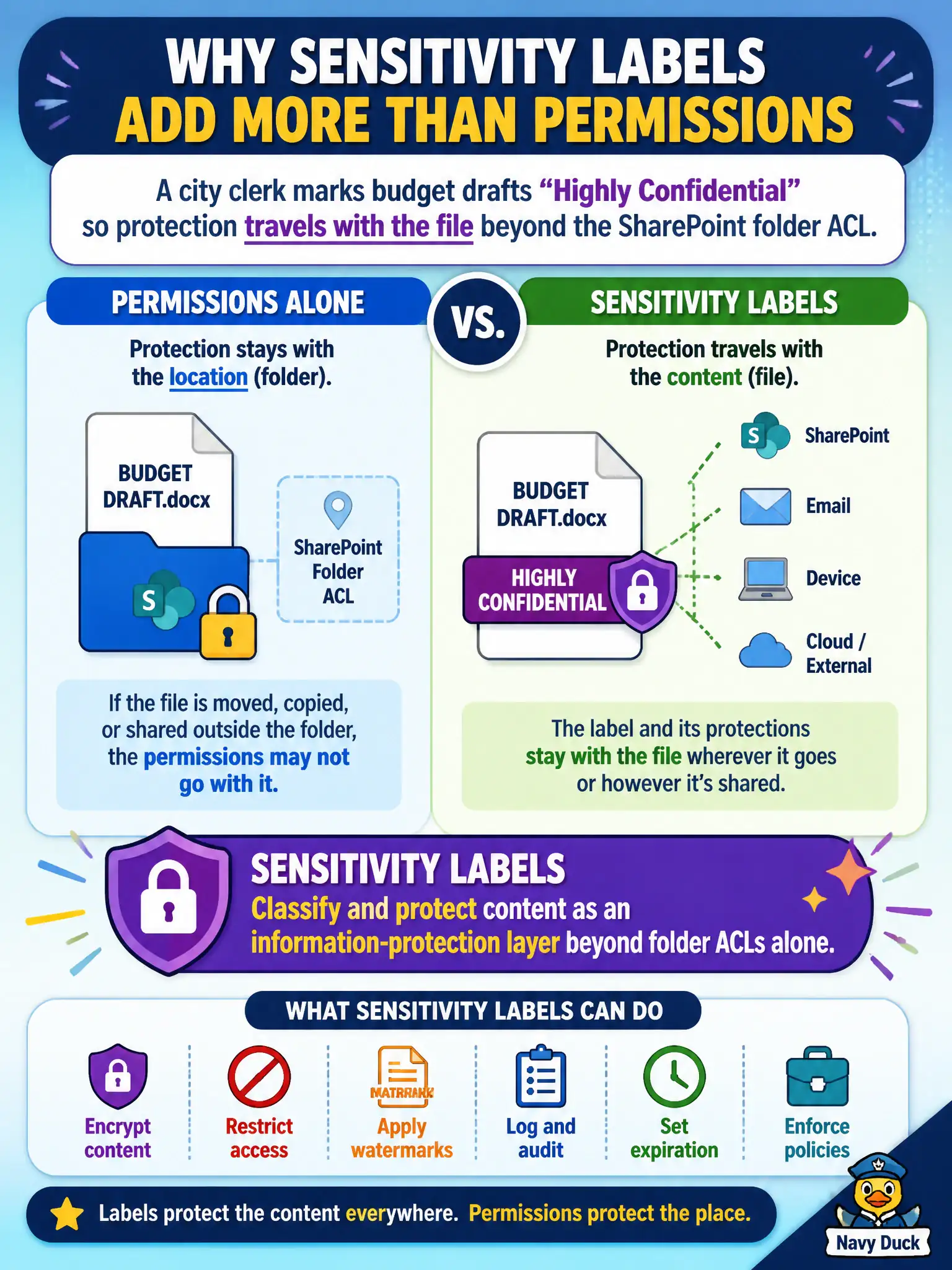
A city clerk marks budget drafts Highly Confidential so protection travels with the file beyond the SharePoint folder ACL. What do sensitivity labels add compared with permissions alone?
Select an answer to reveal the explanation.
Short Explanation
Folder permissions are the locked room. Sensitivity labels are the stamp and seal on the papers so protection can follow the file when it leaves the room.
Full Explanation
When a city clerk marks budget drafts Highly Confidential so protection travels with the file beyond the SharePoint folder ACL, sensitivity labels add an information-protection layer that classifies and can protect content independently of the folder’s permissions alone. Labels can apply encryption, markings, and access restrictions that follow the document when it is downloaded or shared—something ACLs on a single site cannot guarantee everywhere.
Labels do not replace Exchange Online mail routing for every city mailbox. They are not wallpaper themes for SharePoint site pages. They do not turn off OneDrive sync for all municipal users permanently. Those distractors confuse information protection with mail flow, branding, or sync administration.
Exam caveat: folder ACLs remain necessary; labels complement rather than fully replace SharePoint permissions. Operational check: place a labeled budget draft in a restricted library, download it, and verify protection and markings persist outside the library UI for unauthorized users. In municipal Microsoft 365 fundamentals scenarios, always map the business need to the named capability, reject distractors that describe a different pillar, and verify the control in the admin portal before telling leadership the risk is closed.