
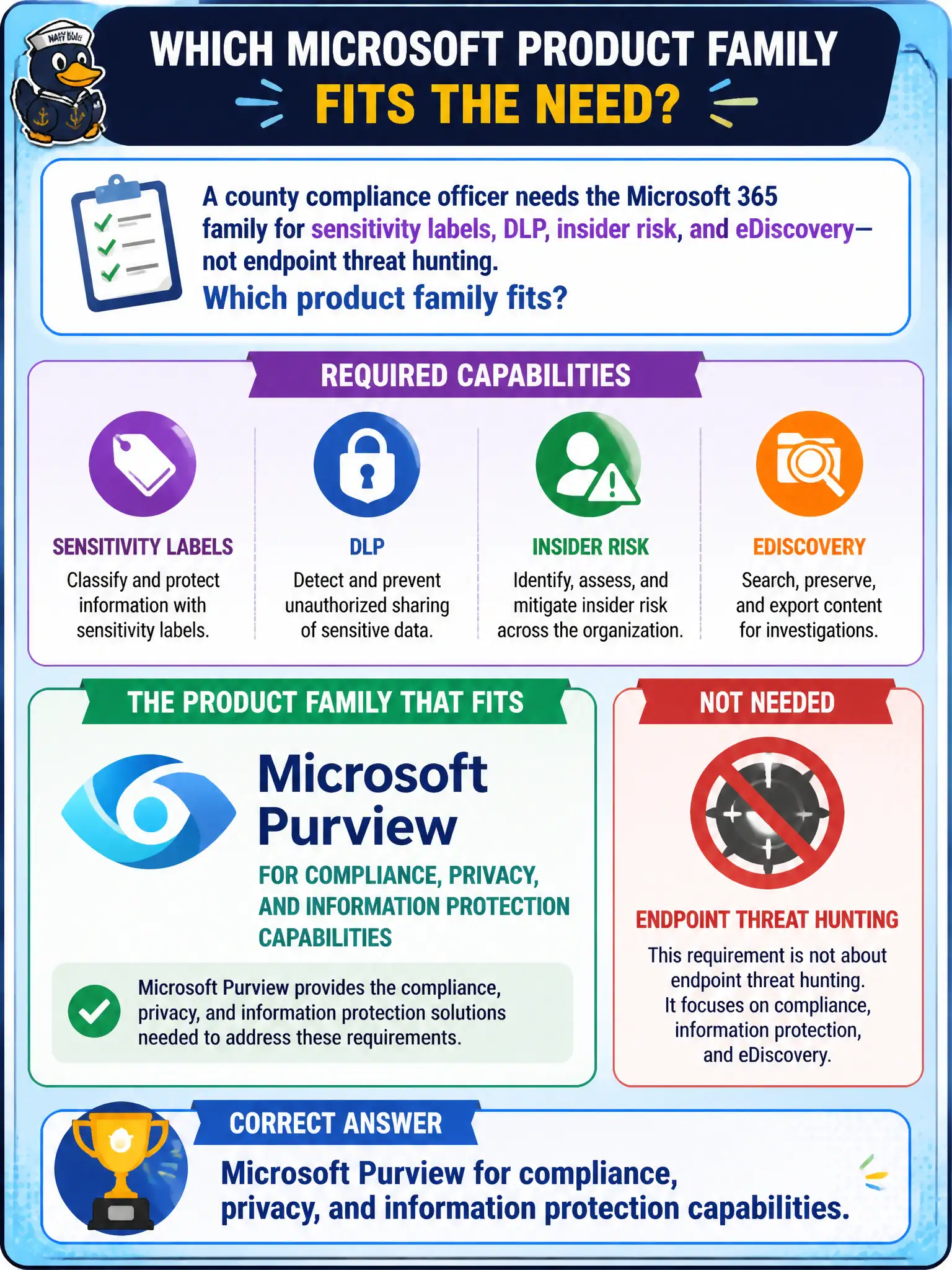
A county compliance officer needs the Microsoft 365 family for sensitivity labels, DLP, insider risk, and eDiscovery—not endpoint threat hunting. Which product family fits?
Select an answer to reveal the explanation.
Short Explanation
Think two toolboxes: one for catching attacks, one for governing data. Purview is the compliance and information-protection side; Defender is the threat-protection side.
Full Explanation
When a county compliance officer needs sensitivity labels, DLP, insider risk, and eDiscovery—not endpoint threat hunting—the product family is Microsoft Purview for compliance, privacy, and information protection. MS-900 repeatedly separates Purview’s data governance and compliance toolbox from Defender’s threat-protection toolbox so municipal buyers assign the right program owners.
Microsoft Defender XDR alone is the threat correlation and investigation umbrella, not the compliance and records family for labels, DLP, insider risk, and eDiscovery. Windows Autopilot is device provisioning, not classification and discovery. Microsoft Bookings is scheduling and is not an insider-risk or hold solution.
Exam caveat: some suites include both Defender and Purview capabilities—still answer with the family that matches the scenario’s purpose. Operational check: inventory which Purview features the county licenses, map each (labels, DLP, insider risk, eDiscovery, audit) to a compliance use case, and keep endpoint hunting runbooks under the Defender program instead. In municipal Microsoft 365 fundamentals scenarios, always map the business need to the named capability, reject distractors that describe a different pillar, and verify the control in the admin portal before telling leadership the risk is closed.