
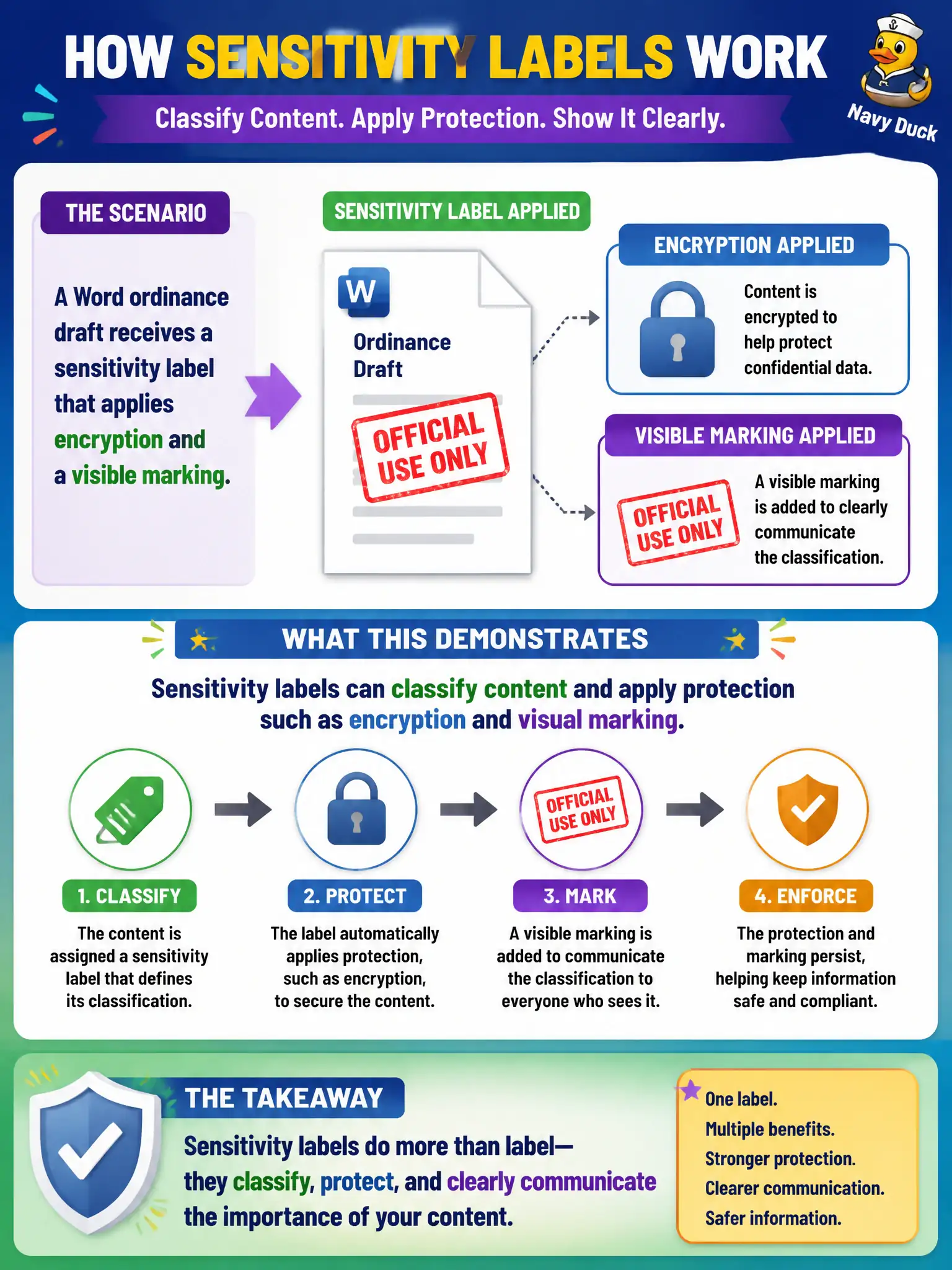
A Word ordinance draft receives a sensitivity label that applies encryption and a visible marking. What capability does that demonstrate?
Select an answer to reveal the explanation.
Short Explanation
Slap on a sensitivity label and the document can get encrypted and stamped so people see it is sensitive. That is Information Protection in action—not wallpaper tricks.
Full Explanation
A Word ordinance draft receiving a sensitivity label that applies encryption and a visible marking demonstrates that sensitivity labels can classify content and apply protection such as encryption and visual marking. That is core Microsoft Purview Information Protection behavior for municipal documents that must stay protected beyond a SharePoint folder ACL alone.
Labels do not only change the Windows wallpaper. They do not delete Entra groups automatically. They do not replace Exchange Online Protection entirely, which is mail threat filtering rather than document classification and encryption.
Exam caveat: label policies must be published to the right users, and encryption or permissions settings must match the city’s external collaboration needs or sharing will break unexpectedly for legitimate partners. Operational check: apply the label to a draft ordinance, confirm the marking is visible, attempt open or share as an unauthorized external user, and verify encryption enforces the intended access barrier. In municipal Microsoft 365 fundamentals scenarios, always map the business need to the named capability, reject distractors that describe a different pillar, and verify the control in the admin portal before telling leadership the risk is closed.