
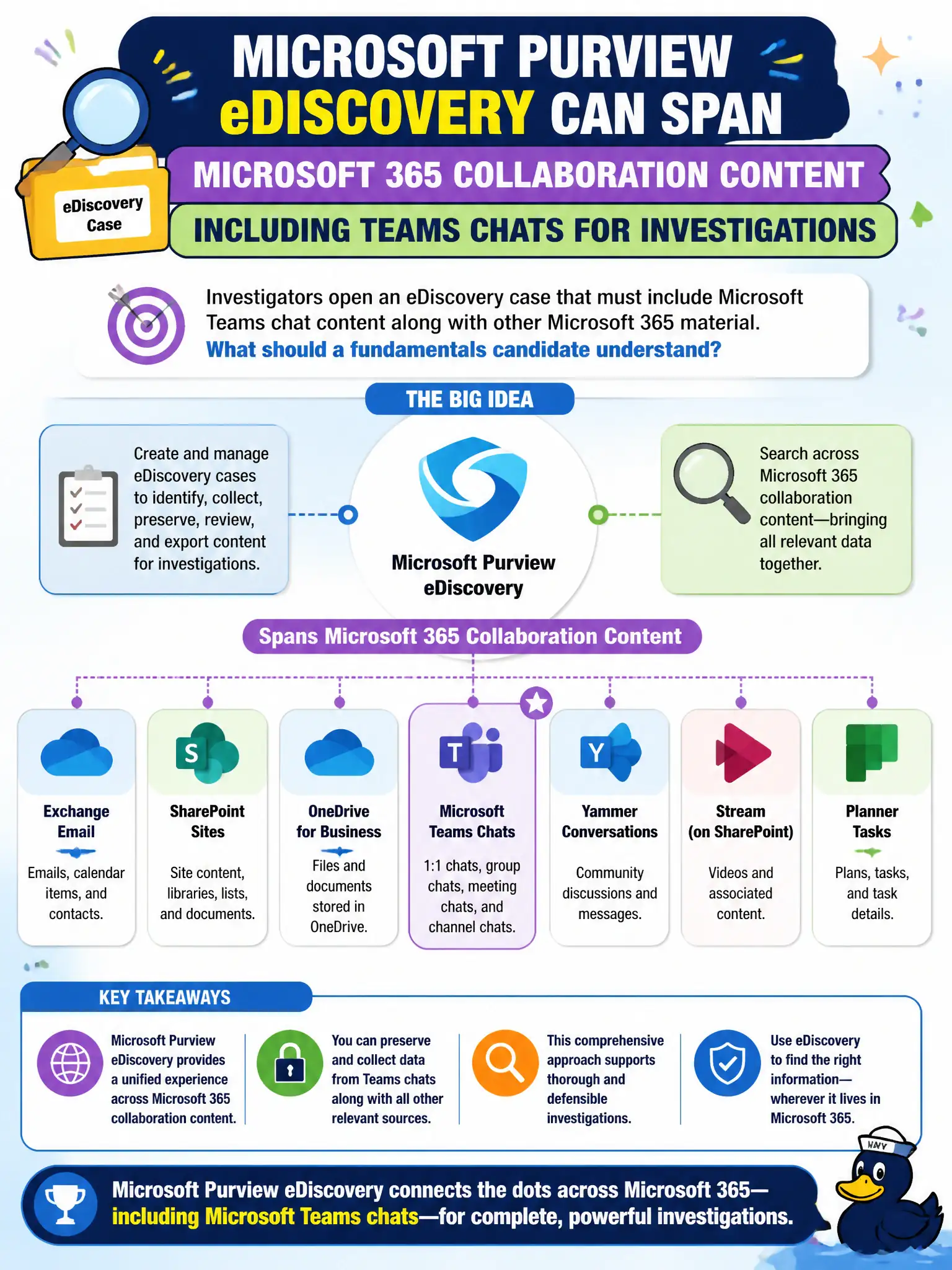
Investigators open an eDiscovery case that must include Microsoft Teams chat content along with other Microsoft 365 material. What should a fundamentals candidate understand?
Select an answer to reveal the explanation.
Short Explanation
Modern discovery is not mailbox-only nostalgia. Purview eDiscovery can reach Teams chat and other Microsoft 365 collaboration content when the case needs it.
Full Explanation
Microsoft Purview eDiscovery can span Microsoft 365 collaboration content—including Teams chats—for investigations. Fundamentals candidates should understand modern discovery is not limited to classic mailbox nostalgia; when investigators open a case that must include Teams chat alongside other Microsoft 365 material, eDiscovery is designed for that breadth in city legal matters.
eDiscovery does not only work on paper printouts mailed to Microsoft. Teams chats are not permanently excluded from all compliance tools. eDiscovery is not a synonym for Intune app protection, which is an endpoint application-protection capability rather than legal discovery.
Exam caveat: exact content locations and hold behavior can depend on how Teams data is stored and which eDiscovery experience is used—MS-900 focuses on the capability mapping, not deep forensic mechanics. Operational check: add Teams as a content source in an eDiscovery case for sample custodians, run a keyword search that hits a known chat phrase in a lab tenant, and confirm results appear before promising legal a full production set. In municipal Microsoft 365 fundamentals scenarios, always map the business need to the named capability, reject distractors that describe a different pillar, and verify the control in the admin portal before telling leadership the risk is closed.