
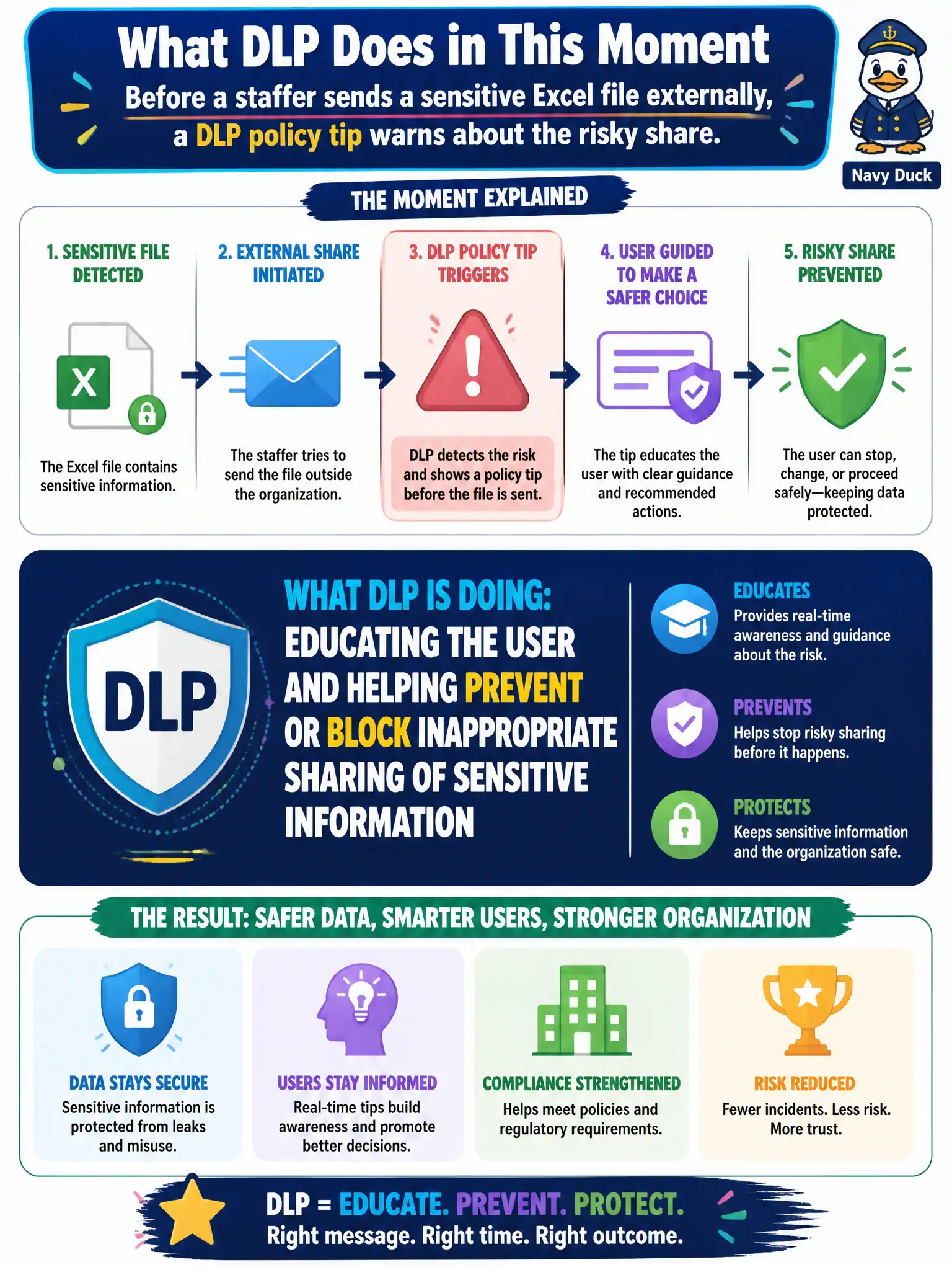
Before a staffer sends a sensitive Excel file externally, a DLP policy tip warns about the risky share. What is DLP doing in that moment?
Select an answer to reveal the explanation.
Short Explanation
A policy tip is DLP tapping you on the shoulder: that spreadsheet looks sensitive—think twice. It teaches and can block the bad share without needing a Cloud PC.
Full Explanation
Before a staffer sends a sensitive Excel file externally, a DLP policy tip warns about the risky share. In that moment DLP is educating the user and helping prevent or block inappropriate sharing of sensitive information. Policy tips are the user-facing teaching and warning mechanism that reduce accidental municipal data loss without requiring a separate provisioning workflow.
DLP is not provisioning a Windows 365 Cloud PC. It is not resetting the user’s MFA methods. It is not publishing a Viva Connections dashboard. Those are unrelated VDI, identity, and employee-experience actions that do not explain a sensitive-share warning.
Exam caveat: organizations choose tip-only versus block modes; tips improve awareness but may still allow override depending on policy—know the intent is sensitive-data sharing control. Operational check: trigger a policy tip with a test file containing a sensitive information type, capture the tip text for training materials, and confirm whether the city policy allows business justification overrides for clerks. In municipal Microsoft 365 fundamentals scenarios, always map the business need to the named capability, reject distractors that describe a different pillar, and verify the control in the admin portal before telling leadership the risk is closed.