
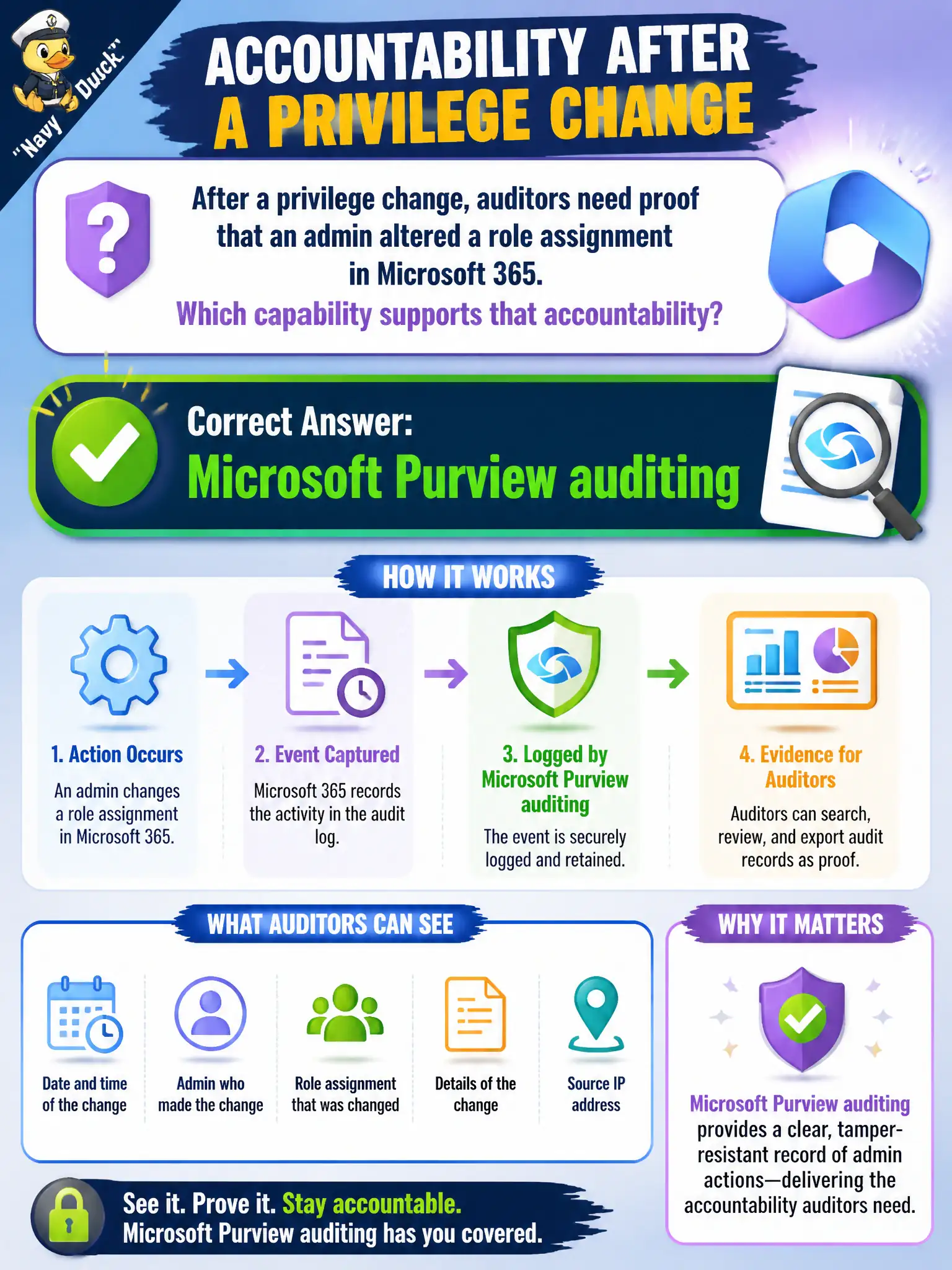
After a privilege change, auditors need proof that an admin altered a role assignment in Microsoft 365. Which capability supports that accountability?
Select an answer to reveal the explanation.
Short Explanation
Who changed a role? That is an audit-log question. Purview auditing keeps admin activity history so accountability is not a shrug.
Full Explanation
After a privilege change, auditors need proof that an admin altered a role assignment. Microsoft Purview auditing supports that accountability by retaining searchable history of user and admin activities in Microsoft 365. Role assignment changes are classic audit-log events for municipal accountability and separation-of-duties reviews.
Microsoft Stream video encoding presets, Outlook signature stationery, and OneNote sticker packs do not provide administrative audit trails for directory or Microsoft 365 role changes and cannot satisfy an auditor’s evidence request for who changed privileged access.
Exam caveat: privileged access should also use least privilege and Privileged Identity Management patterns where licensed; auditing records what happened but does not by itself prevent overly broad standing admin roles. Operational check: search audit logs for the role assignment change event, verify actor, target, and timestamp, and export evidence for the auditors’ privilege-change ticket. In municipal Microsoft 365 fundamentals scenarios, always map the business need to the named capability, reject distractors that describe a different pillar, and verify the control in the admin portal before telling leadership the risk is closed.