
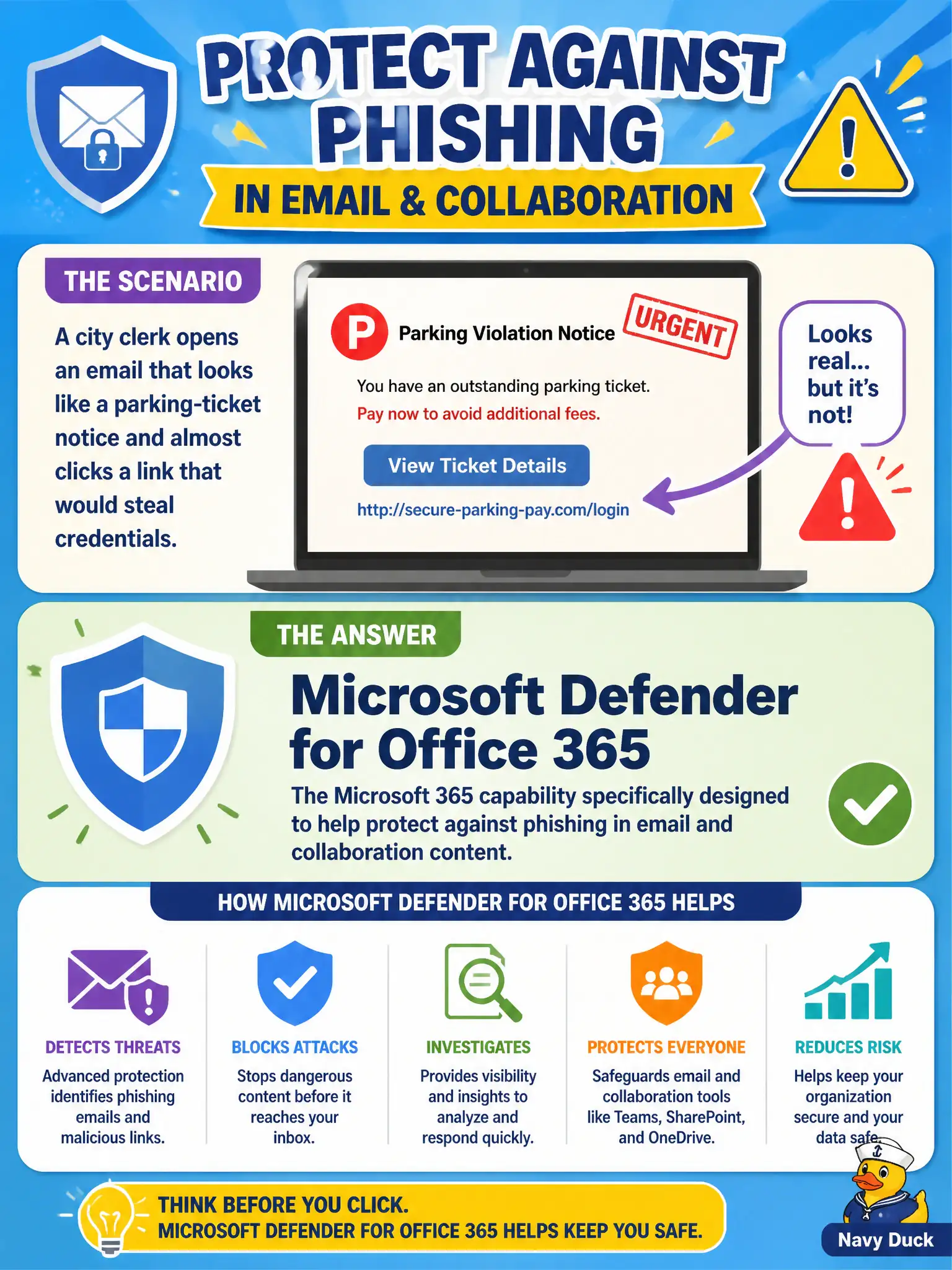
A city clerk opens an email that looks like a parking-ticket notice and almost clicks a link that would steal credentials. Which Microsoft 365 capability is specifically meant to help protect against phishing in email and collaboration content?
Select an answer to reveal the explanation.
Short Explanation
Phishing is the classic baited email link that tries to steal a sign-in. Defender for Office 365 is the Microsoft 365 threat protection stack aimed at email and collaboration payloads—not a firewall and not Intune MDM. Think mailbox and Teams content protection, not network plumbing.
Full Explanation
Microsoft Defender for Office 365 is the Microsoft 365 threat-protection capability aimed at email and collaboration content—the exact channel a city clerk faces when a fake parking-ticket message tries to steal credentials. At MS-900 fundamentals depth, map phishing links and malicious attachments in Outlook, SharePoint, OneDrive, and Teams-related content to Defender for Office 365 rather than to endpoint enrollment or network firewall products. Safe Links, Safe Attachments, and related protections reduce the chance that baited municipal mail becomes a successful credential theft.
Microsoft Intune device enrollment alone manages devices (MDM/MAM). It does not replace mailbox and collaboration threat scanning for phishing payloads, so treating enrollment as the phishing answer conflates endpoint management with email threat protection. Azure Firewall network rules alone filter network traffic at the perimeter or hub; they do not inspect the phishing lure inside an Exchange Online message the way Defender for Office 365 does. Microsoft Project task tracking is a work-management product and has no role in phishing defense for city mailboxes.
Exam caveat: identity protections such as MFA still matter after a user is tricked, and Defender for Endpoint covers devices—do not claim Defender for Office 365 is the only security control in the tenant. Operational check: in a municipal pilot, confirm Defender for Office 365 policies apply to clerk mailboxes, review a simulated phishing URL or attachment disposition, and verify Service health and threat reports show email/collaboration protections—not only Intune compliance or firewall hit counts.