
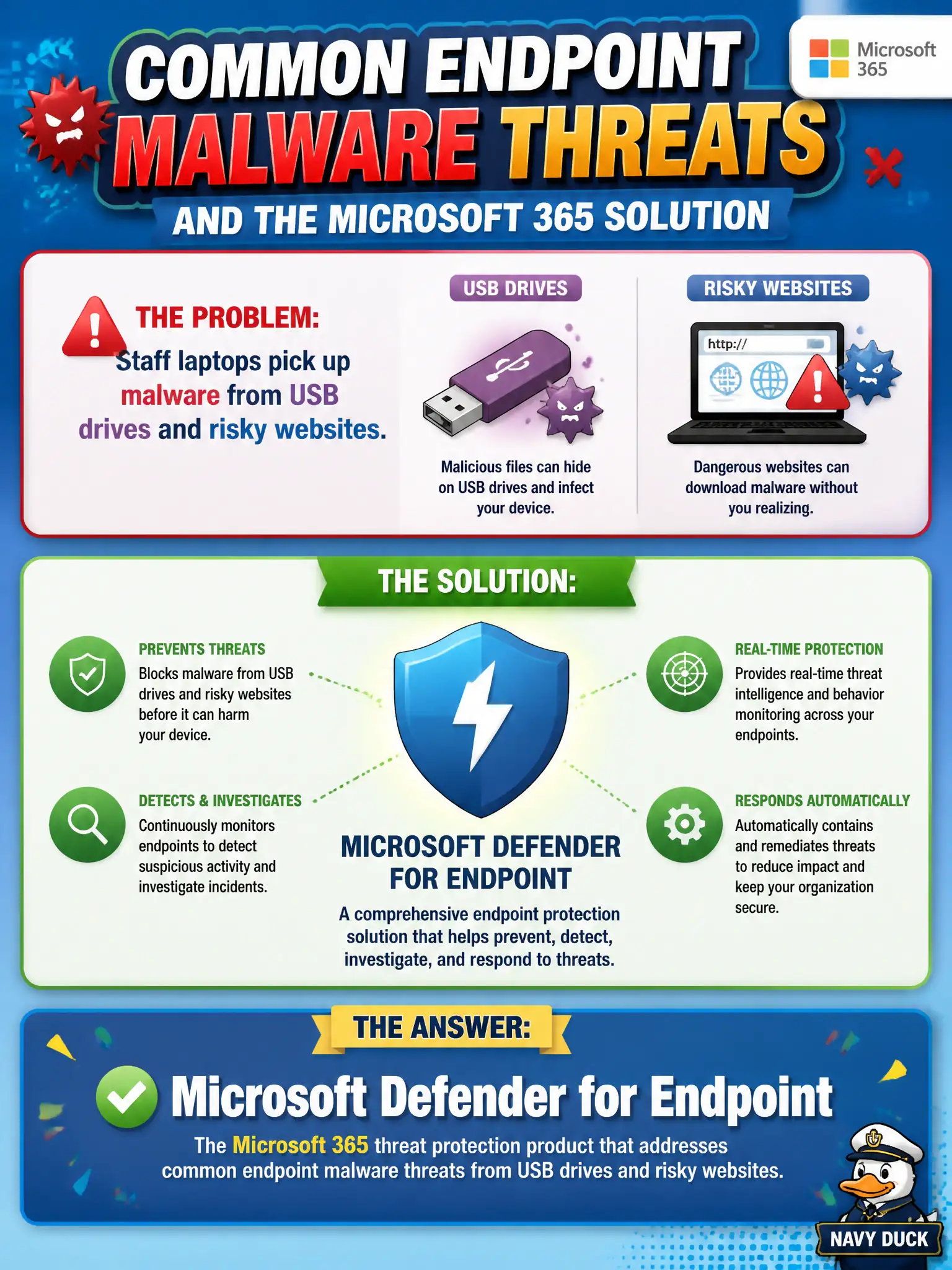
Staff laptops pick up malware from USB drives and risky websites. Which Microsoft 365 threat protection product addresses those common endpoint malware threats?
Select an answer to reveal the explanation.
Short Explanation
USB surprises and sketchy websites dump malware on the laptop — endpoint problem, endpoint product. Defender for Endpoint is the Microsoft 365 answer for that device malware lane. Bookings buffers, Outlook offline, and Power Query are not antivirus EDR.
Full Explanation
Microsoft Defender for Endpoint addresses common endpoint malware threats when staff laptops pick up malware from USB drives and risky websites. Those device-borne infection paths are classic endpoint protection scenarios for municipal fleets that still use removable media or browse from field networks. At MS-900 depth, endpoint malware from USB or web exposure maps to Defender for Endpoint, not to booking buffers or spreadsheet connectors.
Microsoft Bookings buffer times adjust appointment spacing and do not provide antivirus. Outlook offline mode alone caches mail for offline use and is not endpoint malware protection. Excel Power Query connectors import data and are not antivirus engines.
An exam caveat is that USB and web malware defenses improve when device compliance, attack surface reduction, and user education accompany Defender for Endpoint, but the product answer remains Defender for Endpoint. Operationally, confirm laptops are onboarded, review recent USB or web-borne malware detections in the Defender portal, remediate infected devices, and tighten municipal USB policy where repeated incidents cluster in the same departments. Where USB use remains operationally necessary for fieldwork, prefer managed exceptions with scanning and logging over silent blanket bans that staff will bypass. Defender for Endpoint detections then become part of a governed exception process instead of a surprise each month.