
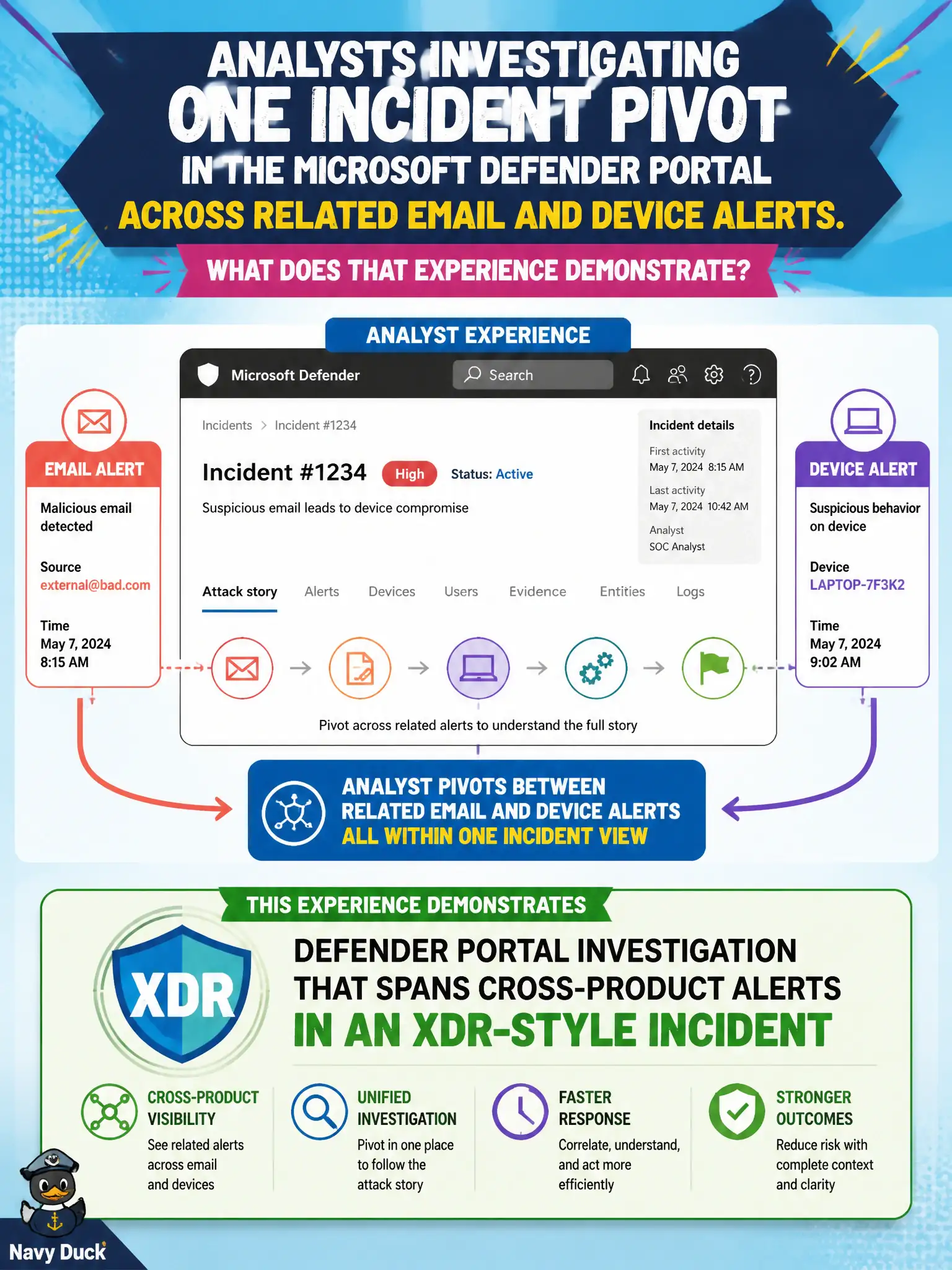
Analysts investigating one incident pivot in the Microsoft Defender portal across related email and device alerts. What does that experience demonstrate?
Select an answer to reveal the explanation.
Short Explanation
One incident, two angles — mail and device — joined in the Defender portal. That pivot is the XDR-plus-portal story: investigate across products without hopping five different siloed consoles. Lists, version history, and community moderation are not that investigation experience.
Full Explanation
Defender portal investigation that spans cross-product alerts in an XDR-style incident is demonstrated when analysts pivot across related email and device alerts while investigating one incident. That pivot experience is the practical expression of Microsoft Defender XDR for municipal SOC analysts working in the Defender portal. Candidates should recognize the portal investigation pattern rather than substituting lists, version history, or community moderation as XDR.
A Microsoft Lists board does not replace all security tooling or provide XDR correlation. SharePoint version history tracks document versions and is not threat correlation. Yammer-only community moderation is not XDR incident investigation.
An exam caveat is that quality correlation depends on enabling the contributing Defender workloads and giving analysts roles that can see cross-product evidence. Operationally, open a multi-alert incident in the Microsoft Defender portal, pivot from the email alert to the related device alert, capture timeline notes for the city incident record, and use that example in SOC onboarding for XDR-style investigation. After the investigation, update the incident timeline template used by the city SOC so future tickets capture cross-product pivots by default rather than as optional comments. Templates drive behavior when on-call staffing rotates across evenings and weekends.