
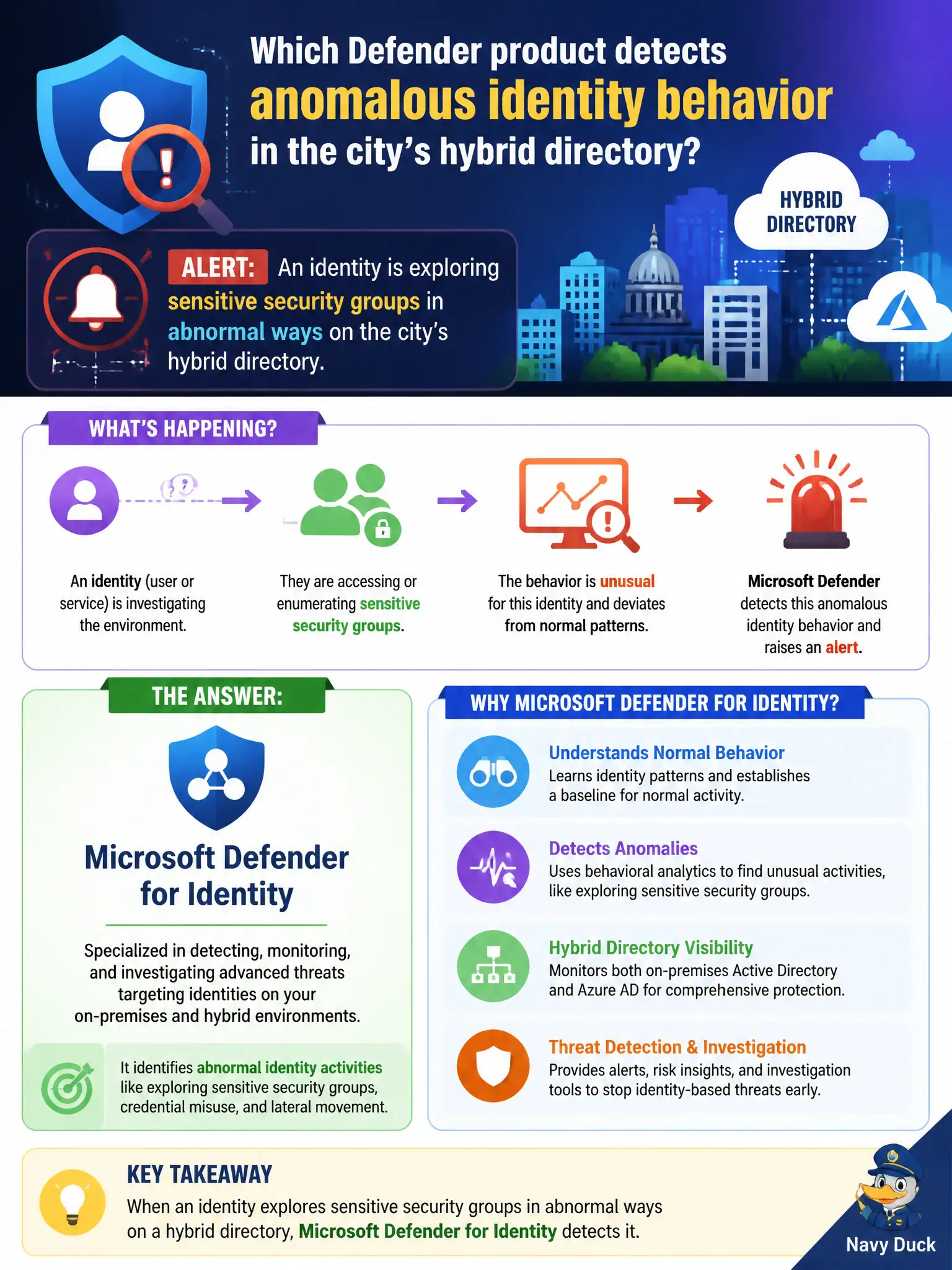
An alert shows an identity exploring sensitive security groups in abnormal ways on the city's hybrid directory. Which Defender product detects that kind of anomalous identity behavior?
Select an answer to reveal the explanation.
Short Explanation
When an account starts prowling sensitive groups like a raccoon in the records room, that is an identity anomaly. Defender for Identity is tuned for those directory behaviors. OneNote, webinar forms, and Designer tips are not identity detectors.
Full Explanation
Microsoft Defender for Identity detects anomalous identity behavior such as an identity exploring sensitive security groups abnormally on the city’s hybrid directory. That identity-centric detection is why hybrid municipal estates invest in Defender for Identity alongside endpoint and email protections. Fundamentals questions that describe directory recon or unusual group exploration map to Defender for Identity.
Microsoft OneNote section groups organize notebooks and do not detect directory anomalies. Teams webinar registration forms manage event registration, not identity threat detection. PowerPoint designer suggestions improve slide layout and are irrelevant to identity anomaly detection.
An exam caveat is that identity alerts should be investigated quickly because group recon often precedes privilege abuse or lateral movement in hybrid environments. Operationally, triage the Defender for Identity alert in the Microsoft Defender portal, validate whether the account’s behavior matches an approved audit or admin task, and tighten group membership auditing for sensitive municipal security groups. Sensitive security groups that control privileged roles or public-safety resources deserve tighter membership monitoring and just-in-time access patterns where the city can support them. Use the anomaly as a prompt to validate whether standing memberships are still justified.