
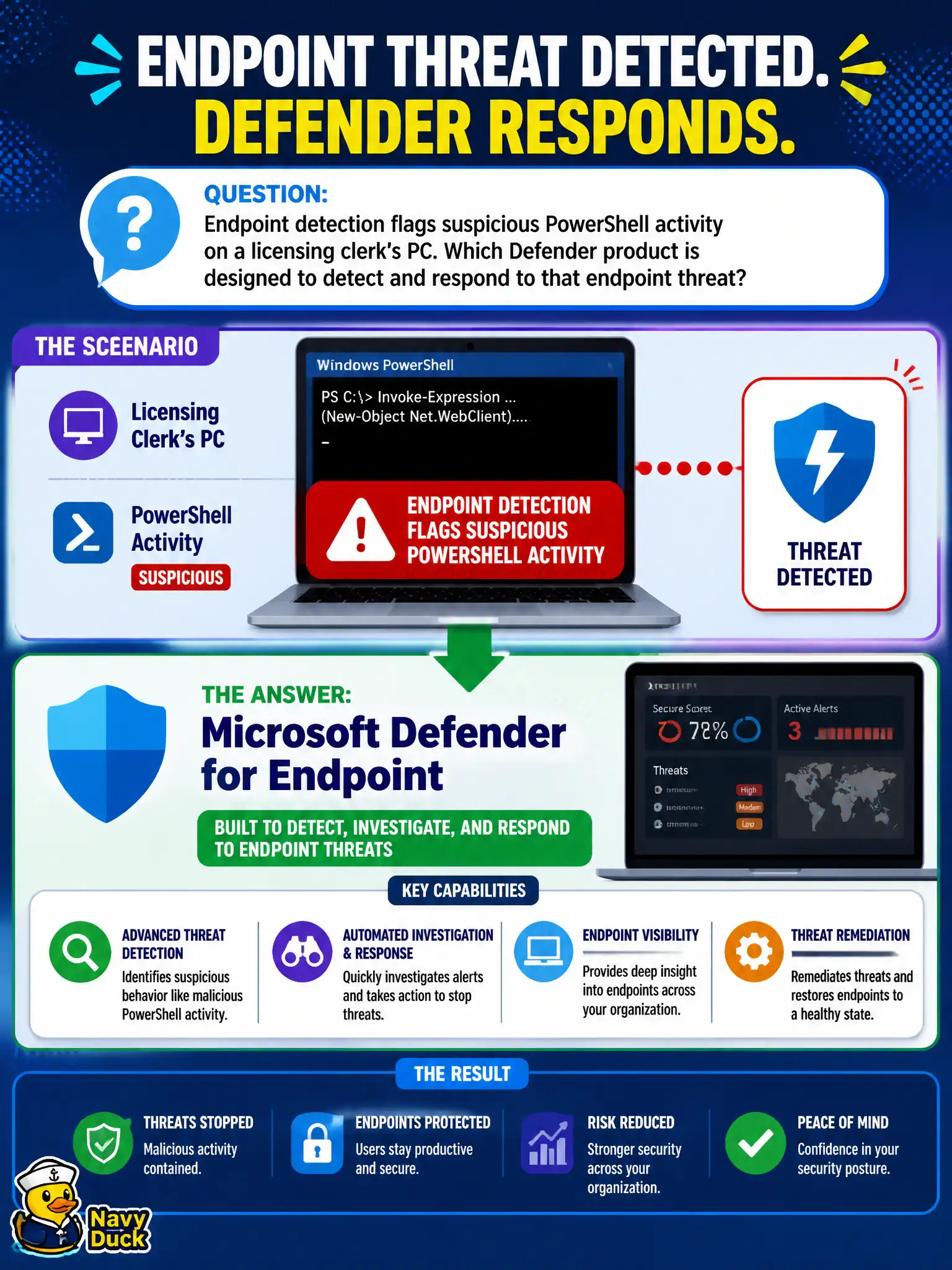
Endpoint detection flags suspicious PowerShell activity on a licensing clerk's PC. Which Defender product is designed to detect and respond to that endpoint threat?
Select an answer to reveal the explanation.
Short Explanation
Weird PowerShell on a clerk PC is an endpoint alert, not a quiz or a hold. Defender for Endpoint watches and responds on the device. Forms, litigation hold, and Planner portfolios live elsewhere.
Full Explanation
Microsoft Defender for Endpoint is designed to detect and respond to endpoint threats such as suspicious PowerShell activity on a licensing clerk’s PC. Endpoint behavioral detections and response actions are core to that product’s role in municipal device security. MS-900 expects candidates to select Defender for Endpoint whenever the scenario is clearly an endpoint detection and response problem.
Microsoft Forms quiz mode gathers quiz responses and does not monitor endpoint PowerShell abuse. Exchange Online litigation hold alone preserves mailbox content for legal reasons and is not endpoint EDR. Microsoft Planner premium portfolios organize work and do not detect suspicious device activity.
An exam caveat is that suspicious PowerShell may also relate to identity compromise, so analysts should correlate endpoint alerts with Entra ID sign-in evidence through the Defender portal. Operationally, open the Defender for Endpoint alert for the clerk’s device, isolate or remediate according to SOC procedure, and document whether the PowerShell activity was malicious automation, living-off-the-land abuse, or an approved administrative script. If the PowerShell activity proves malicious, reset credentials for the clerk if identity risk is suspected, and review whether similar scripts appeared on peer devices in the same licensing office. That sweep prevents a single municipal endpoint incident from becoming a quiet departmental outbreak.