
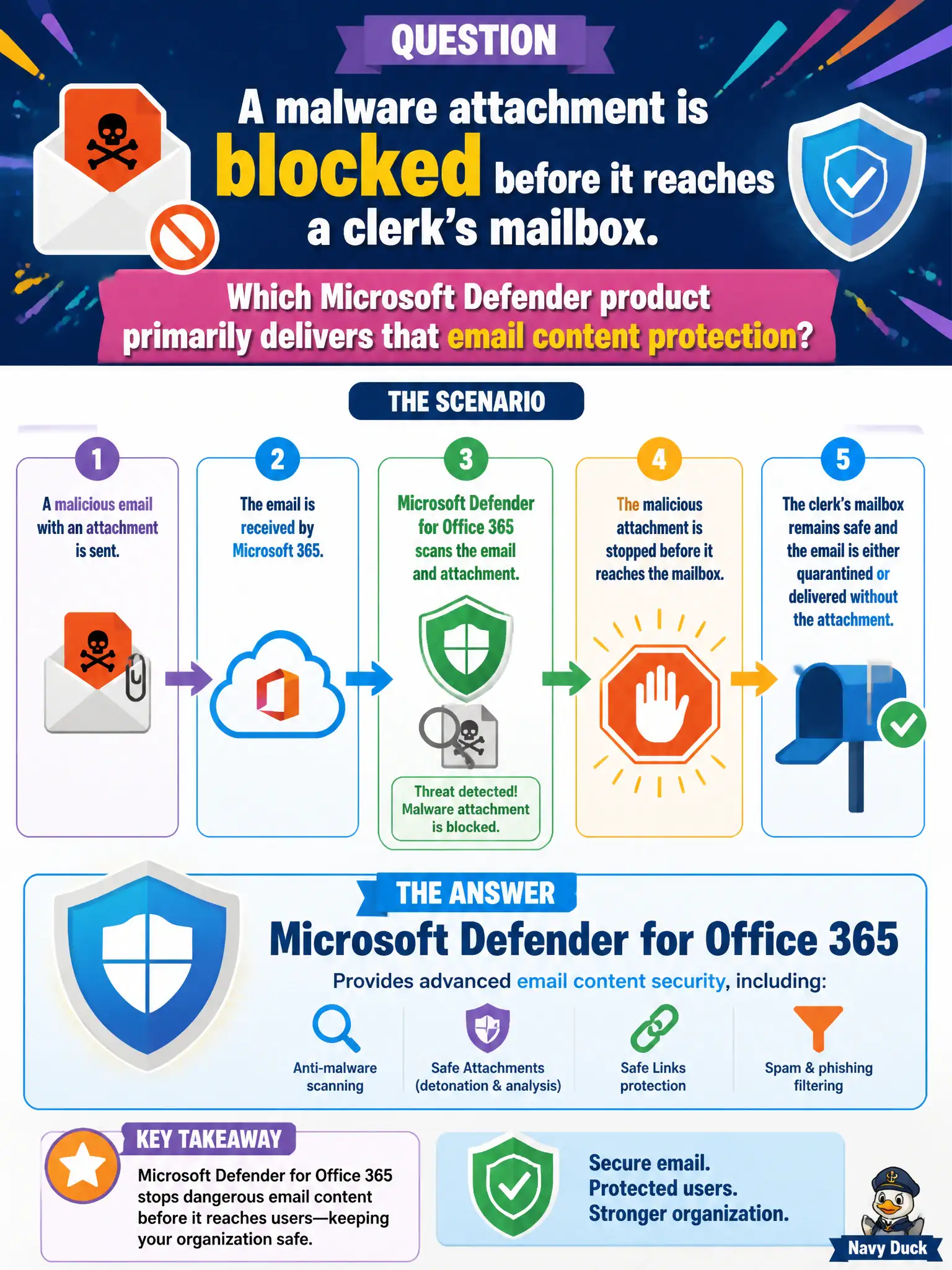
A malware attachment is blocked before it reaches a clerk's mailbox. Which Microsoft Defender product primarily delivers that email content protection?
Select an answer to reveal the explanation.
Short Explanation
Stopped at the mail gate before the clerk ever opens it — that is collaboration-content protection. Defender for Office 365 is the name for blocking malicious email content on the way in. To Do, Endpoint Analytics, and Cloud PC resize do not stop mailbox malware.
Full Explanation
Microsoft Defender for Office 365 primarily delivers email content protection when a malware attachment is blocked before it reaches a clerk’s mailbox. That pre-delivery or filtering protection is the fundamentals story for collaboration content threats arriving through email. Municipal messaging security depends on naming Defender for Office 365 for this mailbox-protection outcome rather than personal task apps or Cloud PC resize wizards.
Microsoft To Do planned tasks organize personal work and do not block malware attachments. Endpoint Analytics score only reports device experience metrics and is not the email malware filter. Windows 365 Cloud PC resize changes Cloud PC sizing and does not provide mailbox malware protection.
An exam caveat is that Defender for Endpoint still matters if malware reaches a device through other channels, but the product that primarily protects the email content path is Defender for Office 365. Operationally, review the blocked-malware alert or quarantine entry in the Defender portal, confirm policies cover the clerk’s mailbox, and sample weekly block counts for the messaging security report to city IT leadership. Messaging operations should trend blocked malware volume by week and by department so sudden spikes at permit or treasury mailboxes trigger deeper review. Pair those trends with user reports of suspicious mail to catch gaps where filters and human reporting disagree.