
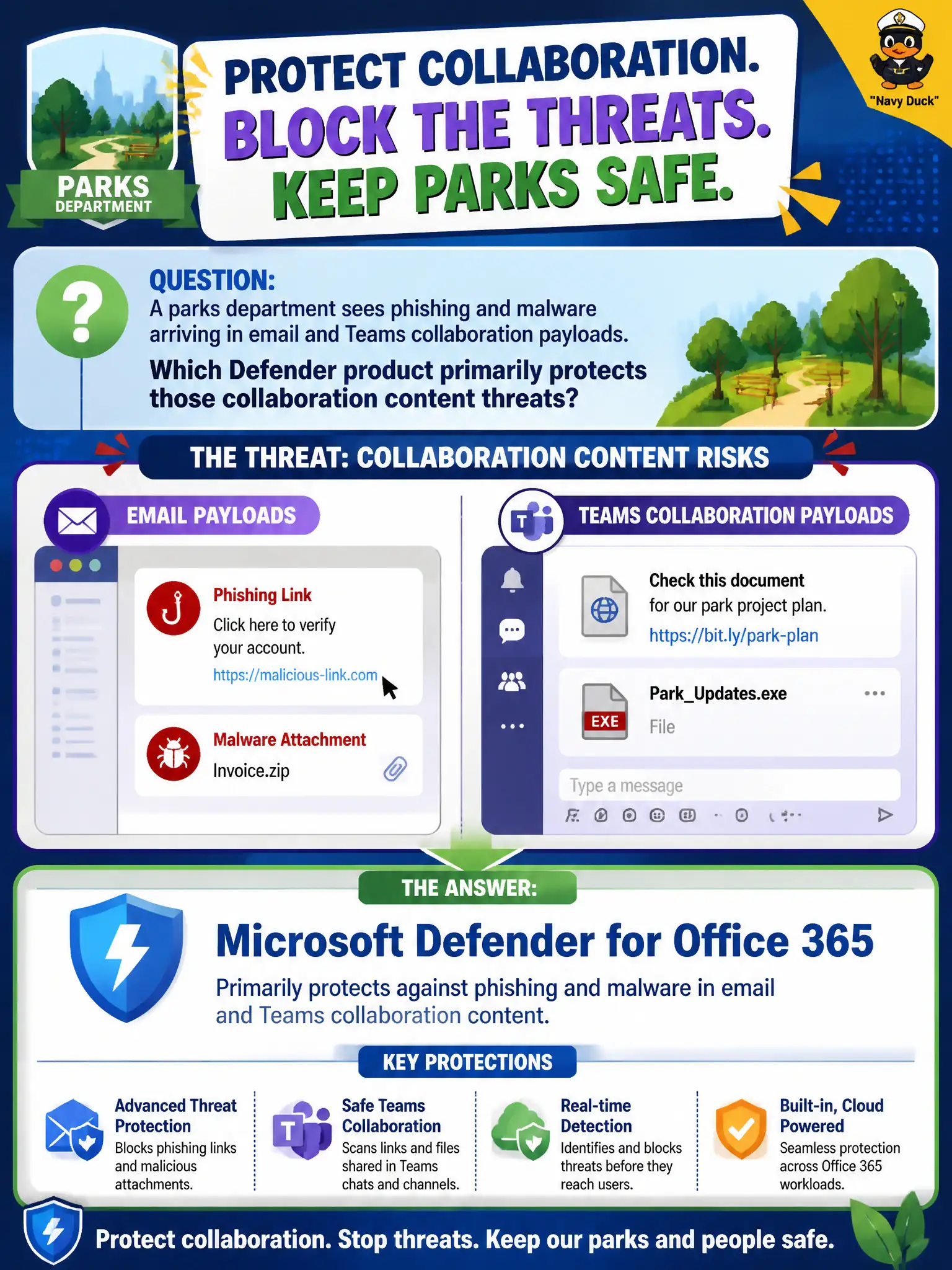
A parks department sees phishing and malware arriving in email and Teams collaboration payloads. Which Defender product primarily protects those collaboration content threats?
Select an answer to reveal the explanation.
Short Explanation
Phish and malware love inboxes and chat attachments. Defender for Office 365 is the collaboration-content bodyguard for email and Teams-style payloads. Host pools, Planner buckets, and a vault story are not that email threat shield.
Full Explanation
Microsoft Defender for Office 365 primarily protects collaboration content threats such as phishing and malware arriving in email and Teams payloads for a parks department. It is the Defender product associated with protecting Office collaboration channels rather than virtual desktop pools or task boards. Municipal communications and recreation staff who live in email and Teams need that content-threat focus called out correctly on MS-900 so operations teams enable the right protections.
Azure Virtual Desktop host pools are not antivirus for email and Teams payloads. Microsoft Planner buckets may track incident tasks but do not provide the Defender for Office 365 protection stack. OneDrive personal vault without a threat-scanning narrative is not the product answer for phishing and malware in email and Teams.
An exam caveat is that identity controls such as MFA still matter for account compromise, while Defender for Office 365 addresses the content and collaboration threat path. Operationally, review Defender for Office 365 policies for the parks department mailboxes and Teams users, confirm phishing and malware detections are active, and validate a quarantined test message appears for analysts in the Defender portal.