
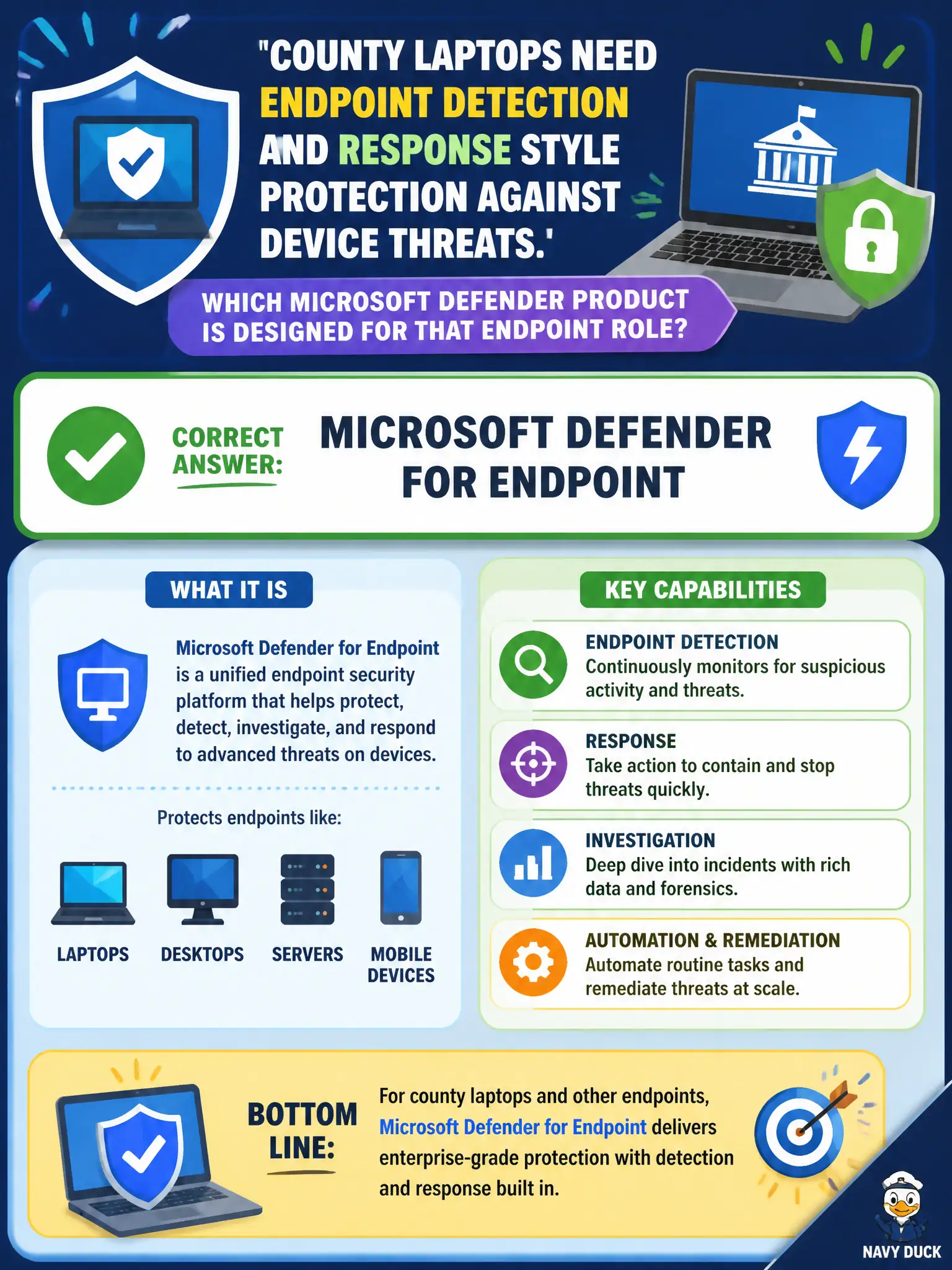
County laptops need endpoint detection and response style protection against device threats. Which Microsoft Defender product is designed for that endpoint role?
Select an answer to reveal the explanation.
Short Explanation
Laptops get sick differently than mailboxes. Defender for Endpoint is the EDR-style shield for devices — detecting and responding on the PC itself. Mail-only Defender, Bookings, or mail flow rules do not replace endpoint protection.
Full Explanation
Microsoft Defender for Endpoint is designed for endpoint detection and response style protection against device threats on county laptops. It focuses on endpoint sensors, detections, and response actions so municipal device fleets are not left with email-only protections or scheduling tools pretending to be EDR. At MS-900 depth, candidates should map device threat protection and endpoint investigation needs directly to Defender for Endpoint rather than to adjacent Microsoft 365 products.
Microsoft Defender for Office 365 primarily protects email and collaboration content threats, not the full endpoint EDR role. Microsoft Bookings with SMS reminders schedules appointments and is not endpoint protection. Exchange Online mail flow rules alone manage mail routing or conditions and do not provide endpoint detection and response.
An exam caveat is that Defender for Office 365 and Defender for Endpoint often work together in Microsoft 365 security stacks, but the endpoint-specific product name remains Defender for Endpoint. Operationally, confirm county laptops are onboarded to Defender for Endpoint, verify a test detection appears in the Defender portal, and ensure SOC runbooks name Defender for Endpoint for device threat investigations.